
Radmin VPN securely connects remote computers into a local network for shared access and multiplayer sessions.
Free
24 alternativesTeam XLink makes XLink Kai, a service for connecting game consoles over the internet as if they shared a local network.
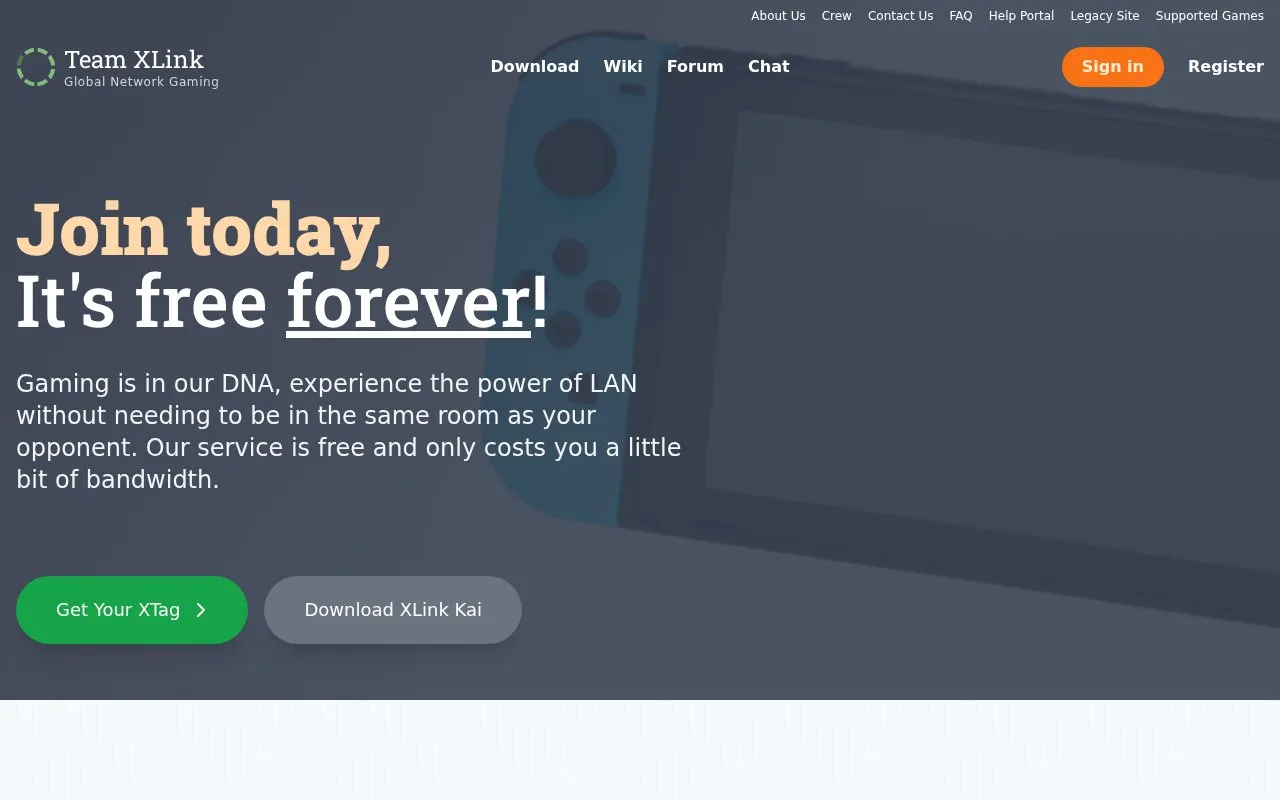
XLink Kai is a service from Team XLink that connects game consoles over the internet so that players can take part in multiplayer games as if they were on the same local network. The homepage describes it as a peer-to-peer (player-to-player) network that offers LAN-based gaming with chat rooms. Players need a PC capable of running XLink Kai, a console, and an internet connection. Registration requires an account called an XTag.
The homepage lists three active games as examples: Halo 2 (up to 20 players, Xbox), ATV Offroad Fury 4 (up to 4 players, PlayStation 2), and Dead Man's Hand (2 players, Xbox). It states that games with native System-Link capability can be played without extra equipment. The service is described as free, with the cost being a small amount of bandwidth.
Tools and sites you could use instead, ranked by how closely they match.
Radmin VPN securely connects remote computers into a local network for shared access and multiplayer sessions.
Hamachi creates virtual networks so remote computers can connect as if they were on one local network.
Connect friends as though they were on a local network with Switch-LAN-Play.
Lanemu provides a serverless decentralized virtual private network for connecting devices.
Kaeru Team develops network services and homebrew tools for Nintendo platforms and mobile devices.
Combine libraries from different stores and connect with friends across consoles and PC platforms using GOG Galaxy.
Well-known listings from the same topic.
Tell us and an editor will check it.
Claim the listing and suggest updates yourself. An editor checks every claim first.


