
Themes
Choose a color theme for the Lite XL text editor from this collection of Lua-based schemes.
About Themes
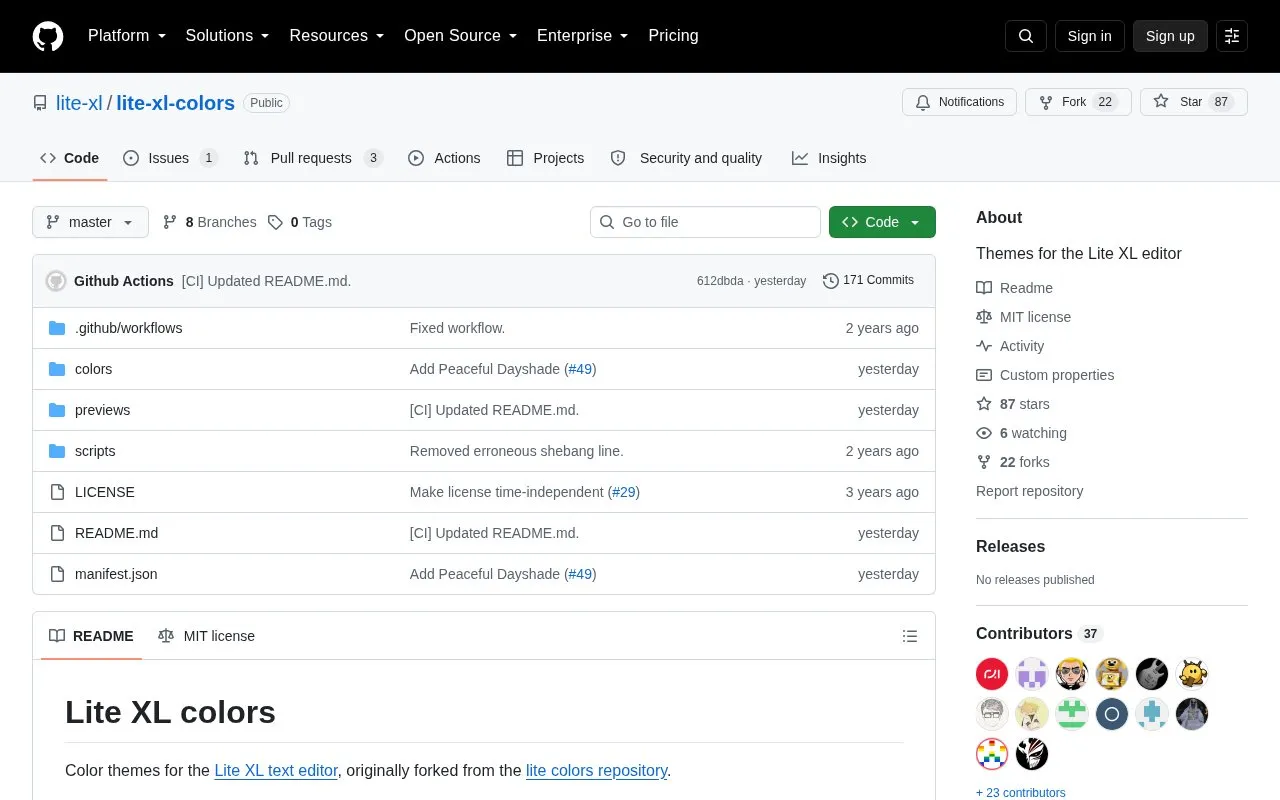
Themes is a collection of Lua-based color schemes for the Lite XL text editor. It is hosted as an open source repository on GitHub and includes both dark and light themes. To use a theme, you copy its .lua file into the Lite XL colors folder, or install it with the lpm package manager. The page lists installation paths for Linux, macOS, and Windows.
After installing a theme, you add a core.reload_module call to your Lite XL user module to load it. The README also gives a command for previewing a theme before you commit to it. Base16 themes are not part of this repository. They are handled by a separate theme manager plugin created by SmileYzn.
Key features
- Dark and light color schemes for the Lite XL text editor
- Themes written in Lua and placed in the Lite XL colors folder
- Installation of listed themes through the lpm package manager
- Command-line preview of a theme before loading it
- Base16 theme support through a separate plugin, not this repository
- MIT-licensed open source repository that accepts pull requests
Best for: Lite XL users who want ready-made dark or light color schemes for their editor.
Good for
- Available under the MIT license as an open source repository
- Can be installed by copying a single .lua file or through lpm
Watch out for
- Base16 themes require a separate plugin rather than this repository
- Loading a theme requires adding a call to the user module
Themes at a glance
- Category
- Design & Creative › Color Tools
- Type
- Open-source project
- Pricing
- Not confirmed. Check the site
- Platforms
- Linux, macOS, Windows
- Open source
- Yes · Source code
- Language
- English
- Last checked
- Oct 6, 2026 · Online when checked
- Listed
- Oct 5, 2026
Guides for Color Tools
Themes alternatives
Tools and sites you could use instead, ranked by how closely they match.

Generate color palettes with AI and choose from styles such as smart color schemes.

Paletton helps designers create color schemes and combinations for visual projects.
hue.tools mixes and modifies colors, shows combinations, and links colors to design inspiration and stock imagery.
FreePick
24 alternatives
Browse Material Design color palettes and other collections, including Tailwind and Fluent colors.

Generate color values for design systems by setting a target contrast ratio.
Open source
24 alternatives
PaletteMaker creates color palettes and previews them in sample designs such as logos, interfaces, patterns, and posters.
Free
24 alternativesPopular in Color Tools
Well-known listings from the same topic.
accessiblepaletteaccessiblepalette.comAdobe Colorcolor.adobe.comCoolorscoolors.coColor Pickerimagecolorpicker.comSchemeColorschemecolor.comRealtime Colorsrealtimecolors.com


Themes FAQ
Where should I put a theme file if I install it manually?
On Linux and macOS, place the .lua file in ~/.config/lite-xl/colors/. On Windows, place it in C:\Users\(username)\.config\lite-xl\colors\.
How do I load a theme after installing it?
Add a call to core.reload_module to your user module, which is opened with the gear icon in the bottom left corner. For example, core.reload_module("colors.github_dark") loads the github_dark.lua theme.
Are Base16 themes included in this repository?
No. The README points to a separate theme manager plugin by SmileYzn for installing Base16 themes.
Is something wrong or out of date?
Tell us and an editor will check it.
Own this website?
Claim this listing
Claim the listing and suggest updates yourself. An editor checks every claim first.