

Trangram
Create and animate vector graphics online for free with Trangram's browser-based design tool.
About Trangram
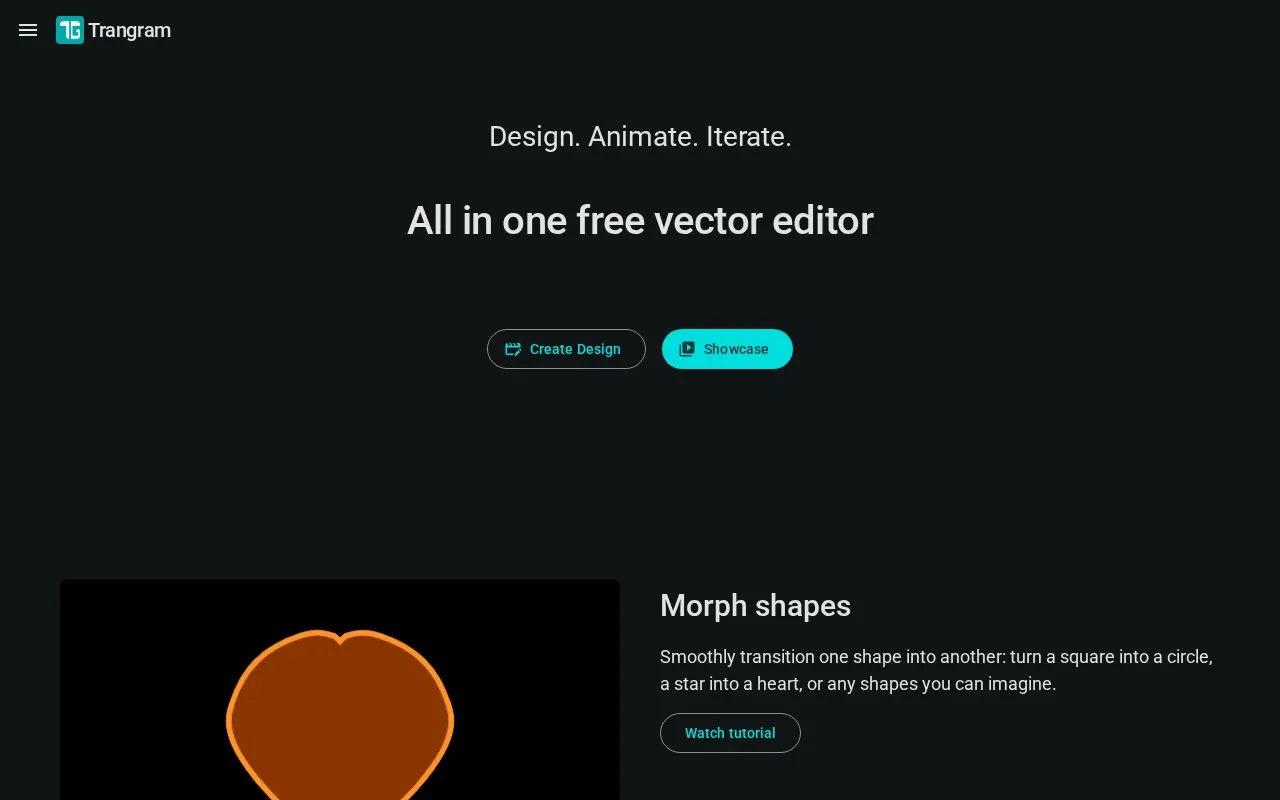
Trangram is a browser-based vector editor for creating and animating graphics. The homepage describes it as free and states that it requires no installation, login, or sign-up. It offers shape editing tools, such as morphing, rounded corners, and Boolean operations, along with animation controls for trim paths, motion paths, looping, and easing. Projects can be exported as TG files, videos (MP4, WebM), GIFs, and images (PNG, JPG, WebP, SVG). Import is limited to basic SVG and TG project files. The homepage does not state pricing, and the listed platform is web only.
Key features
- Morph shapes into one another with smooth transitions
- Round corners using Round, Inverted Round, or Chamfer styles
- Boolean operations to unite, subtract, intersect, or exclude shapes
- Trim path animations that gradually reveal or erase lines
- Motion paths and parent links for coordinated object movement
- Import of basic SVG and TG files; export to multiple video, GIF, and image formats
Best for: Designers and motion creators who want to make animated vector graphics in a web browser without installing software.
Good for
- No installation, login, or sign-up is required, according to the homepage.
- Includes animation controls such as looping modes, easing options, and trim paths.
- Exports to several formats, including MP4, WebM, GIF, and SVG.
Watch out for
- Scheduled maintenance is announced for May 1, 2026, from 2:00 PM to 6:00 PM (AEST).
- Import is limited to basic SVG and TG project files.
Trangram at a glance
- Website
- trangram.com
- Category
- Design & Creative › Video Editing & Animation
- Type
- Online tool
- Pricing
- Not confirmed. Check the site
- Platforms
- Web
- Open source
- Not stated
- Language
- English
- Last checked
- Oct 6, 2026 · Online when checked
- Listed
- Oct 5, 2026
Guides for Video Editing & Animation

Trangram alternatives
Tools and sites you could use instead, ranked by how closely they match.

Create motion graphics with Friction, a graphics application for animated visual content.
Open source
24 alternativesPopular in Video Editing & Animation
Well-known listings from the same topic.
Animakeranimaker.com8mb.video8mb.videoCuttrcuttr.inASM Lessonsgithub.com/FFmpeg/asm-lessonsVideo Cuttervideo-cutter-js.comMotionPlacesmotionplaces.com


Trangram FAQ
Do I need an account to use Trangram?
The homepage states that no installation, login, or sign-up is required.
Which file formats can I export?
Projects can be saved as TG files and exported as videos (MP4, WebM), GIFs, and images (PNG, JPG, WebP, SVG).
Which files can I import?
The homepage says Trangram supports importing basic SVG and TG (project) files.
Is something wrong or out of date?
Tell us and an editor will check it.
Own this website?
Claim this listing
Claim the listing and suggest updates yourself. An editor checks every claim first.