wpgtk generates color schemes and manages wallpapers, with theme tools listed on its project page.
Trimage
Trimage losslessly optimizes PNG and JPG images for web use, according to its project description.
About Trimage
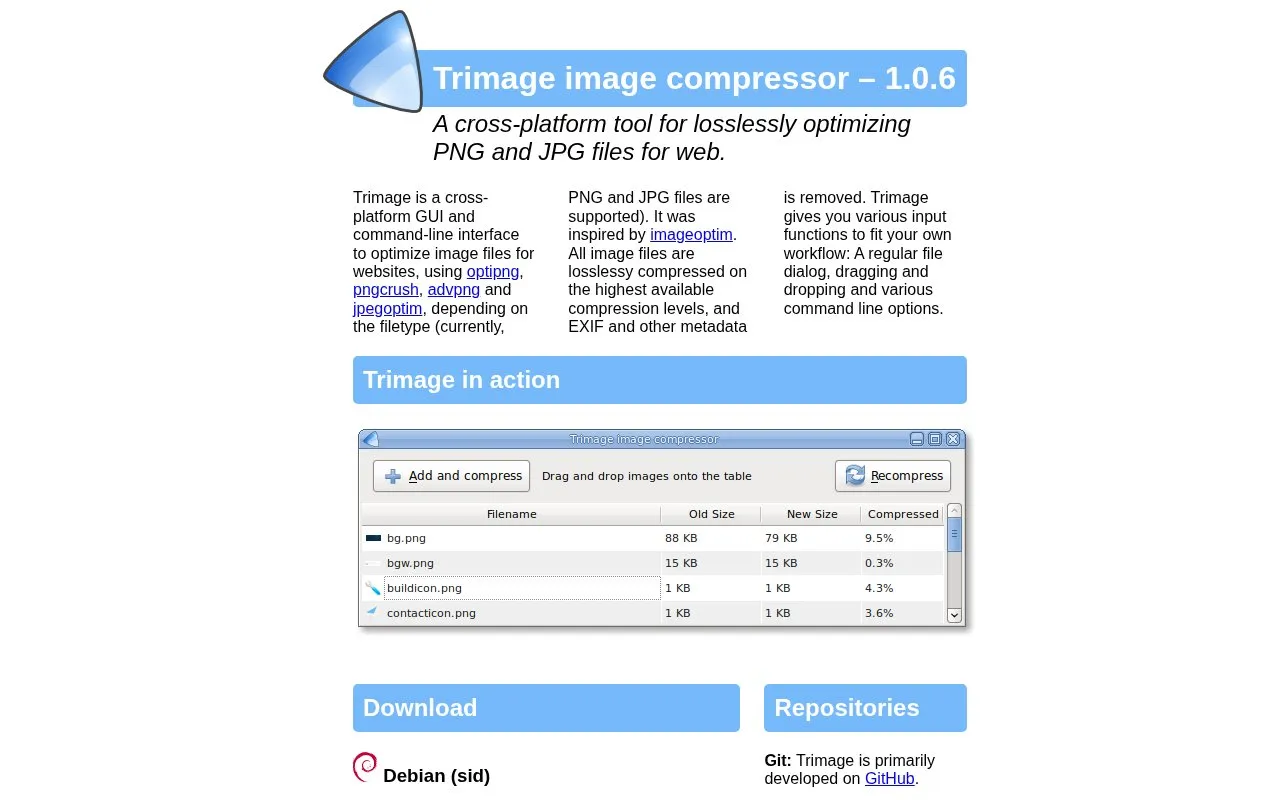
Trimage is a cross-platform GUI and command-line tool for losslessly optimizing PNG and JPG files for websites. It uses optipng, pngcrush, advpng and jpegoptim depending on the file type, compresses at the highest available compression levels, and removes EXIF and other metadata.
It accepts input through a file dialog, drag and drop, and command-line options for single files and directories. It is listed for Debian Sid, Ubuntu, Arch Linux and macOS, with source installation for other *nix systems that have its required dependencies installed.
Key features
- Losslessly optimizes PNG and JPG files for web
- Provides GUI and command-line interface
- Removes EXIF and other metadata during compression
- Supports file dialog, drag-and-drop, and command-line input
- Compresses single image via --file option
- Compresses directory of images via --directory option
Best for: People on Linux or macOS who need lossless PNG and JPG optimization for websites.
Good for
- Lossless compression with EXIF and metadata removal
- Choice of GUI, drag and drop, and command-line input
- Installable via system repositories on Debian, Ubuntu, Arch, and Homebrew on macOS
Watch out for
- Supports only PNG and JPG files
- Requires separate dependencies such as Python 3 and image optimization tools
- Other *nix systems require manual source installation with requirements installed
Trimage at a glance
- Website
- trimage.org
- Category
- Software & Utilities › Linux Apps
- Type
- Website
- Pricing
- Not confirmed. Check the site
- Platforms
- Linux, macOS, Web
- Open source
- Not stated
- Last checked
- Oct 5, 2026 · Online when checked
- Listed
- Oct 5, 2026
Trimage alternatives
Tools and sites you could use instead, ranked by how closely they match.

Use nextcord to integrate Python applications with the Discord API; the project is a maintained fork of discord.py.
Open source
24 alternatives
Wike brings Wikipedia search and article reading to the GNOME desktop through a dedicated reader application.
Open source
24 alternativesPlan 9 from User Space provides information and resources for running Plan 9 software on Unix systems.
ugrep searches files by pattern as a compatible grep replacement, with interactive and fuzzy search modes listed in its documentation.
nb combines command-line and local web tools for plain-text notes, bookmarks, archives, and knowledge-base content.
Popular in Linux Apps
Well-known listings from the same topic.
AltBoxaltbox.devThe Levelatorarchive.org/details/conversationsnetwork_org-l…Alacrittyalacritty.orgShellScriptshellscript.shghostwriterghostwriter.kde.orgLibrebootlibreboot.org


Trimage FAQ
Which file types does Trimage support?
PNG and JPG files are currently supported.
How do I install Trimage on Debian or Ubuntu?
It is available in the official repositories and can be installed with sudo apt-get install trimage.
Can I compress images from the command line?
Yes. Use -f FILENAME to compress an image and -d DIRECTORY to compress images in a directory.
Is something wrong or out of date?
Tell us and an editor will check it.
Own this website?
Claim this listing
Claim the listing and suggest updates yourself. An editor checks every claim first.