

Ultimate Vocal Remover removes vocals and separates other stems from music tracks.
unMix Vocal Remover
unMix removes vocals, separates audio stems, and creates karaoke tracks with apps for mobile, desktop, web, and extensions.
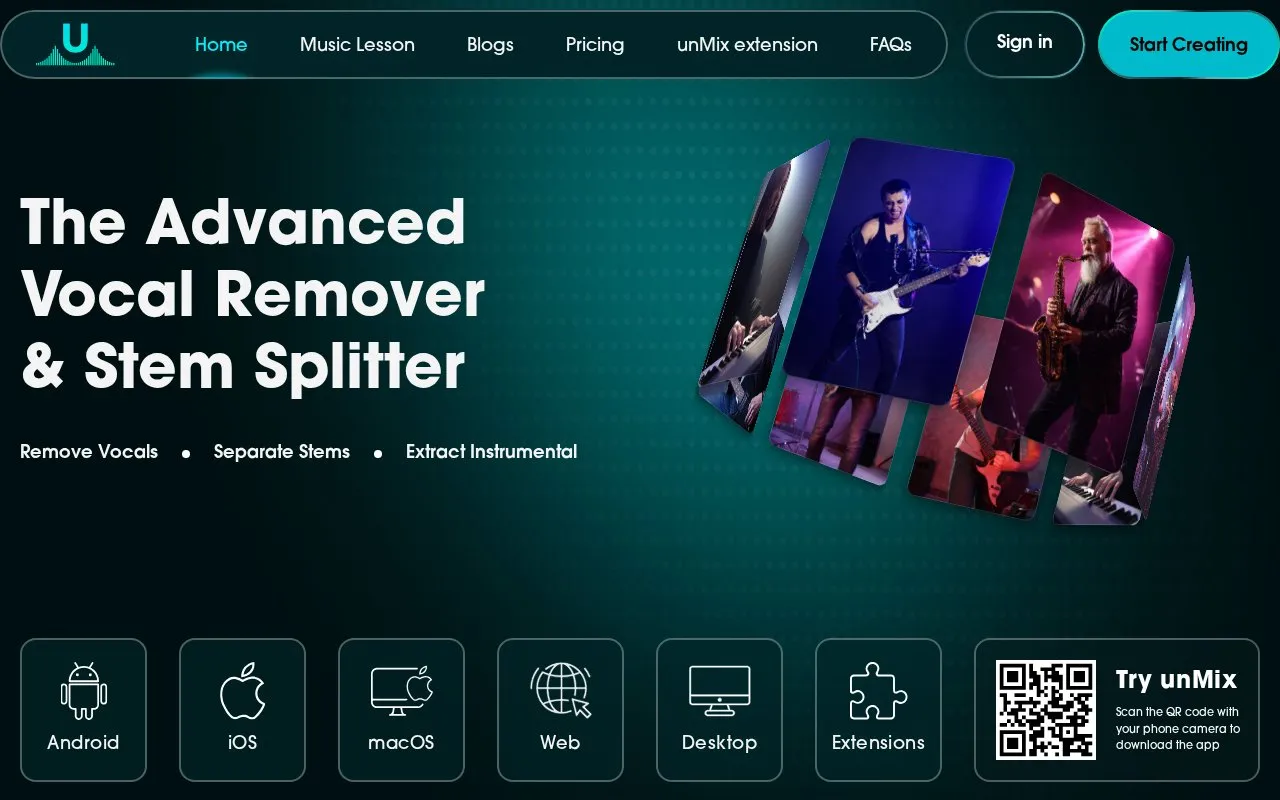
About unMix Vocal Remover
unMix is a vocal remover and stem splitter. It uses AI stem separation to analyze an uploaded song or video and separate it into elements such as vocals, drums, bass, guitar, piano, and other instruments. Users can download only the tracks they need, which the site presents as useful for karaoke tracks, acapella extraction, remixing, instrument practice, and editing audio for videos and podcasts.
The tool is available on the web, Android, iOS, Windows, macOS, and as a Chrome extension. A free version can separate vocals and instrumentals. The site states that a premium plan is needed for additional processing time, more stems, and advanced features. The homepage describes the separation results as high quality, but it does not provide independent measurements of accuracy.
Key features
- Separates vocals from instrumentals in uploaded songs
- Splits audio into stems such as drums, bass, guitar, and piano
- Accepts audio and video files without converting them first
- Supports MP3, WAV, FLAC, M4A, OGG, and MP4 formats
- Previews each stem before downloading the separated tracks
- Creates karaoke tracks by removing vocals from a song
Best for: Musicians, producers, DJs, and karaoke users who need separated vocals or instrument stems from songs or videos.
Good for
- Accepts video files directly, so no separate conversion step is needed
- Available on web, mobile, desktop, and as a Chrome extension
- A free version lets users test separation before upgrading
Watch out for
- Additional processing time, more stems, and advanced features require a premium plan
unMix Vocal Remover at a glance
- Website
- unmix.audio
- Category
- AI & Machine Learning › AI Voice & Audio
- Type
- Online tool
- Pricing
- Not confirmed. Check the site
- Platforms
- Android, iOS, macOS, Web, Windows
- Open source
- Not stated
- Language
- English
- Good for
- Creators
- Last checked
- Oct 6, 2026 · Online when checked
- Listed
- Oct 5, 2026
unMix Vocal Remover alternatives
Tools and sites you could use instead, ranked by how closely they match.

Voicss separates vocals and instrumentals from uploaded songs and videos, with tools for vocal isolation and karaoke backing tracks.

VocalRemover separates vocals and instrumental audio for karaoke or acapella tracks.

Remove Vocals uses AI to create an instrumental karaoke track from a song.

Vocali.se separates vocals and music from a song through a free one step service.
Free
9 alternatives
Vocalist.ai provides AI tools for music production, including vocal transformation, pitch correction and stem splitting, with royalty-free commercial use.
Free trial
Popular in AI Voice & Audio
Well-known listings from the same topic.
Google Illuminateilluminate.google.comAlteredaltered.aiELSA Speakelsaspeak.comKreadoAIkreadoai.comPodwisepodwise.aiAddsubtitleaddsubtitle.ai


unMix Vocal Remover FAQ
Which audio and video formats does unMix support?
The site lists MP3, WAV, FLAC, M4A, OGG, and MP4, along with other popular formats. Files can be uploaded without converting them first.
Is unMix free to use?
The free version can separate vocals and instrumentals. Additional processing time, more stems, and advanced features are available through a premium plan.
What does unMix produce from a song?
The tool analyzes the audio and separates it into individual stems, including vocals, drums, bass, guitar, piano, and other instruments. Users can download only the tracks they need.
Is something wrong or out of date?
Tell us and an editor will check it.
Own this website?
Claim this listing
Claim the listing and suggest updates yourself. An editor checks every claim first.