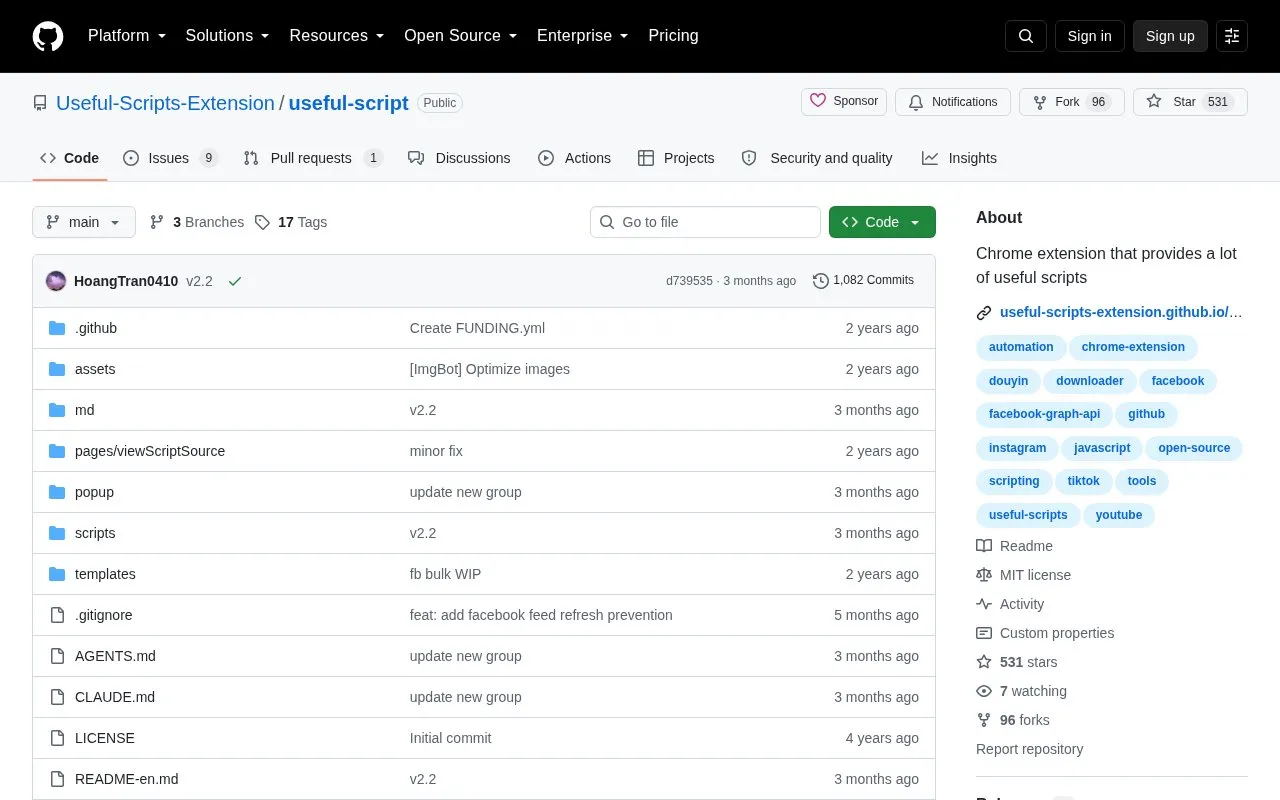
Useful Scripts is an open-source Chrome extension that bundles a collection of small browser scripts for social media platforms. It supports platforms including TikTok, Douyin, Facebook, Instagram, and YouTube, with public version history tracking all updates. The extension is available for manual installation, and an online demo is offered for users to test functionality before installing.
Key features
Bundles multiple small browser scripts in a single Chrome extension
Supports TikTok, Douyin, Facebook, Instagram, and YouTube
Provides online demo for testing extension functionality
Offers manual installation with accompanying guide
Open-source with public GitHub repository access
Maintains public version history with update logs
Best for: Users seeking a single open-source Chrome extension with multiple small utility scripts for popular social media platforms including TikTok, Facebook, and Instagram.
Good for
Open-source with publicly accessible code and MIT license
Bundles multiple social media utility scripts in one extension
Provides transparent public version history with detailed update notes
Collection of 50 AI agent skills for affiliate marketing covering trending content research, data-backed posts, infographics, landing pages and deployment.