

AI SVG converts text prompts into scalable vector graphics, with style options and free credits shown on its page.
Vectorizer.AI
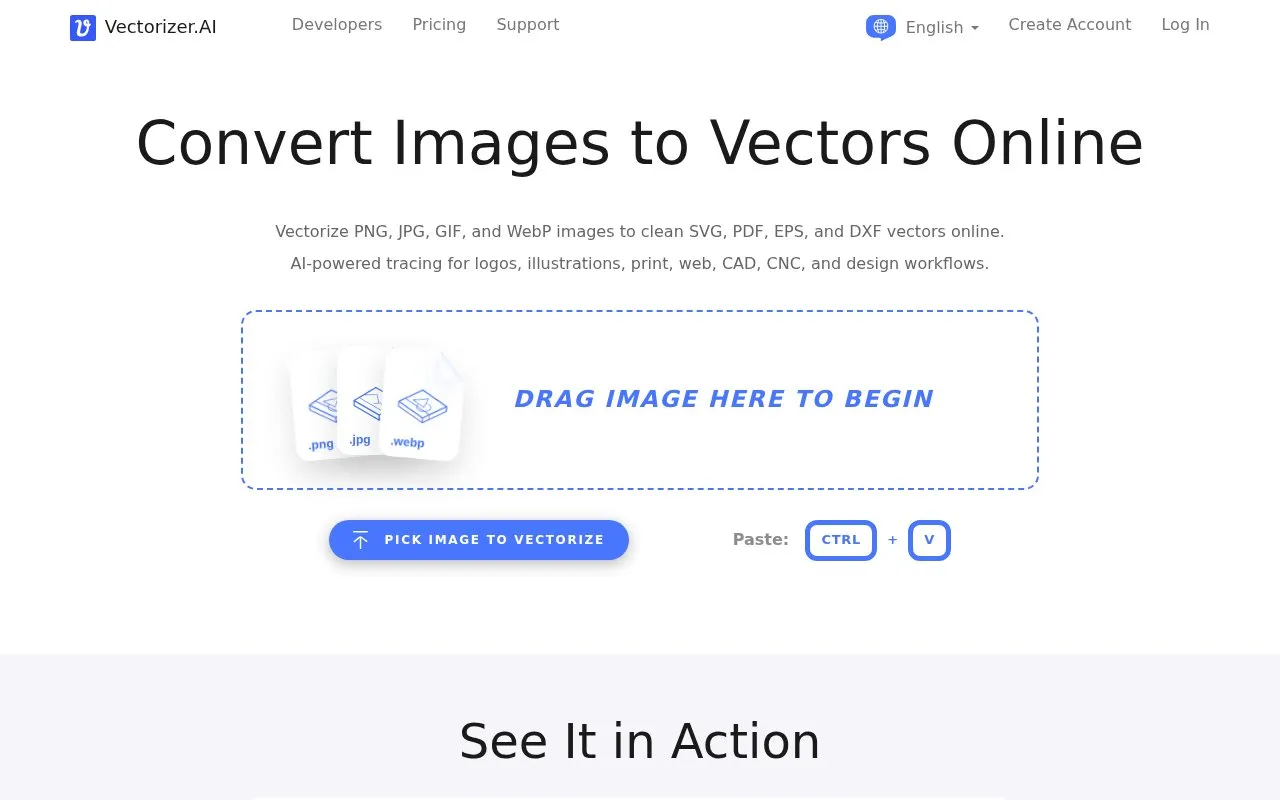
Vectorizer.AI converts PNG, JPG, GIF, and WebP images into vector formats including SVG, PDF, EPS, and DXF.
About Vectorizer.AI
Vectorizer.AI is a browser-based tool that converts raster images into vector artwork. It accepts PNG, JPG, GIF, BMP, and WebP files and exports SVG, EPS, DXF, PDF, and cleaned-up PNG output. The service uses deep learning networks and classical algorithms to produce editable shapes, curves, and geometric fits for logos, illustrations, diagrams, sketches, and design assets, including DXF paths for CAD and CNC workflows. A full interactive preview is shown before download, and the process is described as fully automatic with optional controls for corners and palette colors. The homepage notes a maximum allowable resolution for uploads and does not provide pricing details.
Key features
- Converts PNG, JPG, GIF, BMP, and WebP raster images to vectors
- Exports SVG, EPS, DXF, PDF, and cleaned-up PNG output
- Provides a full interactive preview before download
- Corner Control adjusts modeled corners to sharp or rounded
- Palette Control changes the number of output colors
- Models mirror and rotational symmetry; fits whole geometric shapes
Best for: Designers, illustrators, and CAD or CNC users who need raster images converted into editable vector files.
Good for
- Supports multiple common raster input formats and practical vector output formats.
- Includes preview and optional corner and palette adjustments before download.
- Produces editable vector artwork intended for print, cutting, embroidery, CAD, and CNC use.
Watch out for
- A maximum allowable upload resolution is noted, and pre-cropping may be required.
- Pricing information is not provided on the homepage.
- The service is not open source.
Vectorizer.AI at a glance
- Website
- vectorizer.ai
- Category
- AI & Machine Learning › AI Image Generators
- Type
- Online tool
- Pricing
- Not confirmed. Check the site
- Platforms
- Web
- Open source
- Not stated
- Language
- English
- Last checked
- Oct 6, 2026 · Online when checked
- Listed
- Oct 5, 2026
Vectorizer.AI alternatives
Tools and sites you could use instead, ranked by how closely they match.

VectorArt.ai provides a library of AI-generated SVG artwork and tools for creating vector images from prompts.

FigureLabs offers text to figure, image to figure, and vectorization tools for creating scientific figures.

Generate logos from text prompts with this online tool for creating custom logo designs.

Napkin AI turns text into flowcharts, mind maps, infographics, diagrams, charts, and slides.
Freemium
12 alternatives
Brandmark generates logos, business cards, and social media graphics with AI design tools.
Popular in AI Image Generators
Well-known listings from the same topic.
ImagePromptGuruimagepromptguru.netCGDreamcgdream.aiFlux.1 AIflux1.aiPixraypixray.comHairstyle AIhairstyleai.comCandyIconscandyicons.com


Vectorizer.AI FAQ
What input image formats are supported?
PNG, JPG, GIF, BMP, and WebP.
What output formats are available?
SVG, EPS, DXF, and PDF vectors, plus cleaned-up PNG pixel output.
Can I adjust colors and corners after conversion?
Yes. Palette Control adjusts the number of colors, and Corner Control lets you make modeled corners sharp or rounded and adjust rounded-corner size.
Is something wrong or out of date?
Tell us and an editor will check it.
Own this website?
Claim this listing
Claim the listing and suggest updates yourself. An editor checks every claim first.