

Terminal-based coding with language servers, project search, and diff review is supported by Fresh IDE.
VHEditor
Run code-server on Android with VHEditor, which uses code-server as its core engine.
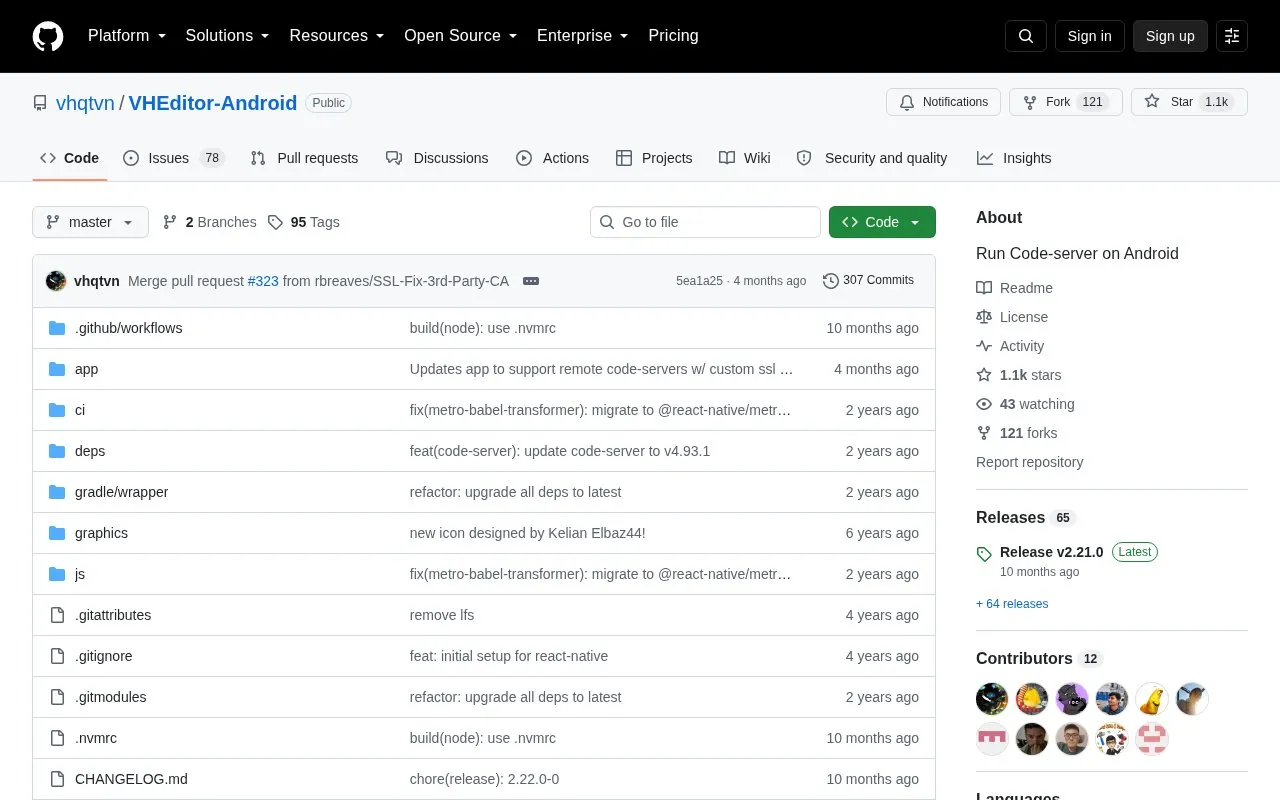
About VHEditor
VHEditor is an Android app that runs code-server, a browser-based code editor server. The project states that it uses code-server as its core engine and does not use Visual Studio Code. It is not affiliated with or endorsed by Microsoft Corporation.
The app includes a built-in terminal (Termux). The project notes that users can open the terminal view and run apt install git to start. The source also says that some packages may be incompatible and asks users to report them. To run the server, the source says users should build it themselves from the repository.
Key features
- Runs code-server on Android devices
- Built-in terminal view based on Termux
- Git can be installed from the terminal with apt
- Server can be built from the GitHub repository
Best for: Android users who want to run code-server on their device and are comfortable building it from source and using a terminal.
Good for
- Includes a built-in terminal, so users can install packages such as git without separate setup
- Uses code-server as its core engine, which the project states directly
Watch out for
- Users must build the server themselves from the repository to run it
- Some packages may be incompatible, according to the project
- Does not use Visual Studio Code; it uses code-server instead
VHEditor at a glance
- Category
- Development › Code Editors & IDEs
- Type
- Open-source project
- Pricing
- Not confirmed. Check the site
- Platforms
- Android
- Open source
- Not stated
- Language
- English
- Last checked
- Oct 6, 2026 · Online when checked
- Listed
- Oct 5, 2026
VHEditor alternatives
Tools and sites you could use instead, ranked by how closely they match.

Edit programming files in multiple languages on Android with Squircle CE, an application designed for mobile devices.
Open source
24 alternatives
Write and run frontend code offline with Web Maker, a code editor for browser-based projects.
FreeOpen source
24 alternatives
Count lines of code quickly with Tokei, a code statistics command-line tool.

Vim and Neovim plugins can be managed with dein.vim, a plugin manager.
Open source
24 alternatives
Kickstart.nvim provides a small, single-file starting point for configuring Neovim.
Open source
24 alternativesPopular in Code Editors & IDEs
Well-known listings from the same topic.
Notebooks.azurevisualstudio.microsoft.com/vs/features/noteboo…Replayreplay.ioVim Bootstrapvim-bootstrap.comCompiler Explorercompiler-explorer.commyCompilermycompiler.ioDevPoddevpod.sh


VHEditor FAQ
Does VHEditor use Visual Studio Code?
No. The project states that it uses code-server as its core engine and not Visual Studio Code.
How do I start using the built-in terminal?
Open the terminal view in the app and run `apt install git`. The project notes that some packages may be incompatible and asks users to report them.
Is something wrong or out of date?
Tell us and an editor will check it.
Own this website?
Claim this listing
Claim the listing and suggest updates yourself. An editor checks every claim first.