

HTML, CSS, and JavaScript projects can be edited offline in Web Maker, a browser playground.
Web Maker
Write and run frontend code offline with Web Maker, a code editor for browser-based projects.
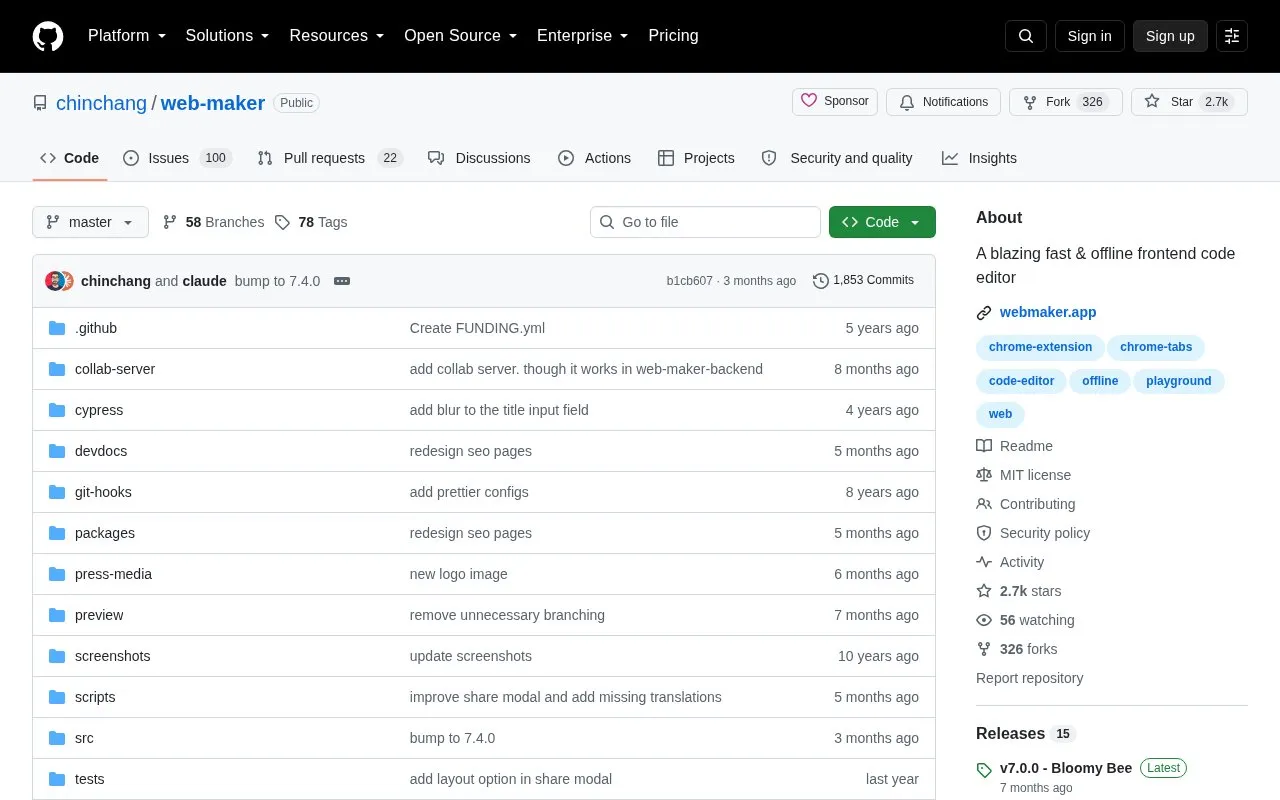
About Web Maker
Web Maker is a free, open-source offline frontend code editor available as a Chrome extension and open web app. It functions as a local playground for web experiments, comparable to tools like CodePen or JSFiddle but designed to run entirely on a user's system without an internet connection.
Users can write, test, and save frontend code using supported preprocessors for HTML (Pug, Markdown), CSS (SCSS, LESS, Stylus, Atomic CSS), and JavaScript (ES6, TypeScript, CoffeeScript). The tool includes an inbuilt console, auto-save, code auto-completion, and project import/export functionality, making it suitable for quick prototyping, learning, and testing frontend code snippets without relying on cloud services.
Key features
- Works fully offline with no internet required
- Supports HTML, CSS, and JavaScript preprocessors
- Includes inbuilt console for debugging code
- Offers multi-player collaboration mode
- Provides auto-save and project import/export
- Available as Chrome extension and open web app
Best for: Frontend developers, learners, and hobbyists seeking a fast, offline tool for web code prototyping and testing.
Good for
- Free and open-source with no usage costs
- Fully offline functionality removes internet dependency
- Fast performance for code editing and preview
- Supports a wide range of frontend preprocessors
Watch out for
- Only supports frontend web development projects
- Certain features are exclusive to the Chrome extension version
Web Maker at a glance
- Category
- Development › Code Editors & IDEs
- Type
- Open-source project
- Pricing
- Free
- Open source
- Yes · Source code
- Language
- English
- Last checked
- Oct 5, 2026 · Online when checked
- Listed
- Oct 5, 2026
Web Maker alternatives
Tools and sites you could use instead, ranked by how closely they match.

Vim and Neovim plugins can be managed with dein.vim, a plugin manager.
Open source
24 alternatives
Kickstart.nvim provides a small, single-file starting point for configuring Neovim.
Open source
24 alternatives
Edit programming files in multiple languages on Android with Squircle CE, an application designed for mobile devices.
Open source
24 alternatives
Neovim plugin installation and configuration are managed by lazy.nvim.
Open source
24 alternatives
Run code-server on Android with VHEditor, which uses code-server as its core engine.
Popular in Code Editors & IDEs
Well-known listings from the same topic.
Notebooks.azurevisualstudio.microsoft.com/vs/features/noteboo…Replayreplay.ioVim Bootstrapvim-bootstrap.comCompiler Explorercompiler-explorer.commyCompilermycompiler.ioDevPoddevpod.sh


Web Maker FAQ
Is Web Maker free to use?
Yes, Web Maker is a free, open-source tool with no paid tiers or usage fees.
Does Web Maker work without an internet connection?
Yes, it runs entirely offline on your system, so no internet is required for editing or previewing code.
What preprocessors does Web Maker support?
It supports Pug and Markdown for HTML, SCSS, LESS, Stylus and Atomic CSS for CSS, and ES6, TypeScript and CoffeeScript for JavaScript.
Is something wrong or out of date?
Tell us and an editor will check it.
Own this website?
Claim this listing
Claim the listing and suggest updates yourself. An editor checks every claim first.