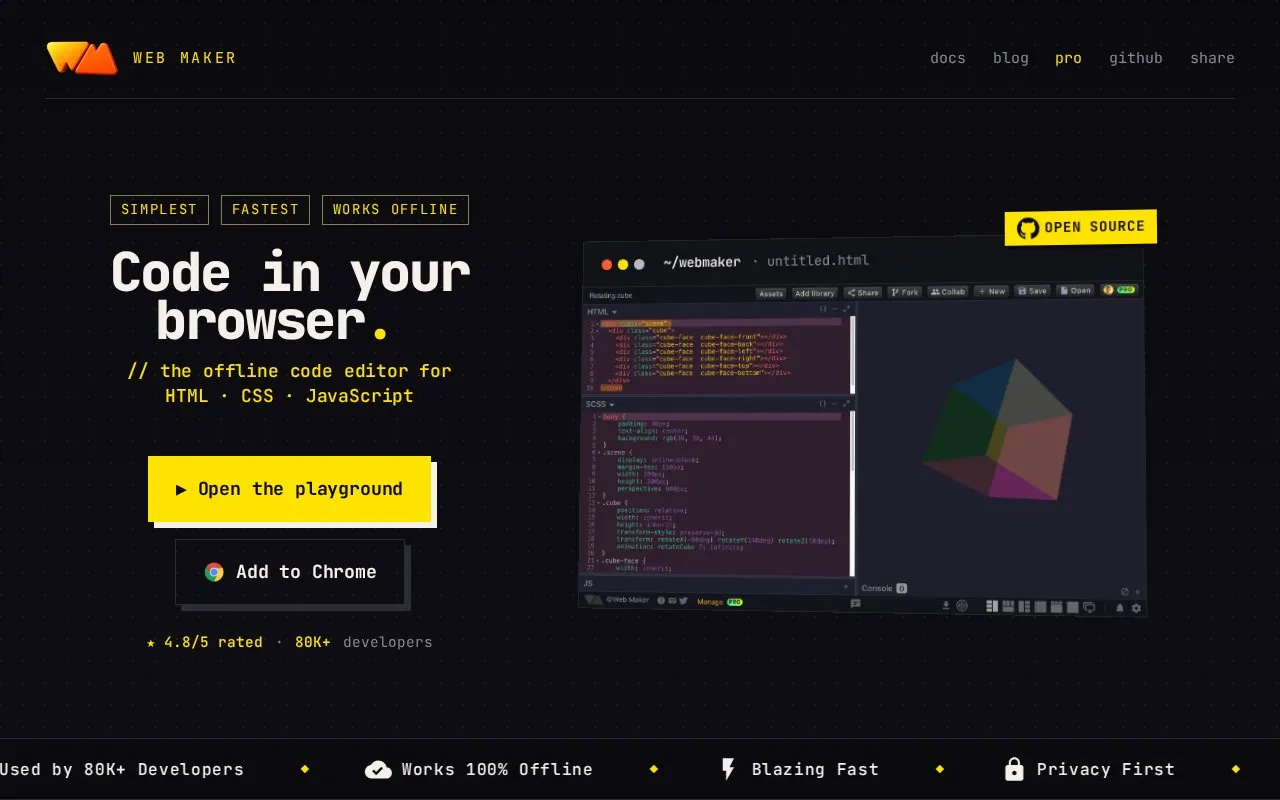
Web Maker is a browser-based editor and playground for HTML, CSS, and JavaScript. It runs as a Chrome extension or progressive web app and is described as working fully offline. Users can write code with preprocessors such as SCSS, Pug, and TypeScript, preview the result in several layouts, and capture a PNG of the preview.
The source says code stays on the device unless the user chooses to share it or export it, and that no account is required to start. The extension requests permission to read and change data on websites visited, which the source says is used for the new tab replacement feature. The developer also states that it uses Google Analytics to collect aggregated usage events. Real-time collaboration and CodePen export are available features, but the source does not state which plans include them.
Key features
Offline editing of HTML, CSS, and JavaScript in the browser
Preprocessor support including SCSS, Pug, and TypeScript
Real-time multi-user editing through a shareable link
Adding libraries from a CDN by URL or one click
Six preview layouts, including a tabbed editor
Built-in JavaScript console, Prettier formatting, and dark mode
Best for: Front-end learners, developers prototyping small pages, and instructors who need to share code in settings with unreliable internet access.
Good for
Source states it works fully offline, including on a plane or on hostel WiFi.
Source states code stays on the device by default and no account is required to start.
Runs as a Chrome extension or PWA, which the source says opens without network round-trips.
Watch out for
The new tab replacement feature requires permission to read and change data on websites visited.
The developer states that Google Analytics collects aggregated usage events; users must opt out separately if they prefer.
Sharing for real-time collaboration and export to CodePen move code off the device.
The source states that no account is required to start using Web Maker.
Why does Web Maker ask for access to data on websites?
The source says this permission is needed for the new tab replacement feature, where Web Maker appears only when the new tab URL is chrome://newtab/. The source states that nothing is read, stored, or changed.
How can a user opt out of Google Analytics tracking?
The source says users can visit the Google Analytics opt-out page or set up a filter in an ad blocker such as Adblock Plus, AdBlock, uBlock, or Adblock Pro.
Is something wrong or out of date?
Tell us and an editor will check it.
Own this website?
Claim the listing and suggest updates yourself. An editor checks every claim first.