

Frontend code can be written and previewed in LiveCodes, a browser-based playground.
Open source
24 alternativesWrite and edit source code on Android with Visual Code Space, a mobile code editor project.
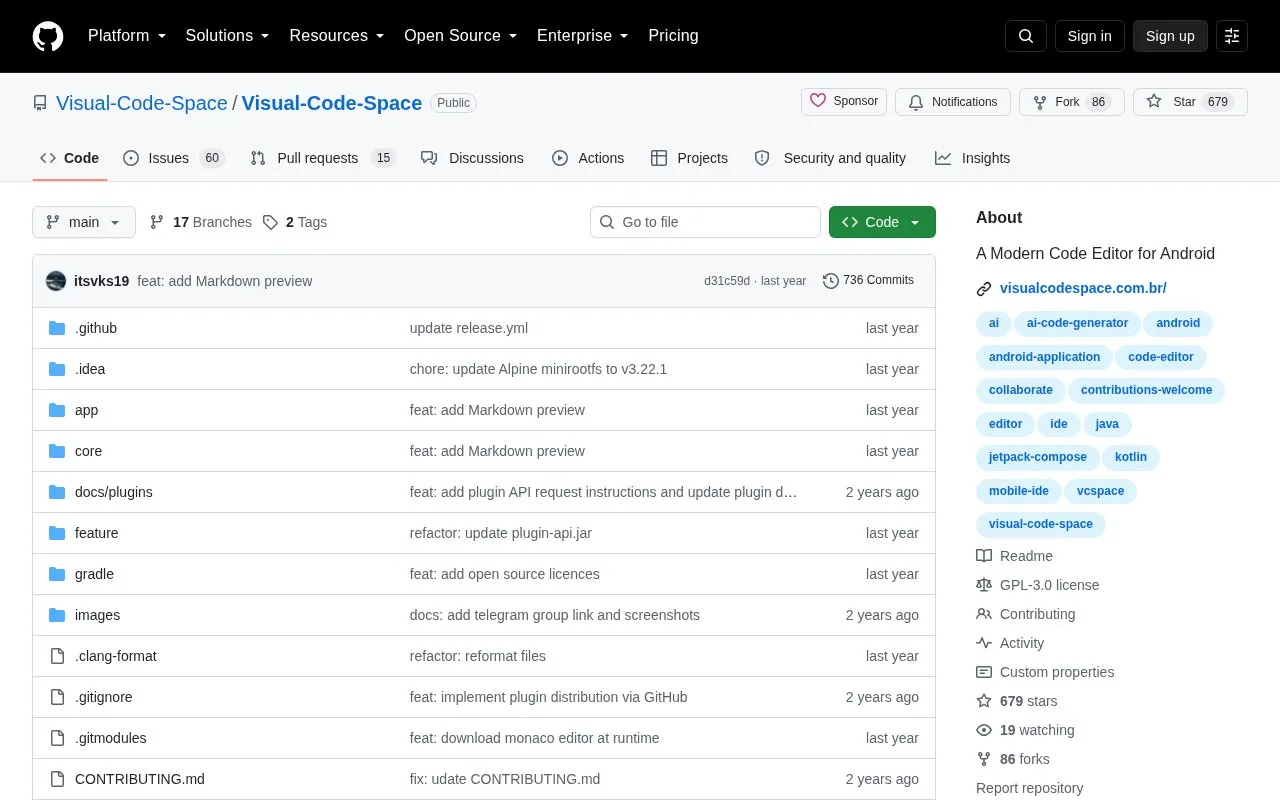
Visual Code Space is an open-source code editor for Android devices, released under the GNU General Public License v3.0 (GPL-3.0). It is intended for writing and editing source code on a mobile device. The project's homepage lists a file explorer, syntax highlighting for multiple programming languages, a tabbed editor, a built-in terminal emulator, and plugin support.
The project is available for Android only. The GPL license text states that the software is distributed without any warranty. The homepage points to a releases page and a Telegram group for downloads. The homepage does not list specific languages beyond "a wide array of programming languages".
Tools and sites you could use instead, ranked by how closely they match.
Frontend code can be written and previewed in LiveCodes, a browser-based playground.
Cate provides a spatial coding workspace with editor, terminal, and browser panels.
Cross-platform source code editing is available in CudaText, with downloads and documentation.
Ideone compiles and runs code online across C, C++, Java, Python, and many other languages.
Code can be edited, compiled, and run in many languages through myCompiler’s online IDE.
Run, save, and share code snippets in dozens of programming languages with the glot.io online playground.
Well-known listings from the same topic.
Tell us and an editor will check it.
Claim the listing and suggest updates yourself. An editor checks every claim first.


