

ImageTranslate.AI translates text embedded in images across more than 130 languages, with a browser extension available.
WasItAI
WasItAI checks uploaded images for signs they were generated by AI and also offers an API and browser extension.
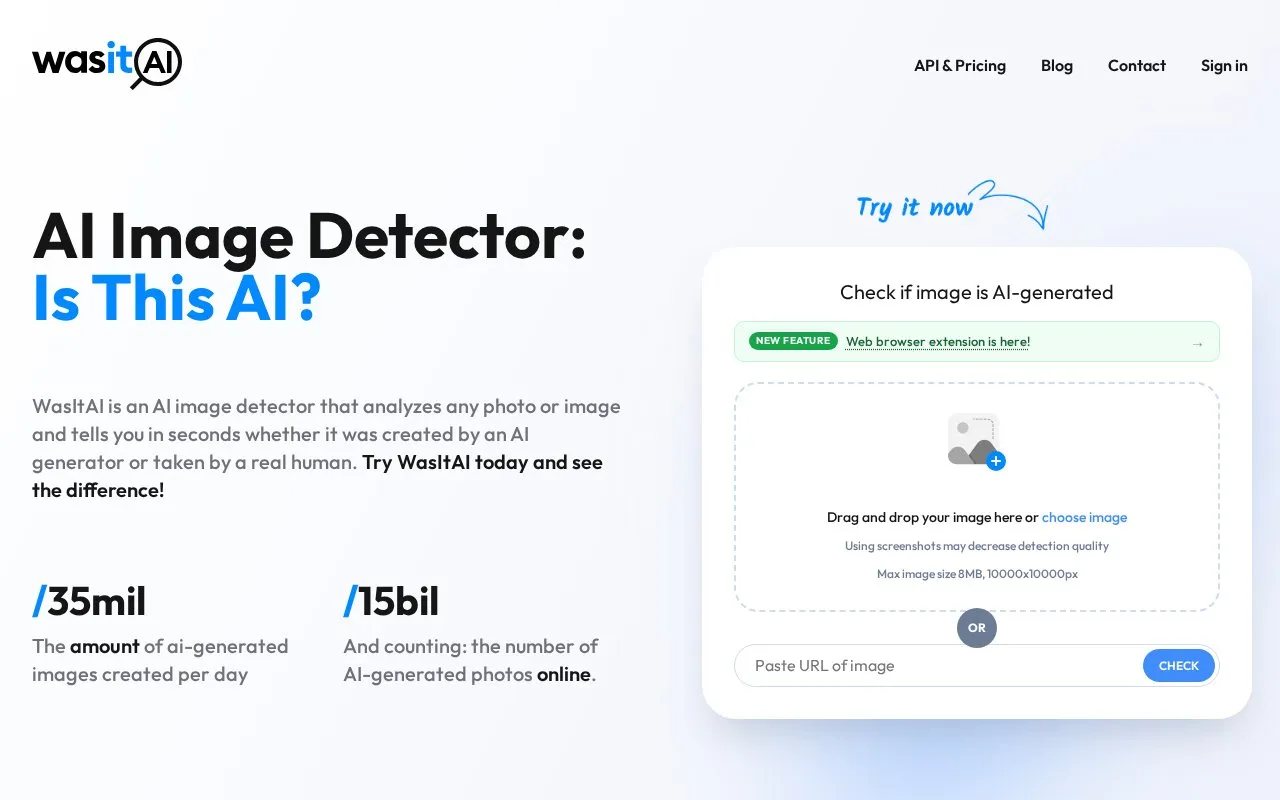
About WasItAI
WasItAI is an AI image detector that analyzes an uploaded image or an image URL and reports whether it was created by an AI generator or taken by a human. Users drag and drop a photo or paste an image URL, and the service returns a result with a detailed report that includes a confidence score.
Key features
- Detects whether an image was AI-generated or human-made
- Accepts drag-and-drop uploads or an image URL
- Returns a detailed report with a confidence score
- Chrome and Firefox extension adds a hover-to-check button on images
- Right-click context menu sends any site's image for analysis
- API access available separately; extension needs an API-enabled account
Best for: People who want to check images they encounter online, such as on social media, marketplaces, dating apps and news sites, for signs of AI generation.
Good for
- Checks images from files or URLs without requiring a download
- Browser extension shows the verdict over the image with no new tab
- Free account offers monthly renewing credits and requires no card
Watch out for
- Guest usage is capped; an account is needed to continue after the limit
- The browser extension requires an account with API access
- Safari extension support is listed as coming soon
WasItAI at a glance
- Website
- wasitai.com
- Category
- AI & Machine Learning › AI Image Generators
- Type
- Online tool
- Pricing
- Not confirmed. Check the site
- Platforms
- Browser extension, Web
- Open source
- Not stated
- Language
- English
- Last checked
- Oct 5, 2026 · Online when checked
- Listed
- Oct 5, 2026
WasItAI alternatives
Tools and sites you could use instead, ranked by how closely they match.

HitPaw provides an AI art generator for creating images and other digital content.

AI or Not checks whether text, images, music, or video may be AI-generated.

starryai transforms uploaded images and text prompts into AI-generated images and video.
Popular in AI Image Generators
Well-known listings from the same topic.
FigureLabsfigurelabs.aiImagePromptGuruimagepromptguru.netAI SVGaisvg.artCGDreamcgdream.aiFlux.1 AIflux1.aiPixraypixray.com


WasItAI FAQ
What is WasItAI and how does it work?
It is an AI image detector that distinguishes real photos from AI-generated fakes. It analyzes characteristics and patterns in an image and compares them against a database of real and AI-generated images to indicate the image's origin.
How do I use WasItAI?
Upload an image to the platform, or enter an image URL, and WasItAI processes it to return a result indicating whether AI was used to generate the image.
Do I need an account to use it?
Guest usage is limited; once guest credits are used, a free account is required to continue. Sign-up includes free credits that renew monthly and no card is required. The browser extension works with a free account that has API access.
Is something wrong or out of date?
Tell us and an editor will check it.
Own this website?
Claim this listing
Claim the listing and suggest updates yourself. An editor checks every claim first.