
Wikipedia
The Wikipedia app provides access to the free online encyclopedia on iPhone.
About Wikipedia
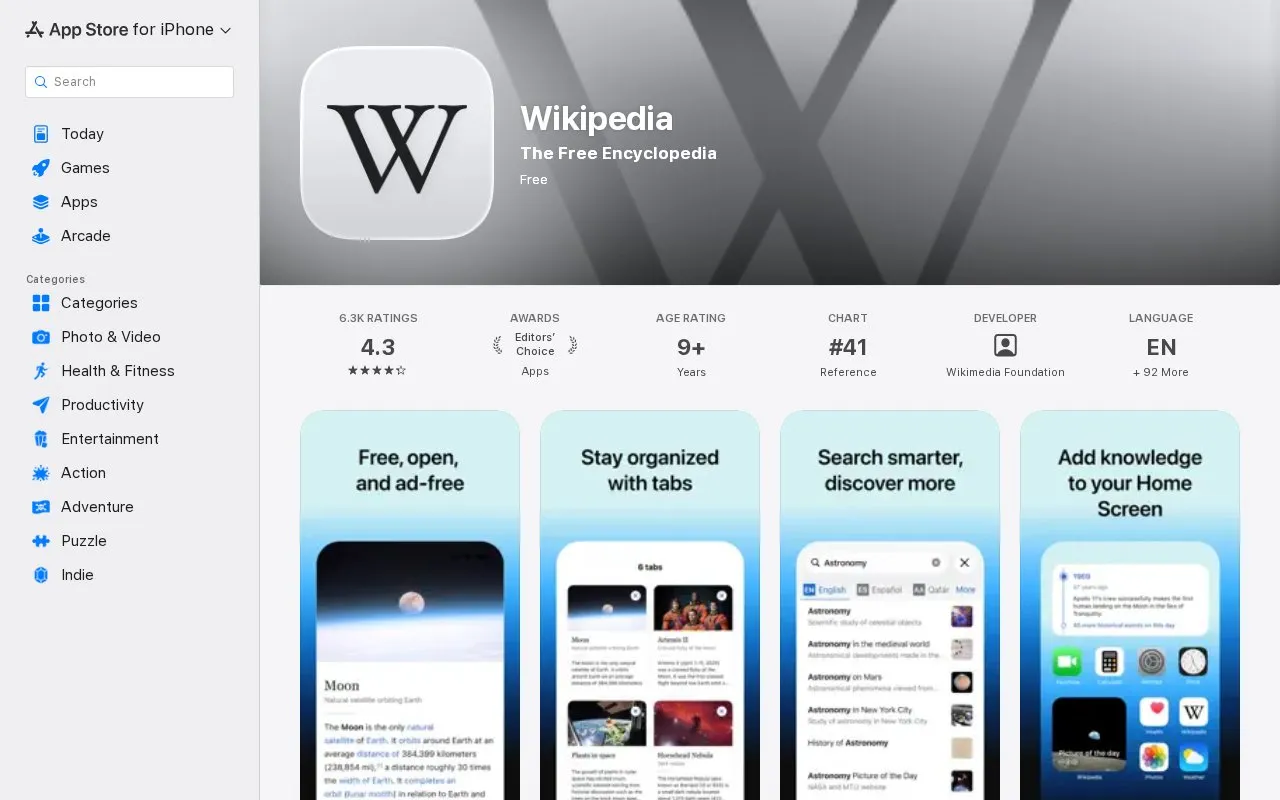
The Wikipedia app for iPhone and iPad gives access to the Wikipedia encyclopedia, which the listing describes as having more than 60 million articles in nearly 300 languages. The app is published by the Wikimedia Foundation and is listed as free of charge.
The app supports searching across languages, saving articles to reading lists for offline use, and opening several articles in tabs. It also offers reading themes, adjustable text size, Home Screen widgets, and map-based discovery of articles about nearby places. Users can reply to article discussion pages and manage a Watchlist. Handoff lets users continue reading on other Apple devices. The listing says the app has no ads and no tracking, and it is available on iOS.
Key features
- Save articles to custom reading lists for offline access
- Home Screen widgets for trending articles and Picture of the Day
- Map-based discovery of articles about nearby places
- Reading themes: light, sepia, dark, and pure black
- Adjustable text size and image dimming for reading
- Open multiple articles in tabs and switch between them
- Listed as free of charge, and the homepage states it is ad-free.
- A reviewer said the text size setting helped them read comfortably and that the app had fewer ads than other apps they had used.
- Offers reading themes, text size adjustment, and image dimming for reading comfort.
- A reviewer reported that saved articles can be sorted by name or date added but cannot be placed into custom groups.
Wikipedia at a glance
- Category
- Mobile Apps › iPhone & iPad Apps
- Type
- Website
- Pricing
- Free
- Platforms
- iOS, Web
- Open source
- Not stated
- Language
- English
- Last checked
- Oct 6, 2026 · Online when checked
- Listed
- Oct 5, 2026
Popular in iPhone & iPad Apps
Well-known listings from the same topic.


Wikipedia FAQ
Does the Wikipedia app cost money?
Can I read saved articles without an internet connection?
How can I send feedback about the app?
Tell us and an editor will check it.
Claim the listing and suggest updates yourself. An editor checks every claim first.