
Nearby Sharing
Windows' built-in Nearby Sharing for sending files, photos and links to nearby Windows devices over Bluetooth or Wi-Fi. Free with Windows.
About Nearby Sharing
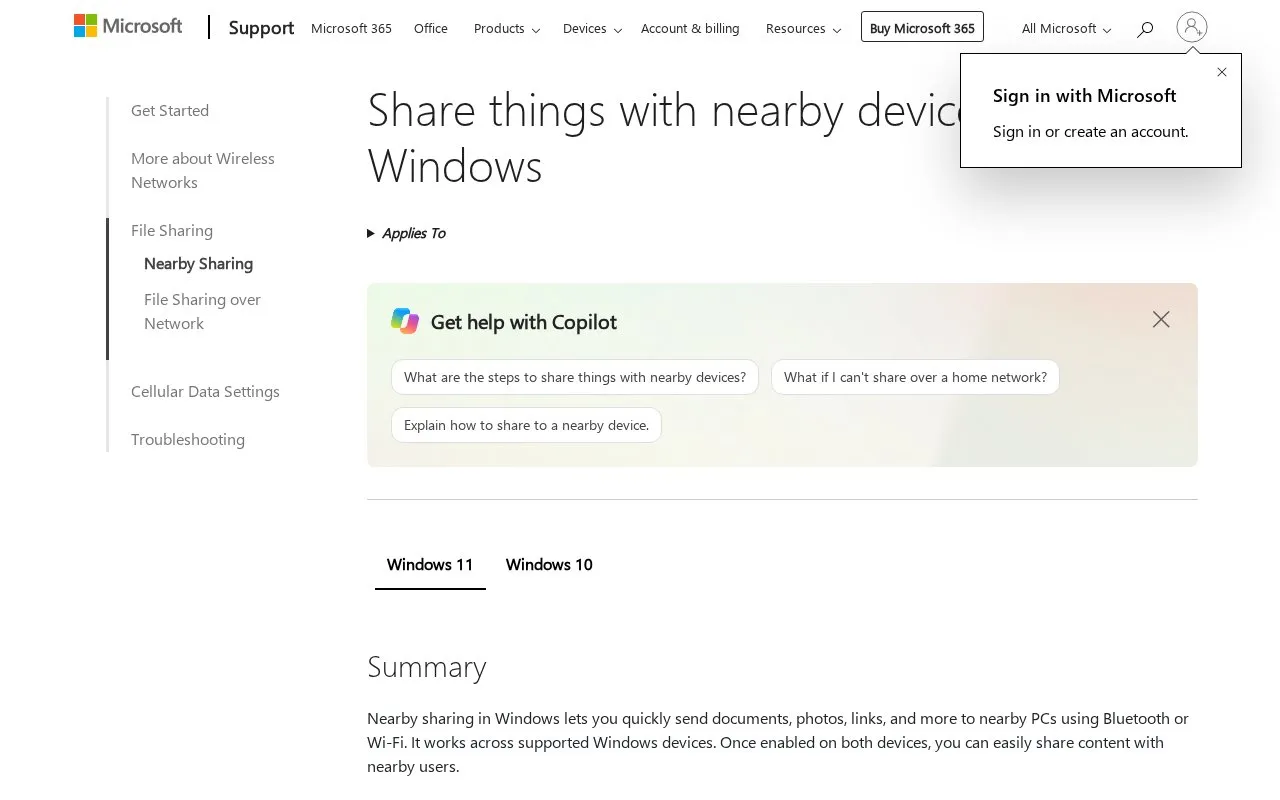
Nearby Sharing is a built-in feature of Windows for sending documents, photos, and links to nearby Windows PCs. Transfers use Bluetooth or Wi-Fi. It must be turned on in Settings on both the sending and receiving PC. The directory lists it as free with Windows.
Wi-Fi transfer is available only when the PC sending the content runs the latest version of Windows 11 and the receiving Windows 10 or 11 PC is on the same private Wi-Fi network. Otherwise, the transfer uses Bluetooth. Files can be shared with Windows 10 PCs running version 1803 or later. The support page notes that support for Windows 10 ended on October 14, 2025.
Key features
- Sends documents, photos, and website links to nearby Windows PCs
- Transfers over Bluetooth, or over Wi-Fi under specific conditions
- Wi-Fi transfer requires both PCs on the same private Wi-Fi network
- Choose to share with everyone nearby or only your own signed-in devices
- Choose the folder where received files are saved
- Share from File Explorer, the Photos app, or Microsoft Edge
Best for: Windows users who want to move files, photos, or links between nearby Windows PCs without installing a separate app.
Good for
- Built into Windows and listed as free with Windows
- Sharing can be limited to devices signed in with the same Microsoft account
- Received files can be saved to a folder the user selects
Watch out for
- Wi-Fi transfer requires a specific Windows 11 setup and a shared private network
- Works only between Windows PCs
- The Everyone nearby option makes the PC's Bluetooth MAC address and name visible, which could be used to link the PC to its user
Nearby Sharing at a glance
- Category
- Online Tools › File Sharing & Transfer
- Type
- Online tool
- Pricing
- Free
- Platforms
- Windows
- Open source
- Not stated
- Last checked
- Oct 7, 2026 · Online when checked
- Listed
- Oct 7, 2026
Guides for File Sharing & Transfer
Nearby Sharing alternatives
Tools and sites you could use instead, ranked by how closely they match.

Apple's built-in wireless file sharing between nearby iPhone, iPad and Mac devices. Free with Apple devices.
Free
8 alternatives
Snapdrop shares images, videos, PDFs, and links with nearby devices through peer-to-peer transfer.

LocalSend provides free, open-source, cross-platform file sharing with nearby devices.
Open source
24 alternatives
PairDrop shares files and links with nearby devices using peer-to-peer transfer.
Open source
24 alternatives
Blip sends files directly between people and devices, with no size limits stated by its site.
Freemium
24 alternativesStation307 lets users send and receive files directly through a file sharing page.
Free
24 alternativesFeatured in
 8 sites

Best of
Best Free File Transfer Tools for Phones and Computers
Free file transfer tools solve different jobs: moving photos across your desk, sending a file from a borrowed laptop…
Popular in File Sharing & Transfer
Well-known listings from the same topic.


Nearby Sharing FAQ
Which Windows versions can receive shared files?
Files can be shared with Windows 11 PCs and with Windows 10 PCs running version 1803 or later.
Can I control who can send me files?
Yes. In Nearby sharing settings, you can choose to share and receive files with everyone, or only with your own devices where you are logged in with your Microsoft account.
Where are received files stored?
By default they go to a set location, but you can change it under Save files I receive to in Nearby sharing settings.
Is something wrong or out of date?
Tell us and an editor will check it.
Own this website?
Claim this listing
Claim the listing and suggest updates yourself. An editor checks every claim first.