

AirDrop
Apple's built-in wireless file sharing between nearby iPhone, iPad and Mac devices. Free with Apple devices.
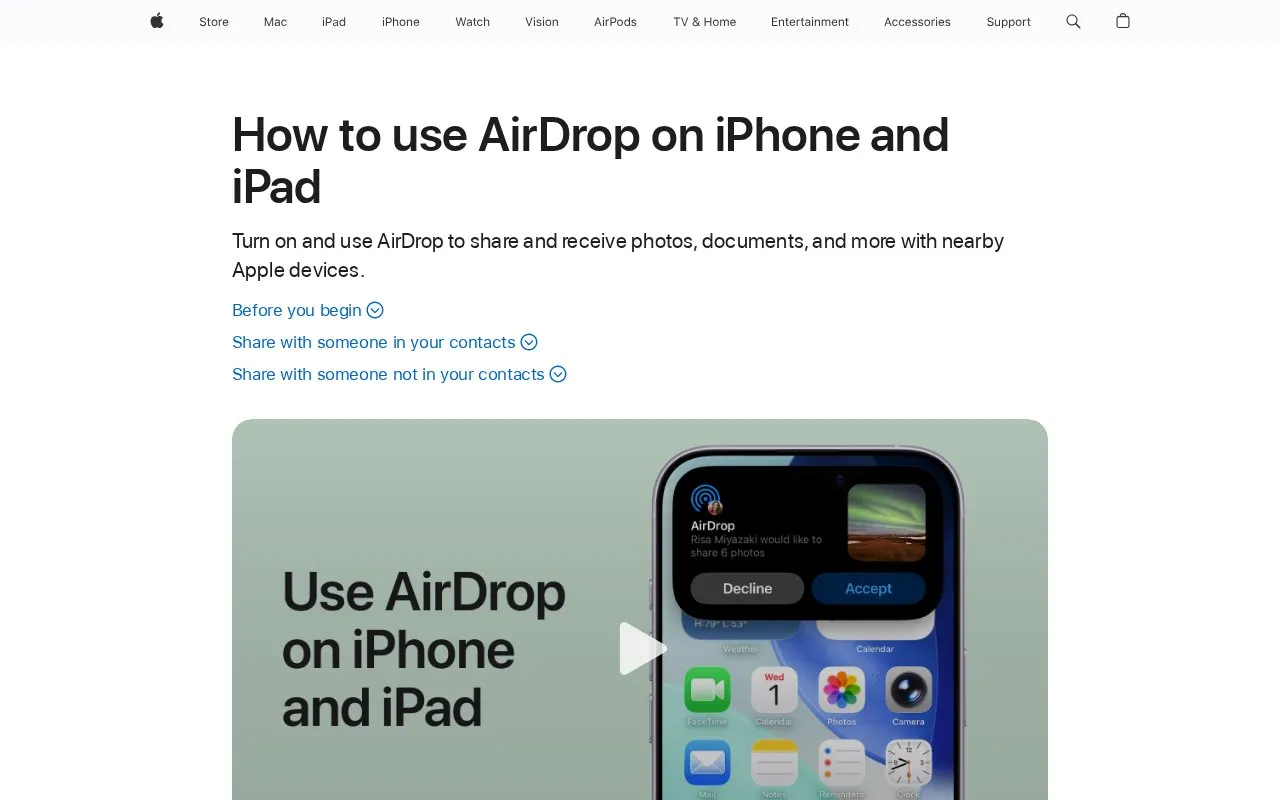
About AirDrop
AirDrop is Apple's built-in tool for sending and receiving photos, documents and other files wirelessly with nearby Apple devices. The source is an Apple Support guide for iPhone and iPad, and the directory listing also covers Mac. Both devices need Wi-Fi and Bluetooth turned on, and Personal Hotspot should be off. Sharing with someone in your contacts takes a few taps and needs the recipient to accept. Sharing with someone who is not in your contacts uses a temporary "Everyone for 10 Minutes" setting, and on iOS 26.2 or later the recipient may need to enter an AirDrop code. The service is free with Apple devices.
Key features
- Shares photos, documents and other files with nearby Apple devices
- Sends to contacts through the People section of the AirDrop sheet
- Uses the "Everyone for 10 Minutes" setting to share with non-contacts
- Requires an AirDrop code when both devices run iOS 26.2 or later
- Lets iOS 17 or later devices share by holding them together
- Communication Safety can warn children and blur sensitive content sent or received
Best for: People who regularly move photos or files between nearby iPhone, iPad or Mac devices, including devices they own and people they know.
Good for
- Free with Apple devices
- Built into the operating system, so no separate app is needed
- Contacts can be selected directly without a code when both devices are nearby
Watch out for
- Works only between nearby Apple devices
- Both devices need Wi-Fi and Bluetooth on, and Personal Hotspot must be off
- The "Everyone for 10 Minutes" setting reverts after 10 minutes, so the recipient must act within that window
AirDrop at a glance
- Category
- Online Tools › File Sharing & Transfer
- Type
- Online tool
- Pricing
- Free
- Platforms
- iOS, mac
- Open source
- Not stated
- Last checked
- Oct 7, 2026 · Online when checked
- Listed
- Oct 7, 2026
Guides for File Sharing & Transfer
AirDrop alternatives
Tools and sites you could use instead, ranked by how closely they match.

Windows' built-in Nearby Sharing for sending files, photos and links to nearby Windows devices over Bluetooth or Wi-Fi. Free with Windows.
Free
13 alternatives
LocalSend provides free, open-source, cross-platform file sharing with nearby devices.
Open source
24 alternatives
Snapdrop shares images, videos, PDFs, and links with nearby devices through peer-to-peer transfer.

PairDrop shares files and links with nearby devices using peer-to-peer transfer.
Open source
24 alternatives
aQRoss shares files between devices through a QR code and room, with links for downloading files.

Warpinator shares files between devices connected to the same local network.
Open source
24 alternativesFeatured in
 8 sites

Best of
Best Free File Transfer Tools for Phones and Computers
Free file transfer tools solve different jobs: moving photos across your desk, sending a file from a borrowed laptop…
Popular in File Sharing & Transfer
Well-known listings from the same topic.
Catboxcatbox.moeDashBeamdashbeam.netUguuuguu.seJustBeamItjustbeamit.comToffeeSharetoffeeshare.comBlipblip.net


AirDrop FAQ
Can I share with someone who is not in my contacts?
Yes. Ask the other person to open Control Center, touch and hold the connectivity controls, tap AirDrop, and tap Everyone for 10 Minutes. Then select them under People. If both devices use iOS 26.2 or later, they will be asked for an AirDrop code.
What happens to a person who was added through an AirDrop code?
They are added to the Other Known List in your contacts for 30 days. You can mark the person as unknown in the Contacts app before the 30 days end.
Why does the Everyone setting stop working after a short time?
In iOS 16.2 and later, the Everyone for 10 Minutes setting changes after 10 minutes. If the person is signed in to an Apple Account, it reverts to Contacts Only. If they are not signed in, it reverts to Receiving Off.
Is something wrong or out of date?
Tell us and an editor will check it.
Own this website?
Claim this listing
Claim the listing and suggest updates yourself. An editor checks every claim first.