

WiseTagger
WiseTagger supports picture tagging with autocomplete, tag rules, imageboard tag fetching, filters, and reverse image search.
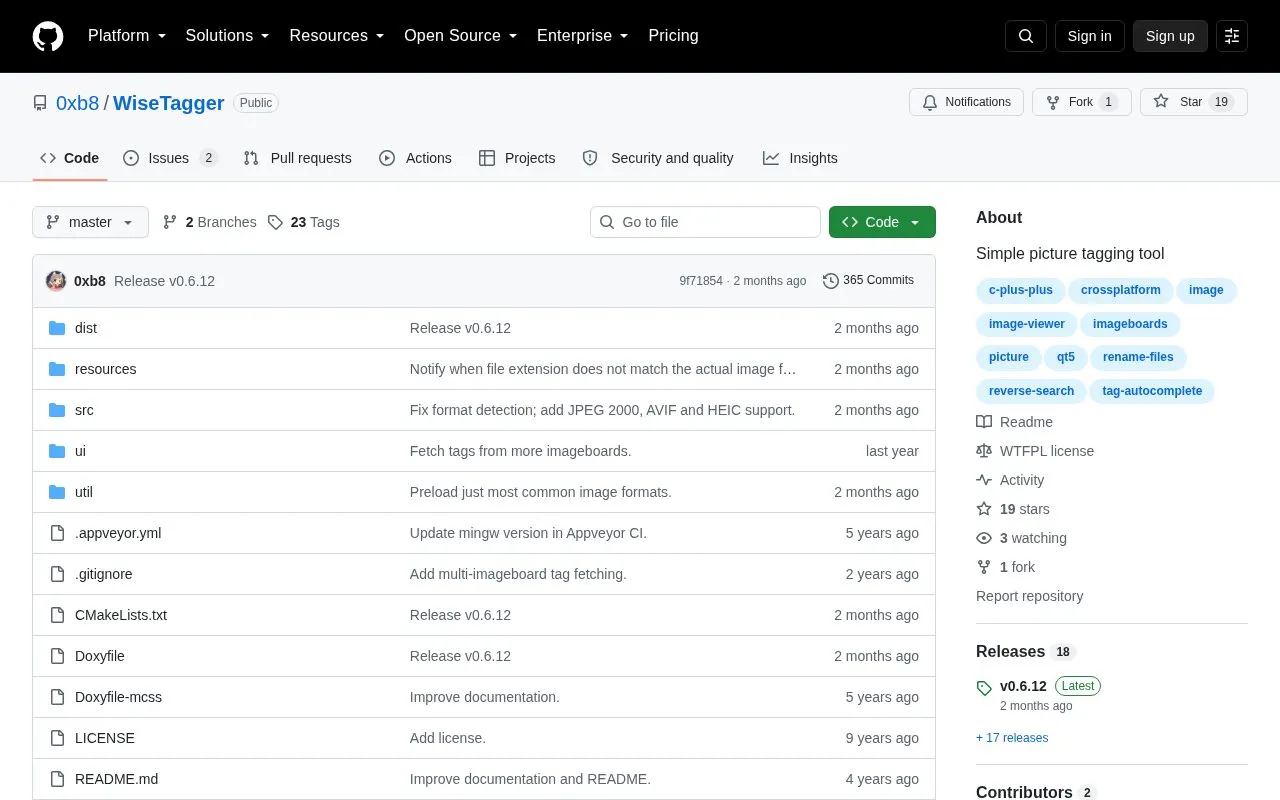
About WiseTagger
WiseTagger is a picture tagging tool hosted as a GitHub repository. It is built with the Qt5 framework, and the project describes it as cross-platform. Tags are suggested from plain text tag files, which can also define rules for replacing, implying, and removing tags.
Beyond autocomplete, the tool can fetch tags from several imageboards, filter the image queue by one or several tags, and run reverse image searches through iqdb.org. Imageboard fetching and reverse search rely on external sites, so those features depend on services outside the tool itself.
Key features
- Tag autocomplete based on plain text tag files
- Tag implication, replacement, and automatic removal rules
- Visual tag classification with custom colors and categories
- Tag fetching from several imageboards
- Image queue filtering by one or several tags
- Reverse image search using iqdb.org
Best for: People who tag large sets of images and want autocomplete and tag rules driven by text files.
Good for
- Described as cross-platform, built on the Qt5 framework
- Tag rules and suggestions are defined in simple plain text files
Watch out for
- Tags may contain only letters, numbers, and limited punctuation
- Autocomplete suggestions follow file order, so sorting requires external tools or editor features
WiseTagger at a glance
- Website
- github.com/0xb8/WiseTagger
- Category
- Online Tools › Image Tools
- Type
- Open-source project
- Pricing
- Not confirmed. Check the site
- Open source
- Not stated
- Language
- English
- Last checked
- Oct 6, 2026 · Online when checked
- Listed
- Oct 5, 2026
Guides for Image Tools

Popular in Image Tools
Well-known listings from the same topic.
CamScannerapps.apple.com/us/app/camscanner-pdf-scanner-a…BeeRefbeeref.orgGreenshotgetgreenshot.orgLightshotapp.prntscr.comnomacsnomacs.orgConverseenconverseen.fasterland.net


WiseTagger FAQ
Where must a tag file be placed for autocomplete to work?
A Normal Tag File or Override Tag File must be placed in the directory containing the pictures or in one of its parent directories. Normal tag files use the suffix .tags.txt, and override tag files use the suffix .tags!.txt.
Which characters are allowed in tags?
Each tag must be on its own line and contain only letters, numbers, and limited punctuation. Quotes, commas, dash signs, and equal signs are not allowed. If a disallowed character is found, it is ignored along with the rest of the line.
Is something wrong or out of date?
Tell us and an editor will check it.
Own this website?
Claim this listing
Claim the listing and suggest updates yourself. An editor checks every claim first.