
Xournalpp
Xournal++ supports handwritten note-taking and PDF annotation on Linux, macOS, and Windows, including pen input from devices such as Wacom tablets.
About Xournalpp
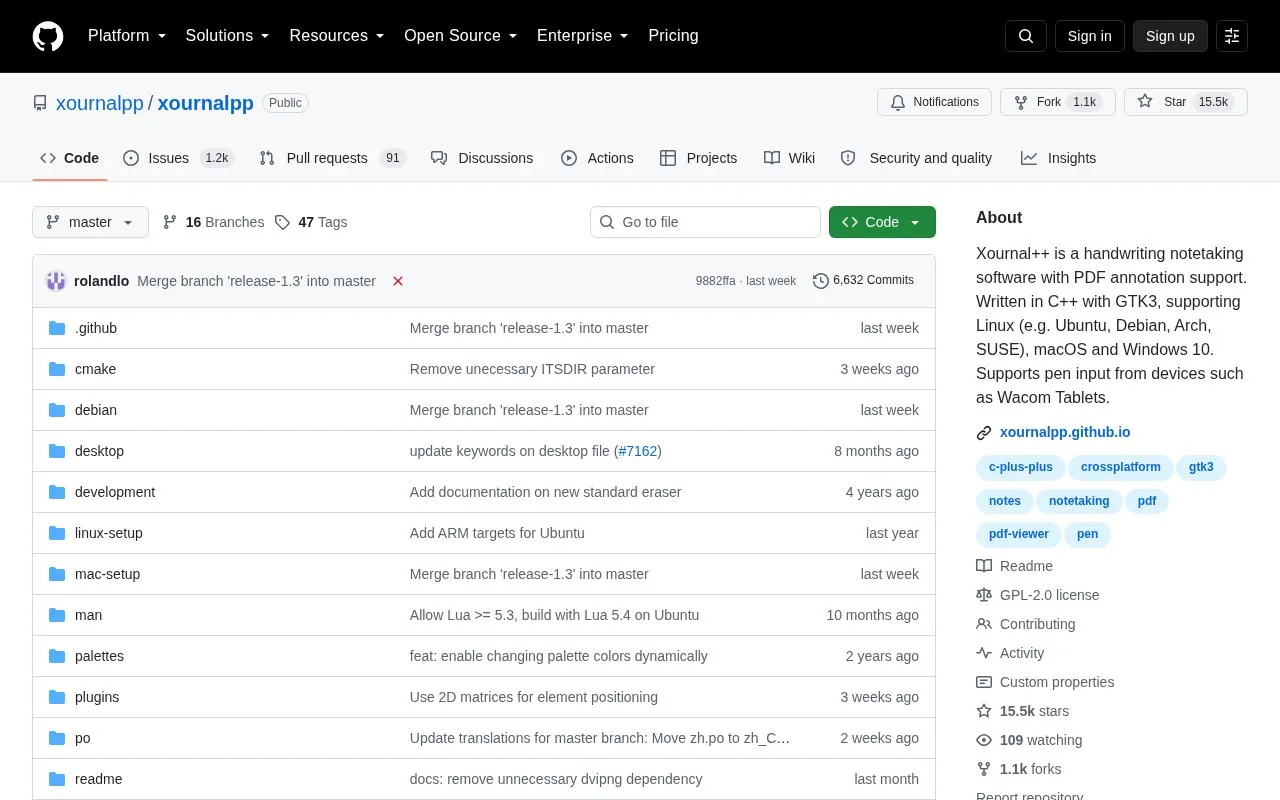
Xournal++ is an open-source handwriting note-taking application with PDF annotation support, written in C++ with GTK3 and available for Linux (including Ubuntu, Debian, Arch and SUSE), macOS and Windows 10. It works with pressure-sensitive styluses and digital pen tablets such as Wacom, Huion and XP Pen devices, and offers paper backgrounds for note-taking, scratch paper or whiteboarding.
On top of a PDF you can select, copy, highlight, underline or strike through background text and follow links in the document. Notes can be exported to formats such as SVG, PNG and PDF, and the project provides official binaries for Debian, Ubuntu, macOS and Windows plus an AppImage for other Linux distributions. Some capabilities depend on your setup: LaTeX support requires a working LaTeX installation, and the official Ubuntu/Debian binaries are compatible only with the specific release named in the file, while the AppImage targets distributions released around or after Ubuntu 22.04.
Key features
- Annotate PDFs and select, copy, highlight, underline or strike through background text
- Pressure-sensitive pen input from Wacom, Huion and XP Pen tablets and styluses
- Export to SVG, PNG and PDF from the GUI or the command line
- Drawing tools, shape drawing, set-square, compass, fill and rotation
- Sidebar with page previews, PDF bookmarks, layers and page sorting
- Lua scripting plugins; LaTeX support requires a working LaTeX installation
Best for: Students, teachers and researchers who handwrite notes and mark up PDFs with a pen tablet on Linux, macOS or Windows.
Good for
- Open source and cross-platform, with official binaries for Debian, Ubuntu, macOS and Windows
- Combines note-taking tools with PDF annotation, layers, audio recording and LaTeX input
- Multi-language support covering over 20 languages, with translations managed on Crowdin
Watch out for
- LaTeX support requires a separate, working LaTeX installation.
- Official Ubuntu and Debian binaries work only with the exact release named in the file; the AppImage targets distributions released around or after Ubuntu 22.04.
Xournalpp at a glance
- Category
- Productivity › Notes & Knowledge Management
- Type
- Open-source project
- Pricing
- Not confirmed. Check the site
- Platforms
- Linux, macOS, Windows
- Open source
- Yes · Source code
- Language
- English
- Last checked
- Oct 6, 2026 · Online when checked
- Listed
- Oct 5, 2026
Guides for Notes & Knowledge Management
Xournalpp alternatives
Tools and sites you could use instead, ranked by how closely they match.

Butterfly supports handwritten note-taking, drawing, and organizing ideas in an open-source endless workspace.
Open source
24 alternatives
VNote is a Qt-based open-source note-taking application that combines note management with editing for Markdown, Typst, plain text and code, mind maps, and PDF reading on Linux, Windows, and macOS.
Open source
24 alternatives
Xournal++ is open-source software for handwritten notes, sketching, and annotation.

Standard Notes is an end-to-end encrypted note-taking app for capturing notes and files, according to its repository description.
Open source
24 alternatives
A fully open source and end-to-end encrypted note taking alternative to Evernote.
Open sourcePick
24 alternatives
SilentNotes synchronizes notes between Android and Windows devices, according to its repository description.
Open source
24 alternativesPopular in Notes & Knowledge Management
Well-known listings from the same topic.
Mirahezemiraheze.orgElephaselephas.appSimplenotesimplenote.comNoteDiscoverynotediscovery.comJumble Journaljumblejournal.orgRecallrecall.it


Xournalpp FAQ
Which operating systems does Xournal++ support?
Linux (for example Ubuntu, Debian, Arch and SUSE), macOS and Windows 10. Official binaries are provided for Debian, Ubuntu, macOS and Windows, and an AppImage is offered for other Linux distributions.
Does it work with a drawing tablet?
Yes. It supports pressure-sensitive styluses and digital pen tablets such as Wacom, Huion and XP Pen devices, and tools and colors can be mapped to stylus or mouse buttons.
Do I need anything extra to use LaTeX in Xournal++?
Yes, LaTeX support requires a working LaTeX installation on your system. It uses a customizable template and a resizable editor with syntax highlighting.
Is something wrong or out of date?
Tell us and an editor will check it.
Own this website?
Claim this listing
Claim the listing and suggest updates yourself. An editor checks every claim first.