

On this page
UptimeRobot vs Uptime Kuma at a glance #
| Factor | UptimeRobot | Uptime Kuma |
|---|---|---|
| Free cost | Hosted Free plan | Free software; hosting separate |
| Free monitor count | 50 | No vendor plan cap |
| Check interval | Free: 5 minutes | Configurable; shorter intervals supported |
| Paid entry | Solo $12/month annually or $13 monthly | No vendor subscription for the software |
| Check types | HTTP, keyword, ping, port, and others by plan | HTTP, TCP, DNS, push, keyword, and others |
| Where checks run | Provider's monitoring infrastructure | Your host/network |
| Status pages | 1 basic page on Free | Self-hosted pages and domain mapping |
| Notifications | Free has 5 integrations; more by tier | Many notification providers configured locally |
| API/integrations | API; webhooks require Team/Scale | Application integrations and notification services |
| History | Free: 3 months | Managed on your installation |
| Open source | Hosted service | MIT-licensed software |
| Maintenance | Provider operates service | You patch and back up the app |
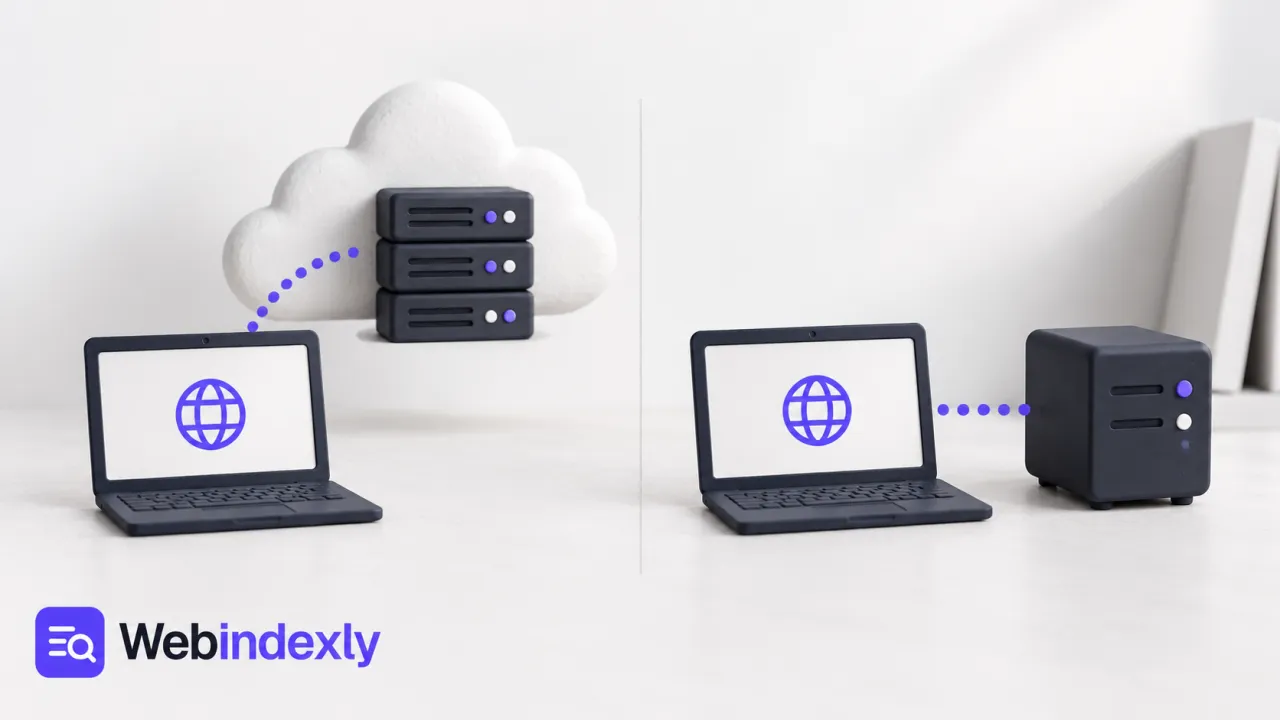
UptimeRobot is a hosted service you create an account for. Uptime Kuma is an application you install. Comparing only the free monitor number hides the biggest difference: who will notice when the monitoring system itself stops working?
Operation: hosted monitoring removes a server job #
UptimeRobot handles its checking infrastructure. You add a monitor, assign alert contacts, and review incidents. For a site owner who already has a long maintenance list, that's a strong reason to choose it. The Free plan covers 50 monitors at five-minute intervals.
Uptime Kuma gives you control over the host and configuration. Its repository documents Docker and other installation options. The application has a dashboard and many check types, but you also inherit updates, backups, application storage, and host availability.
For a small client portfolio, I'd prefer the hosted service unless there is a concrete reason to self-host. For internal services reachable only from your network, Kuma may be the closer match. A public provider can't check an internal address it cannot reach.
Location needs thought in either case. Put a self-hosted monitor on the website's own server and a whole-server outage can take away both the site and the observer. Put it on an unreliable home connection and internet failure can make several healthy public sites look unreachable from that machine.
Winner for low maintenance: UptimeRobot. Winner for control over where checks run: Uptime Kuma.
Check frequency: free limits versus your own capacity #
UptimeRobot Free schedules checks every five minutes. Faster intervals come with paid plans: Solo offers 60-second monitoring, with shorter intervals on higher tiers. That can be enough for a personal or small business site where an owner wants an alert and then investigates.
Uptime Kuma lets you configure shorter intervals without upgrading a vendor subscription. The practical constraint becomes your installation's resources and the load placed on the endpoint. Checking every few seconds isn't automatically a better monitoring plan if nobody reacts to the alert or the monitored service is unnecessarily burdened.
For an example, consider a public home page and a scheduled backup job. The page can use an HTTP check. The job can use a push or heartbeat-style check that expects a report of completion. Those failures have different meanings, so copying the same interval across both can create misleading alerts.
I'd choose the check type before tuning frequency. A quick ping says little about whether a web application renders a working page. The UptimeRobot setup guide shows the HTTP and keyword choices for a website.
For a client site, agree which failures need an immediate response and which can wait for office hours. That policy determines the value of faster checks. A rapid alert about a scheduled maintenance window is still noise if the monitor was never told that the work was expected.
Winner for configurable checks without a subscription upgrade: Uptime Kuma.
Alert routing: read the integration tier before committing #
UptimeRobot's integration overview lists Google Chat, Discord, Pushover, Pushbullet, and Splunk on Free. Solo adds options including Slack, Telegram, Mattermost, and Microsoft Teams. Webhooks, Zapier, and PagerDuty need higher tiers; its webhook help specifies Team and Scale.
This can become the deciding factor for a team. In a March 2026 discussion, a developer described the webhook paywall as the reason to build another solution. If alerts need to create a ticket or call an internal endpoint, compare that tier before adding all the monitors.
Kuma offers many notification services on the self-hosted application. You supply the provider credentials and keep the connections working. There is no software subscription charge for every new notification destination, although the destination itself may charge for service.
I'd also distinguish alert variety from alert reliability. An integration can stop working after someone rotates a token, deletes a chat, or changes permissions. Give the account owner a fallback channel and review the receiving system. A monitor that changes to red without reaching anyone hasn't completed the response workflow.
Winner for notification flexibility without a monitoring subscription tier: Uptime Kuma.
Maintenance: Kuma's active releases still need installing #
Kuma is actively maintained. Its 2.5.5 release in September 2026 fixed a TCP-monitor memory leak. That is good evidence of ongoing work, and a reminder that running a long-lived monitoring application includes updating it.
An upgrade surprise appeared in a November 2025 community thread: the Docker latest tag still pointed at version 1.23.17. The current repository documents the version-2 image tag. An operator who expects the tag name alone to select a new major version can stay on an older release unintentionally.
The project's security advisories also document fixes. I'd keep a current supported version, follow the upgrade instructions, and back up its application data. Public status pages and the administrative interface have different audiences; protect the management access accordingly.
UptimeRobot leaves service patching to the provider. You still maintain monitor URLs and alert contacts, but not the application server. That is why I'd choose hosted operation for an owner who has no time to watch another release feed.
Winner for shifting application maintenance to a provider: UptimeRobot.
What users say #
A September 2026 UptimeRobot pricing discussion described a Solo increase from $8 to $13 month-to-month. The present official price is $13 monthly or $12/month billed annually. The complaint highlights a practical issue: choosing a free service also means considering the first paid step you may need later.
Kuma's latest-tag discussion reflects the opposite burden. The software remains free, but its operator has to know what image is running and how to update it. That work is manageable for a team already maintaining containers; it is less attractive for someone who only wanted a downtime email.
I'd decide from the work your team is willing to own. Paying for a hosted integration can be a reasonable deal if it removes a server task. Running Kuma can be a reasonable deal if that server task fits an existing maintenance routine. The free uptime-monitor shortlist includes other hosted choices between those two extremes.
Choose UptimeRobot if #
- You want to add URLs without operating a monitoring application.
- Its free interval and included alerts cover your first setup.
- You can budget the specific paid tier needed for faster checks or integrations.
- The person responding to incidents is more comfortable with a hosted dashboard.
Choose Uptime Kuma if #
- You already maintain a reliable host for the application.
- Internal network checks or custom monitor settings matter.
- Your alert destinations are better served by its notification providers.
- Someone will handle upgrades, backups, and recovery of the monitor itself.
Alternatives to both #
HetrixTools offers one-minute free checks with an account-activity condition. Better Stack combines uptime with a broader operational account. StatusCake includes a few extra speed and expiry checks on Free. The UptimeRobot alternatives and Uptime Kuma alternatives pages provide more options.
FAQ #
Is Uptime Kuma completely free?
The software is free under the MIT license and doesn't have a vendor monitor-count plan. You supply its host and maintain the application. Server costs, storage, backups, and any paid notification service remain separate. I'd choose it when those operating jobs already fit your team's work.
Does UptimeRobot Free include webhooks?
No. The current webhook documentation requires Team or Scale. Free includes five other integrations, while Solo adds several chat options. Check the integration overview for the destination you need before upgrading, because the first paid plan doesn't automatically include every alert channel.
Which one is better for internal services?
Uptime Kuma is usually the closer match when its host can reach those services. A hosted public monitor needs an endpoint it can access. Place Kuma where it can observe the failure you care about, and avoid exposing an internal service publicly just to make monitoring convenient.
Can either tool prevent an outage?
No. They detect conditions and send notifications. Recovery still needs a person or a carefully designed response process. Check the alert channel, the monitored endpoint, and the incident instructions together; faster checks won't help much if an alert arrives in a chat nobody watches.
Sources #
See UptimeRobot pricing, its integration overview, Kuma's repository, releases, and the dated discussions linked above.
Directory details
| Directory detail | UptimeRobot | Uptime Kuma |
|---|---|---|
| What it is | Monitor websites, SSL certificates, keywords, and cron jobs with UptimeRobot and receive alerts. | Websites and services can be monitored with Uptime Kuma, a self-hosted uptime tool. |
| Website | ||
| Type | Website | Open-source project |
| Topic | ||
| Pricing | Not confirmed | Not confirmed |
| Platforms | Web | Not recorded |
| Open source | Not stated | Yes |
| Language | English | English |
| Alternatives |


