

CRX Downloader lets users download Chrome extensions as CRX or ZIP files for testing or viewing their contents.
78d6c1406c901be02c2d
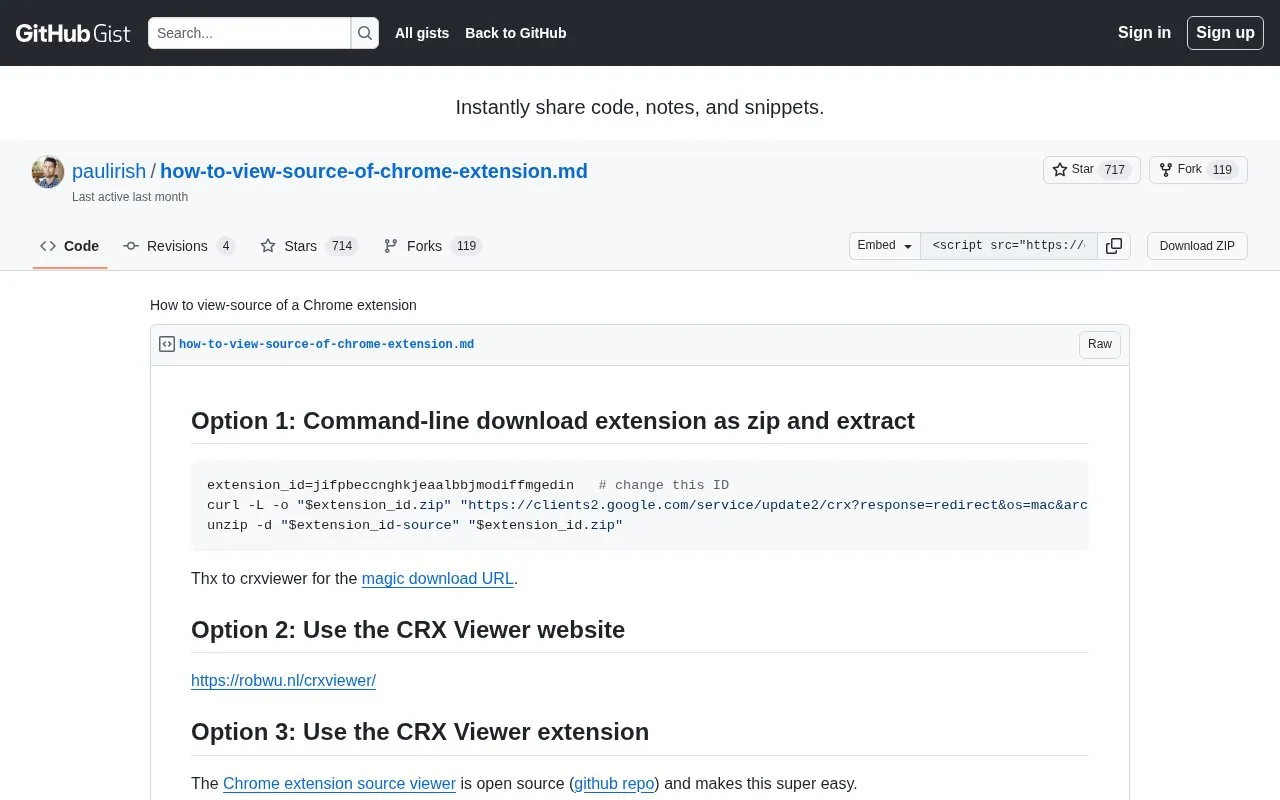
This GitHub Gist contains instructions for viewing the source of a Chrome extension.
About 78d6c1406c901be02c2d
This GitHub Gist provides instructions for viewing the source code of Google Chrome extensions. It outlines three distinct methods: downloading an extension's CRX file via command line and extracting its contents, using the third-party CRX Viewer website, and accessing source files for locally installed extensions through the Chrome user profile directory. The gist also includes guidance for mapping extension IDs to human-readable extension names via manifest.json files.
Key features
- Command-line CRX download and extraction instructions
- Guidance for using the CRX Viewer website
- Steps to access locally installed extension source files
- Instructions to map extension IDs to readable names
Best for: Users who need to inspect the source code of Google Chrome extensions.
Good for
- Provides three distinct methods for accessing Chrome extension source
- Includes steps to map extension IDs to human-readable extension names
- Offers command-line instructions for automated CRX file extraction
Watch out for
- Some extensions may not download full source via the command-line method
- Downloaded CRX files may require renaming to open with standard archive tools
- Instructions are limited to Google Chrome extensions only
78d6c1406c901be02c2d at a glance
- Category
- Software & Utilities › Chrome Extensions
- Type
- Website
- Pricing
- Not confirmed. Check the site
- Platforms
- Browser extension, Web
- Open source
- Not stated
- Language
- English
- Last checked
- Oct 6, 2026 · Online when checked
- Listed
- Oct 5, 2026
78d6c1406c901be02c2d alternatives
Tools and sites you could use instead, ranked by how closely they match.
Save and organize bookmarks with Bookmarkme, a Chrome extension offering collections, tags, visual previews, summaries, and full-text search.

Tab Deck manages browser tabs and groups, letting users save, restore, and organize browsing sessions.

Tablerone organizes browser tabs into saved workspaces and bookmarks for switching between projects.

WebCRX installs and tests local CRX files in Chrome, with permission management.

GoFullPage captures full-page website screenshots and lets users crop, edit, annotate, export, or copy the image.
Popular in Chrome Extensions
Well-known listings from the same topic.
Movie-Subtitlesgithub.com/gignupg/Movie-SubtitlesInfinity New Taben.infinitynewtab.comCrx4Chromecrx4chrome.comSupatabssupatabs.comText Blazeblaze.today


78d6c1406c901be02c2d FAQ
How do I view the source of a Chrome extension installed on my computer?
Access the Extensions subfolder in your Chrome user profile directory: on Windows it is C:\Users\[USER NAME]\AppData\Local\Google\Chrome\User Data\Default\Extensions, and on Mac it is /Users/[USER NAME]/Library/Application Support/Google/Chrome/Default/Extensions. Extension source files are stored in subfolders named with their IDs, and the manifest.json file in each subfolder contains the extension's readable name.
What is an easy way to view Chrome extension source without command line tools?
Use the third-party CRX Viewer website available at https://robwu.nl/crxviewer/.
How can I match a Chrome extension's ID to its name?
Enable Developer Mode on the about:extensions page to see extension IDs, then check the name field in each extension's manifest.json file in the Extensions folder.
Is something wrong or out of date?
Tell us and an editor will check it.
Own this website?
Claim this listing
Claim the listing and suggest updates yourself. An editor checks every claim first.