

Tab Deck manages browser tabs and groups, letting users save, restore, and organize browsing sessions.
Tab Modifier
The Tab Modifier project describes a Chrome extension for changing tab behavior, though its supplied page offers only the broad phrase “Take control of your tabs.”
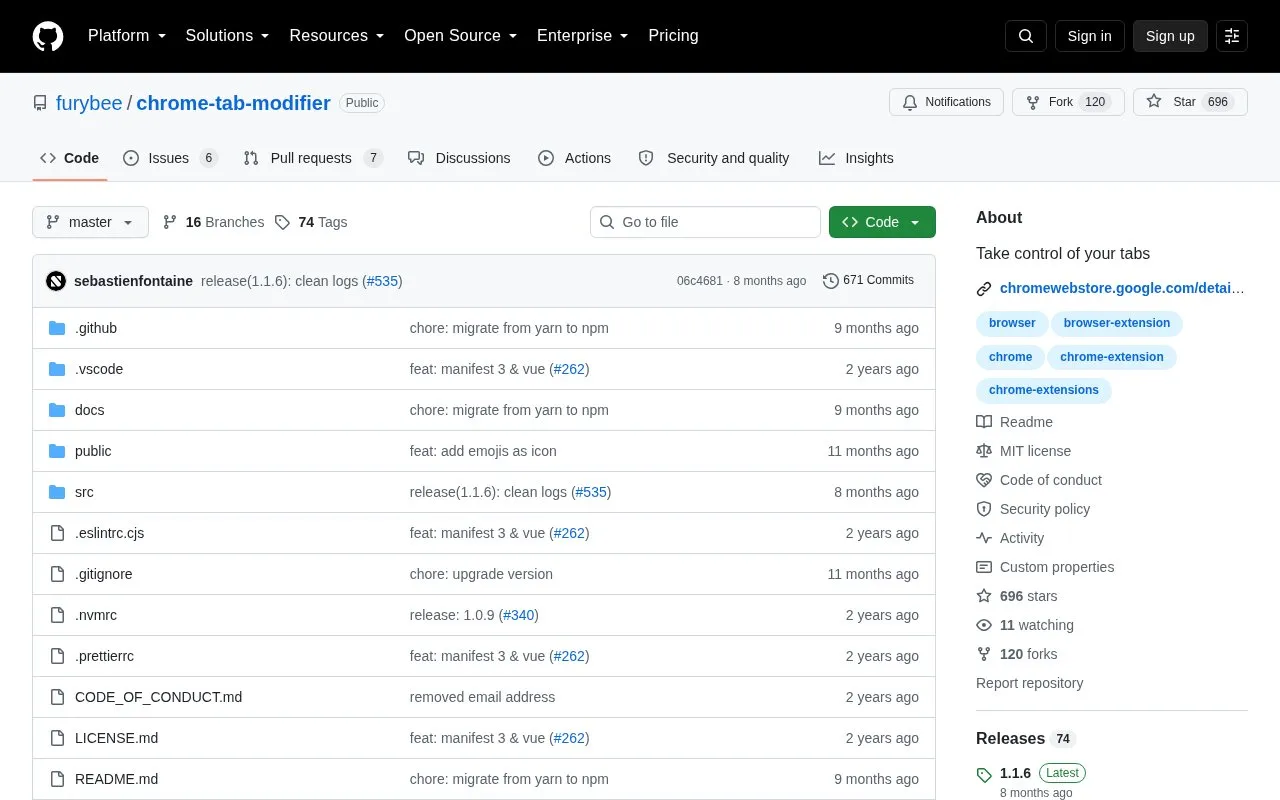
About Tab Modifier
Tab Modifier, referred to as Tabee in its README, is an open-source Chrome extension that changes tab behavior through user-defined URL rules. It can rename tabs, change icons, pin, group, prevent closing, enforce unique tabs and mute tabs. Rules act when a tab is opened or refreshed, using the first matching rule. The README lists install links for Chrome, Arc and Brave, says Opera and Microsoft Edge installs are available soon, and states that Firefox and Safari are not available.
The extension is built around rule-based URL matching, including contains, starts-with and regex matching, with title placeholders. Known limitations include no operation on chrome:// pages, no local file access unless the user opts in, and local icon paths not working. Pricing is not stated.
Key features
- Applies rule-based tab actions matched by URL on tab open or refresh.
- Renames tabs and adds prefixes or suffixes using title placeholders.
- Changes tab icons with preset icons or custom icon links/Data URI.
- Pins, groups, mutes, prevents closing, or enforces unique matched tabs.
- Supports contains, starts-with and regex URL matching, plus URL matchers.
- Quickly renames a tab by right-clicking anywhere on the page.
Best for: Web developers and others who manage multiple similarly named tabs and need to distinguish environments or enforce tab behavior by URL.
Good for
- Open source and rule-based, with actions for renaming, icons, pinning, grouping, muting, unique tabs and preventing closing.
- Compatible with Chromium-based browsers; install links are listed for Chrome, Arc and Brave, with Opera and Edge marked available soon.
- Rule examples cover development environment prefixes, documentation pinning, video muting and GitHub tab details.
Watch out for
- Firefox and Safari are not available.
- Does not operate on chrome:// pages because content scripts cannot be injected there.
- Local file access requires opt-in, and file:// icon paths do not work.
Tab Modifier at a glance
- Category
- Software & Utilities › Chrome Extensions
- Type
- Open-source project
- Pricing
- Not confirmed. Check the site
- Open source
- Yes · Source code
- Language
- English
- Last checked
- Oct 6, 2026 · Online when checked
- Listed
- Oct 5, 2026
Tab Modifier alternatives
Tools and sites you could use instead, ranked by how closely they match.

Tablerone organizes browser tabs into saved workspaces and bookmarks for switching between projects.

Lazy Tabs discards inactive Chrome tabs to reduce memory use and support faster browser startup, according to its project description.
Open source
20 alternatives
Supatabs saves Chrome tabs into a searchable list to organize browsing sessions and reduce memory use.
Freemium
20 alternatives
Switch among recently used Chrome tabs with Quick Tabs, a keyboard-driven selector inspired by IntelliJ IDEA’s Recent Files.
Open source
20 alternatives
Copyfish extracts, copies, and translates text from images, videos, and PDFs through a browser extension for Chrome, Edge, and Firefox.
Open source
20 alternativesPopular in Chrome Extensions
Well-known listings from the same topic.
Movie-Subtitlesgithub.com/gignupg/Movie-SubtitlesInfinity New Taben.infinitynewtab.comCRX Downloadercrx-downloader.comCrx4Chromecrx4chrome.comText Blazeblaze.today


Tab Modifier FAQ
How does Tab Modifier decide which rule to apply?
It acts on the tab URL that matches the first seen rule. The extension checks the URL when a tab is opened or refreshed and applies the rule's actions.
Can I rename a tab without creating a rule?
Yes. Quick rename can be done by right-clicking anywhere on the page and selecting 'Rename Tab'.
Why do some pages or local files not work?
Pages starting with chrome:// are protected and no content script can be injected. Extensions also lack local file access by default; users must opt in to allow access to file URLs.
Is something wrong or out of date?
Tell us and an editor will check it.
Own this website?
Claim this listing
Claim the listing and suggest updates yourself. An editor checks every claim first.