

The Tab Modifier project describes a Chrome extension for changing tab behavior, though its supplied page offers only the broad phrase “Take control of your tabs.”
Open source
20 alternativesSwitch among recently used Chrome tabs with Quick Tabs, a keyboard-driven selector inspired by IntelliJ IDEA’s Recent Files.
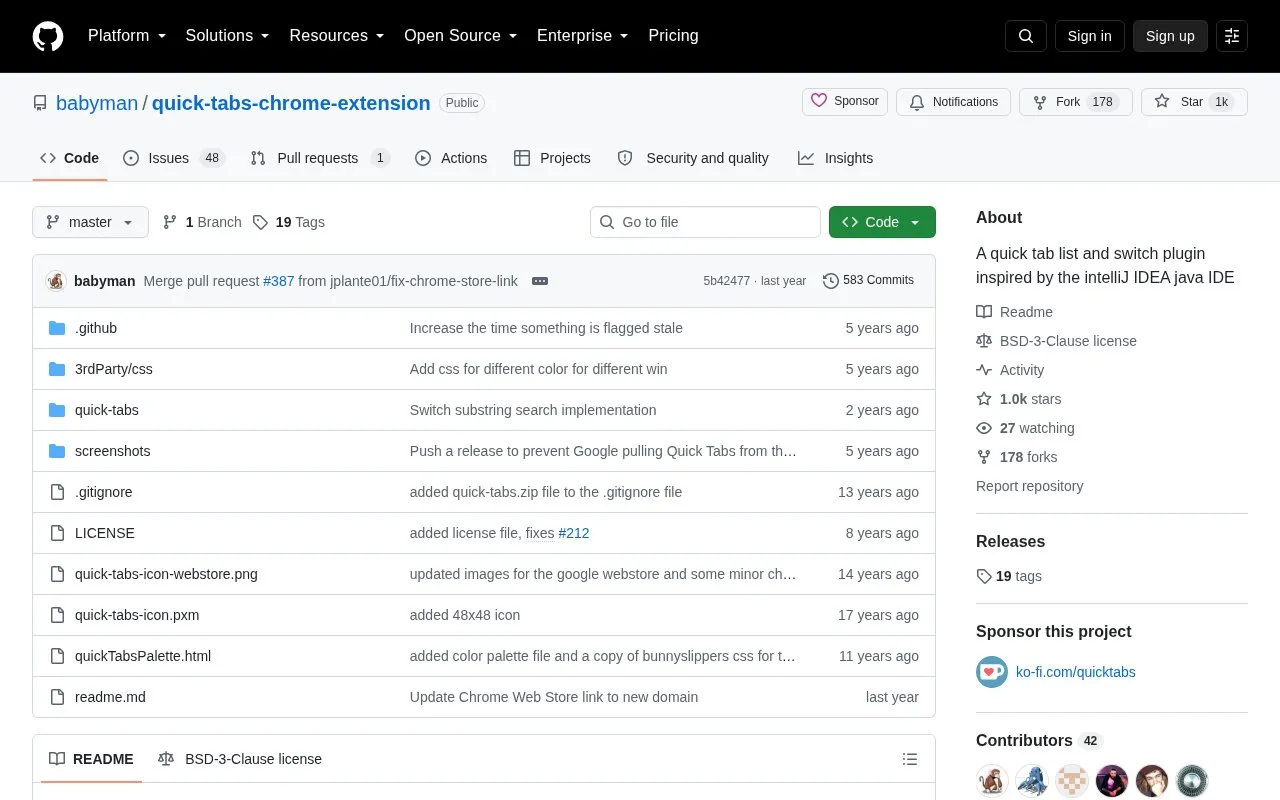
Quick Tabs is a tab-management extension for Google Chrome inspired by IntelliJ IDEA's Recent Files selector. It lists open tabs across all windows in most-recently-used order, excluding the current tab, and lets users switch by typing letters from titles or URLs without using the mouse.
It can also search bookmarks, browser history, and recently closed tabs, and accepts / commands to filter by window, pinned status, or tab group and to close, merge, split, reload, mute, or group tabs. It requires access to browsing history and bookmarks, and several shortcuts are unmapped by default.
Tools and sites you could use instead, ranked by how closely they match.
The Tab Modifier project describes a Chrome extension for changing tab behavior, though its supplied page offers only the broad phrase “Take control of your tabs.”
Copyfish extracts, copies, and translates text from images, videos, and PDFs through a browser extension for Chrome, Edge, and Firefox.
This Chrome extension adds user-provided subtitles to videos on platforms including Disney+, Netflix, and YouTube.
Tablerone organizes browser tabs into saved workspaces and bookmarks for switching between projects.
Linkclump Plus opens multiple links at once through a Chrome extension maintained as a fork of Linkclump.
Tab Deck manages browser tabs and groups, letting users save, restore, and organize browsing sessions.
Well-known listings from the same topic.
Tell us and an editor will check it.
Claim the listing and suggest updates yourself. An editor checks every claim first.


