

This browser extension tracks time, analyzes browsing habits, and can block selected sites.
Open source
14 alternativesActivityWatch tracks how users spend time on their devices through an open-source, local-first app.
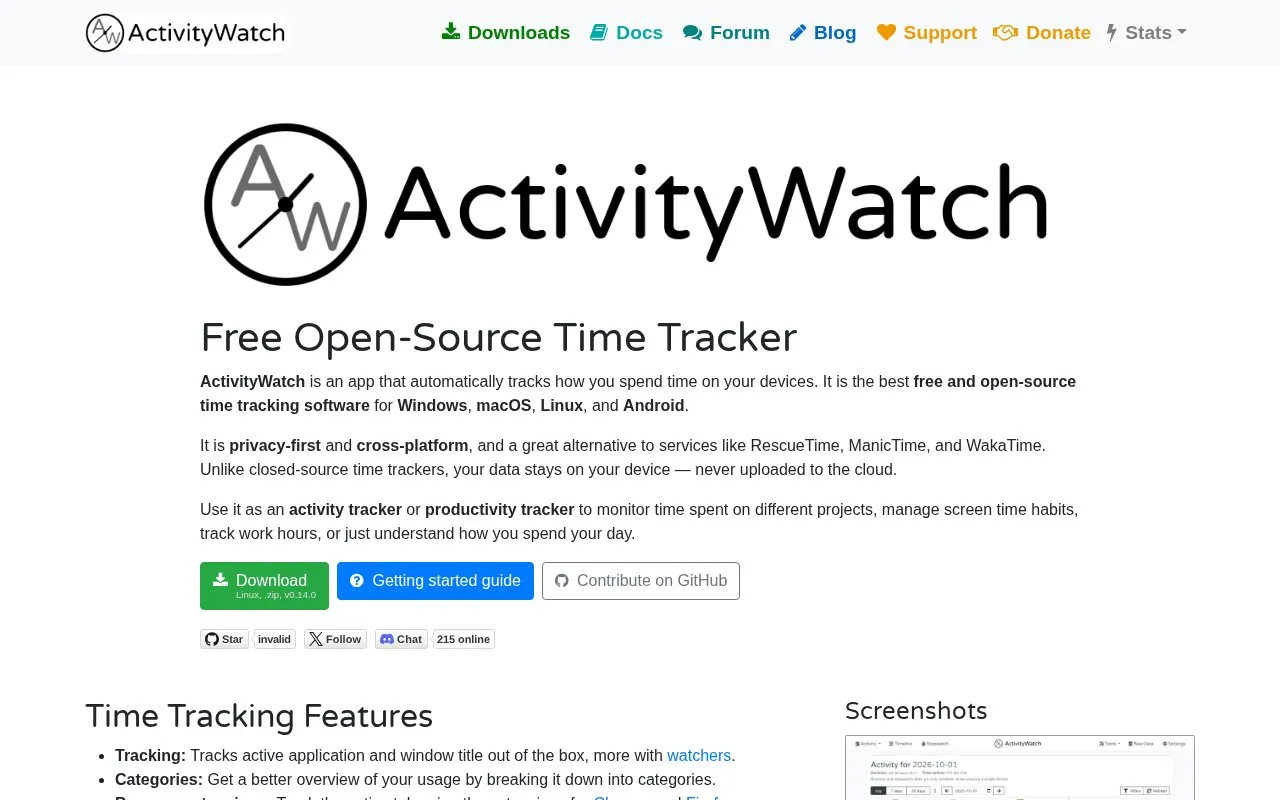
ActivityWatch is a time tracking app that automatically records which applications and window titles are in use on a device. With browser extensions for Chrome or Firefox, it can also track the active tab, and with editor watchers it can track time spent writing code. Users can group usage into categories and use the results to follow time spent on projects, screen time, and work hours. The homepage says the app stores its data on the user's device and does not upload it to the cloud. It also describes the software as open-source, licensed under MPL-2.0.
Several limits are stated on the homepage. Synchronization between devices is listed as still in development. Browser tab tracking is described only for Chrome and Firefox. macOS version and architecture support varies by release. The homepage mentions optional ActivityWatch Pro subscriptions starting at $5/month, but it does not say which features those plans include. Setup involves installing the application, confirming that it is running in the system tray, and opening the interface at localhost:5600 in a browser.
Tools and sites you could use instead, ranked by how closely they match.
This browser extension tracks time, analyzes browsing habits, and can block selected sites.
Ui.Vision RPA builds reusable browser and desktop macros, with automation, OCR, and AI and MCP options.
uBlacklist blocks selected websites from appearing in Google search results.
FocusTube blocks YouTube Shorts, Instagram Reels, TikTok, Facebook Reels, and LinkedIn feeds.
Combine task lists with time tracking, timeboxing, and focus tools in this offline-capable app.
WHPH combines task management, habit tracking, and time planning, according to its product page.
Well-known listings from the same topic.
Tell us and an editor will check it.
Claim the listing and suggest updates yourself. An editor checks every claim first.


