

SafeSpace stores information in app-specific internal storage, with the project providing an Android APK for installation.
Open source
18 alternativesStore Android app data in a private secondary location with Aer, a fork focused on external storage support.
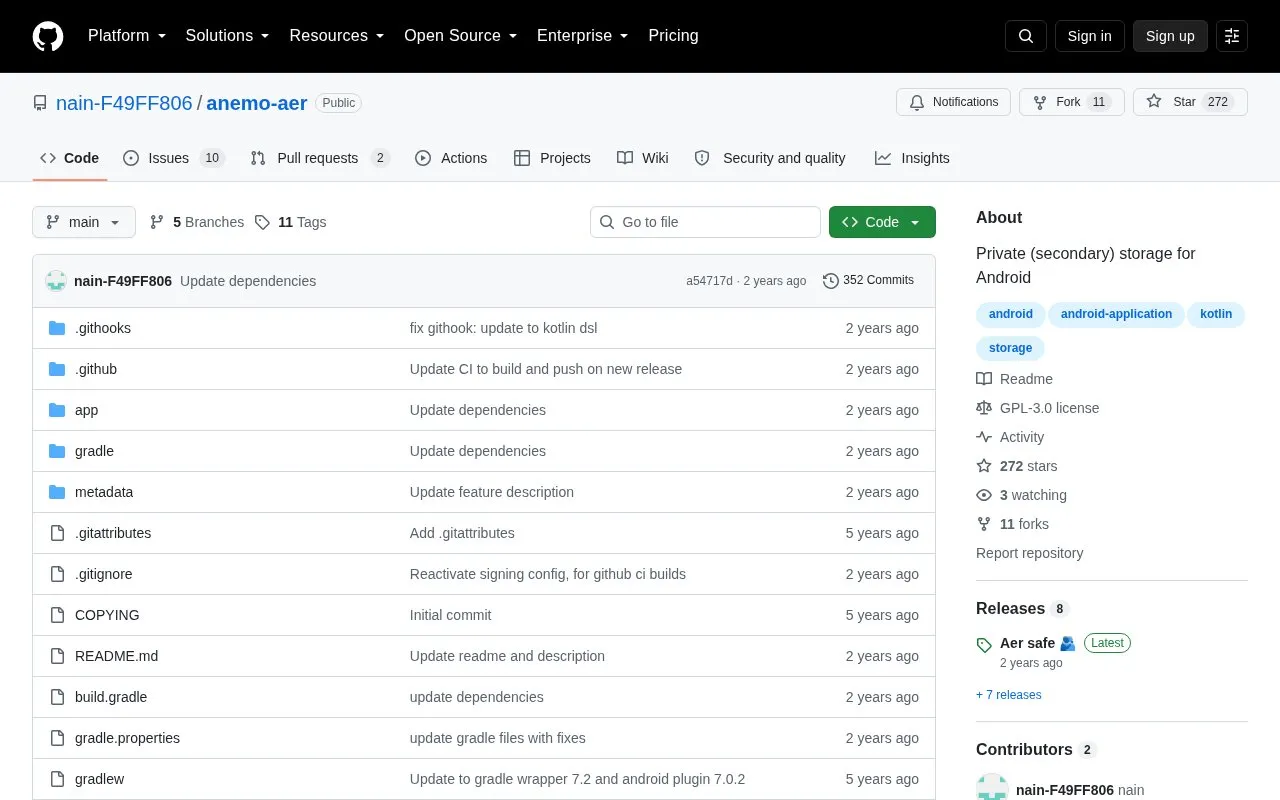
Aer is a private local storage utility for Android and a fork of Anemo. It focuses on using the app's private location on external storage such as an SD card, and falls back to internal storage when no external storage exists.
It works through Android system components rather than as a separate file manager interface, and can save content exported from other apps. Files in its private storage do not appear in other apps, and access is provided through the system Files app with password locking options.
Tools and sites you could use instead, ranked by how closely they match.
SafeSpace stores information in app-specific internal storage, with the project providing an Android APK for installation.
Protect Android apps and sensitive data with AppLock, an open-source app locker.
Hide private files and apps on Android with Amarok-Hider, a lightweight privacy tool.
Private DNS Quick Toggle adds an Android quick settings tile for switching between private DNS providers, with support for multiple providers.
Tarnhelm cleans shared links, with project information and a Play Store listing linked from its repository.
PermissionManagerX lets Android users view, set, and monitor manifest permissions and AppOps through an extended permission manager.
Well-known listings from the same topic.
Tell us and an editor will check it.
Claim the listing and suggest updates yourself. An editor checks every claim first.


