

Store Android app data in a private secondary location with Aer, a fork focused on external storage support.
Open source
18 alternativesProtect Android apps and sensitive data with AppLock, an open-source app locker.
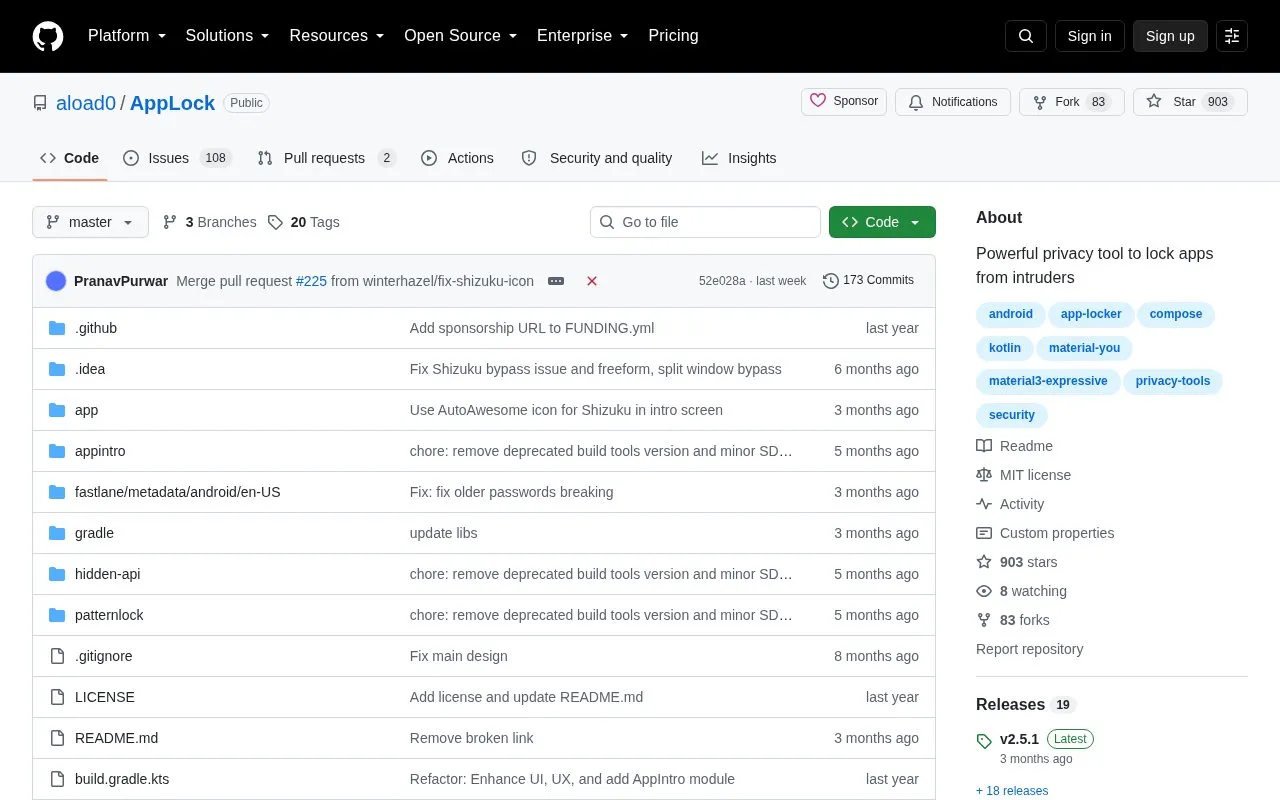
AppLock is an open-source Android app locker that locks selected apps behind biometric or PIN authentication. It supports fingerprint, face unlock, and PIN, with one-tap locking, an unlock timeout, real-time background protection, and anti-uninstall protection for user apps. No root is required, and the project states that all data stays on the device.
The app is distributed via F-Droid, IzzyOnDroid, and GitHub Releases. Installation or updates may be blocked by Google Play Protect because the app uses overlay permission.
Tools and sites you could use instead, ranked by how closely they match.
Store Android app data in a private secondary location with Aer, a fork focused on external storage support.
SafeSpace stores information in app-specific internal storage, with the project providing an Android APK for installation.
Rethink is an Android client for DNS over HTTPS, DNS over Tor, and DNSCrypt, with a WireGuard proxifier, firewall, and connection tracker.
PermissionManagerX lets Android users view, set, and monitor manifest permissions and AppOps through an extended permission manager.
TrackerControl for Android monitors and controls trackers and ads, with the project source code hosted on GitHub.
Use this open-source Android client to connect through the Secure Socket Tunneling Protocol (MS-SSTP).
Well-known listings from the same topic.
Tell us and an editor will check it.
Claim the listing and suggest updates yourself. An editor checks every claim first.


