

AnnotateWeb
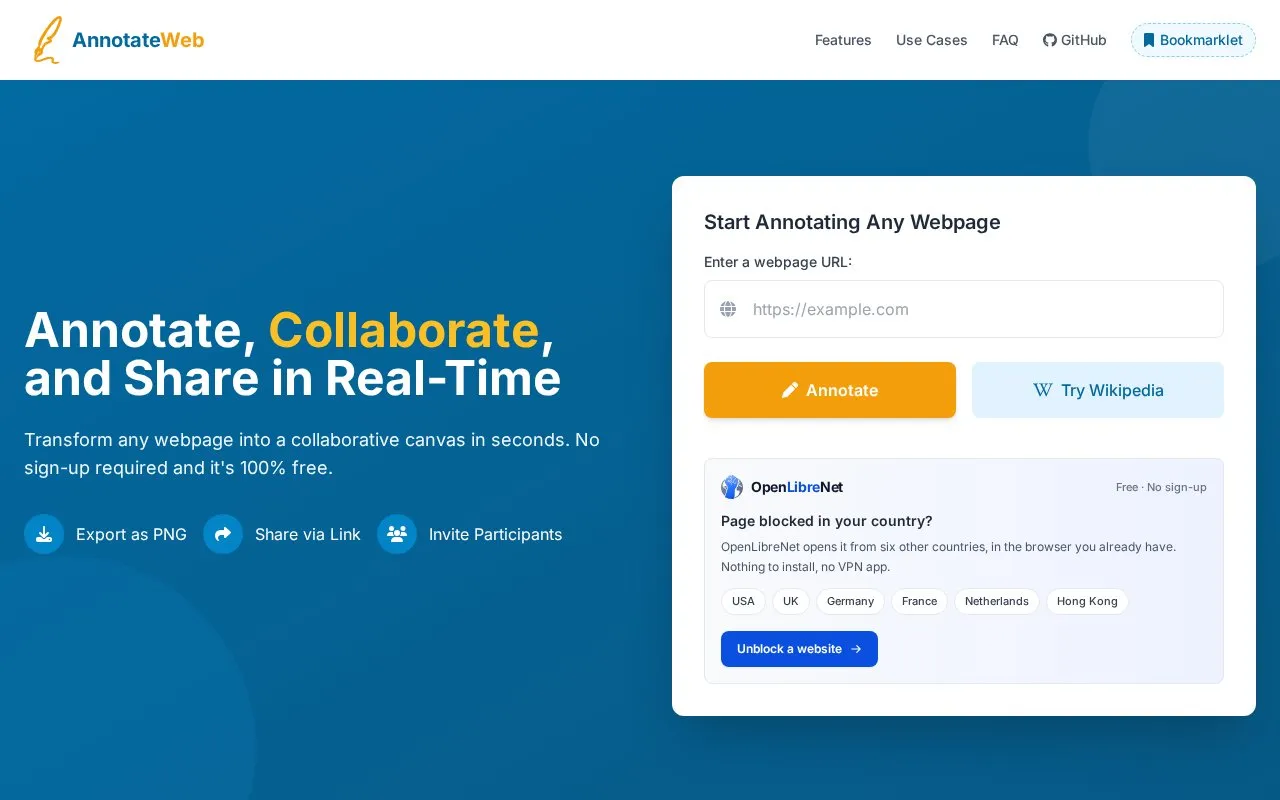
AnnotateWeb turns webpages into collaborative canvases where users can add annotations, share links, collaborate live, and export PNGs.
About AnnotateWeb
AnnotateWeb is a free web tool for marking up public webpages. A user enters a page URL, adds highlights, shapes, and text on top of the live page, and shares a link so others can view the session in real time. The annotated page can also be exported as a PNG image. No account or installation is required, according to the homepage.
The homepage says sessions are private and accessible only through their unique link. It also says annotations are deleted automatically after 2 minutes of inactivity, and that share links are permanent. The homepage does not explain how these two statements fit together, so users should not assume that annotations or sessions persist. The tool works on most public websites. Sites with strict security policies or complex JavaScript frameworks may have limited function.
Key features
- Highlighter, line, circle, and square tools for marking up webpages
- Multiple color options for annotations
- Text annotations placed directly on a webpage
- Shareable link that invites others into a live annotation session
- Live session viewing for collaborators
- Export as PNG, either the visible area or the whole page
Best for: Designers, developers, educators, students, researchers, and marketing teams that need visual feedback on public web pages without creating accounts or installing software.
Good for
- Free to use, with no sign-up or installation required, according to the homepage
- Annotates the live, scrollable page rather than a static screenshot
- Export options include the visible area or the whole page
Watch out for
- Works on public URLs; the homepage describes it as working on most public websites
- Some websites with strict security policies or complex JavaScript frameworks may have limited function
- Annotations are deleted automatically after 2 minutes of inactivity, so PNG export is the stated way to keep work
AnnotateWeb at a glance
- Website
- annotateweb.com
- Type
- Online tool
- Pricing
- Free
- Platforms
- Web
- Open source
- Not stated
- Language
- English
- Last checked
- Oct 6, 2026 · Online when checked
- Listed
- Oct 5, 2026
Guides for Screen Recording & Streaming Tools
AnnotateWeb alternatives
Tools and sites you could use instead, ranked by how closely they match.

StreamElements provides live streaming tools such as overlays, tipping, chatbots, alerts, merchandise, and stream integrations.
FreePick
24 alternatives
Shar.ec records a screen and provides a downloadable recording or a link for sharing it.

Streamer.bot connects live stream automation with Twitch, YouTube, Kick, OBS Studio, Streamlabs, and other services.

TikFinity adds interactive widgets to TikTok LIVE, including sound alerts and text-to-speech features.

Owncast is free, open source software for running a live video and web chat server with existing broadcasting software.
Open source
24 alternatives
StreamRecorder records live streams from 19 platforms automatically through a browser-based service that requires no installation.
Popular in Screen Recording & Streaming Tools
Well-known listings from the same topic.
Streamlabsstreamlabs.comAwesome Streaminggithub.com/juancarlospaco/awesome-streaming-to…VDO.Ninjavdo.ninjaFFmpegffmpeg.orgScreenRECscreen-rec.vercel.app


AnnotateWeb FAQ
How do I invite others to collaborate?
After starting a session, the user receives a unique URL to share by email, messaging apps, or other methods. Collaborators who open the link join the session in real time and see annotations as they are added.
Does it work on all websites?
The homepage says it works on most public websites. Sites with strict security policies or complex JavaScript frameworks may have limited function.
Can I save my annotations?
Yes. The annotated webpage can be exported as a PNG image at any time, which can be used in reports or presentations.
Is something wrong or out of date?
Tell us and an editor will check it.
Own this website?
Claim this listing
Claim the listing and suggest updates yourself. An editor checks every claim first.