
Apple Photos
Apple’s photo library and editing application, with subject selection and sharing features on supported systems.
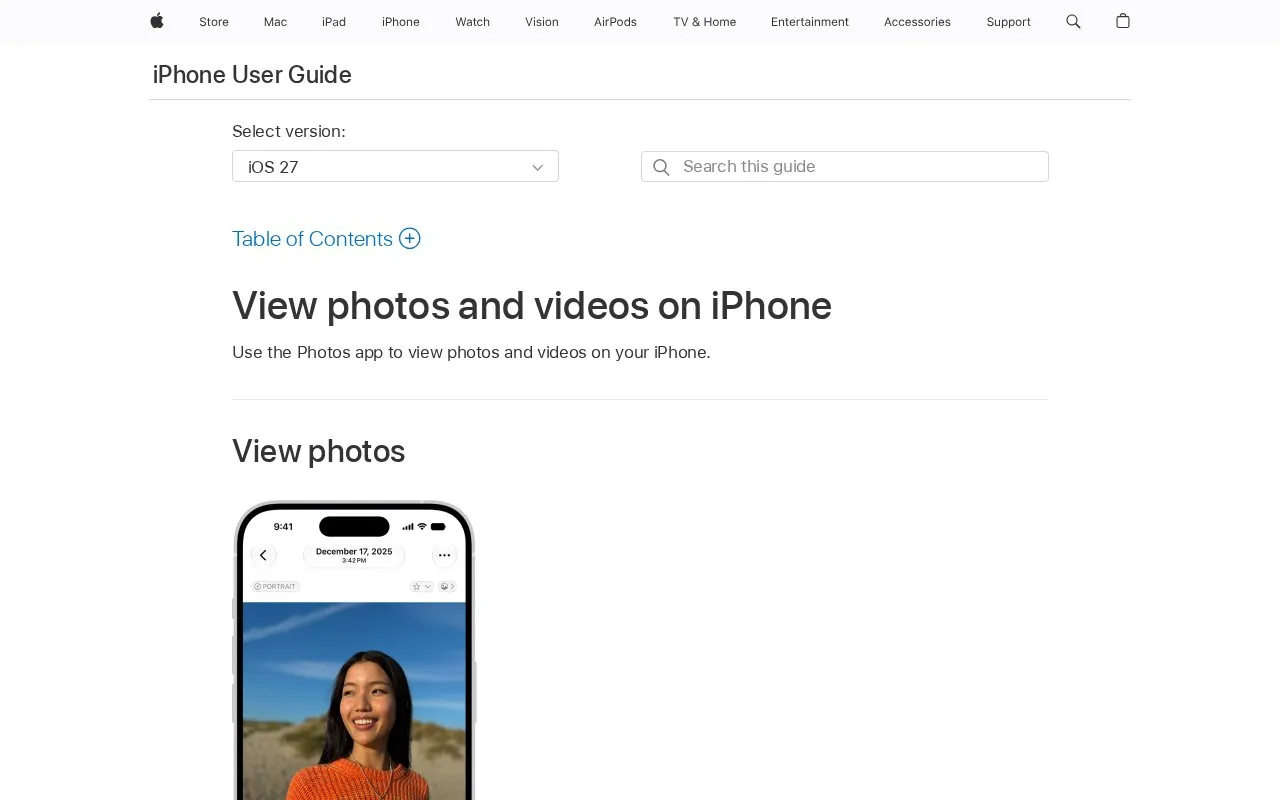
About Apple Photos
Apple Photos is Apple's photo library and editing application. It organizes and stores photos and videos, provides editing tools on macOS, and can move photos between devices. Search can find people, places, objects, and events. The official Apple support page describes these features and gives help topics for taking, editing, transferring, and organizing photos.
Syncing across devices depends on iCloud Photos. Using iCloud Photos keeps photos and videos stored in iCloud and up to date on iPhone, iPad, Mac, Apple TV, and iCloud.com. Users who do not want iCloud can transfer photos manually with Finder. Subject selection is available only on supported systems. The source does not list system requirements, storage amounts, or iCloud plan details.
Key features
- Subject selection on supported systems
- Editing tools built into Photos for macOS
- iCloud Photos sync across Apple devices and iCloud.com
- Manual library sync using Finder
- Advanced search by people, places, objects, and events
- Moving the Photos library to an external drive on Mac
- Editing tools are built into Photos for macOS.
- iCloud Photos can keep the library up to date across several Apple devices.
- Advanced search can find people, places, objects, and events.
- Subject selection is available only on supported systems.
- Some editing and extension features are described specifically for macOS.
Apple Photos at a glance
- Website
- support.apple.com/photos
- Category
- Design & Creative › Image Creation & Editing
- Type
- Online tool
- Pricing
- Free
- Open source
- Not stated
- Last checked
- Oct 9, 2026 · Online when checked
- Listed
- Oct 9, 2026
Popular in Image Creation & Editing
Well-known listings from the same topic.


Apple Photos FAQ
Can I move my Photos library to an external drive?
Can I sync photos without using iCloud?
Can I add third-party tools to Photos?
Tell us and an editor will check it.
Claim the listing and suggest updates yourself. An editor checks every claim first.