

ArmorPaint is software for 3D PBR texture painting, with its development repository and manual available on GitHub.
Armorpaint
Paint physically based textures on 3D models with ArmorPaint, a 3D texture painting application.
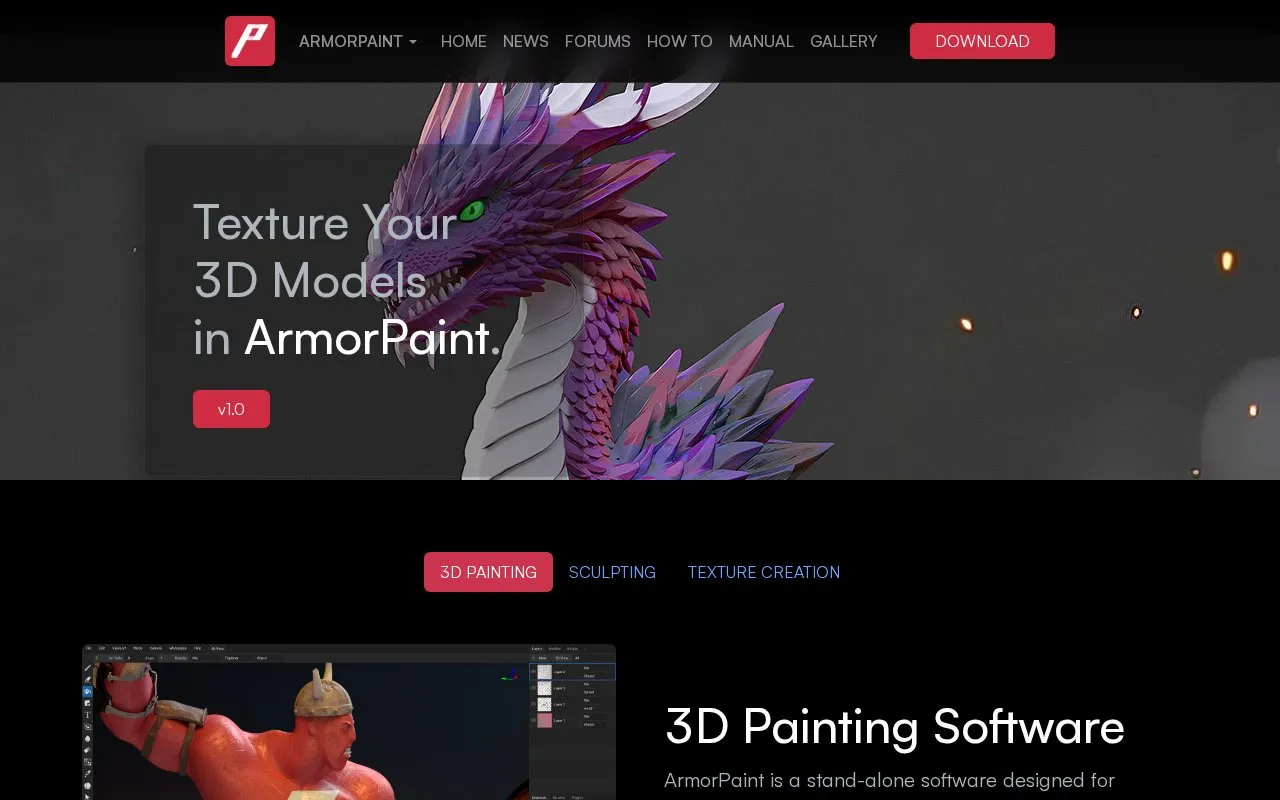
About Armorpaint
ArmorPaint is a stand-alone application for physically based rendering (PBR) texture painting on 3D models. Users drag and drop a model into the program and see the results in the viewport as they paint. Painting uses node-based procedural materials and brushes, and textures can be baked from high-poly models and exported to disk as PBR maps. The homepage lists plugins for Blender, Unreal Engine, and Unity that integrate ArmorPaint with existing 3D software.
The homepage says ArmorPaint runs on Windows, Linux, macOS, iOS, and Android. On desktop it is described as portable, requiring no installation, with a download under 10MB. Neural node processing is stated to run locally on the user's device, and no internet connection is needed once AI models are downloaded. A minimum of 6GB of video memory is recommended. Sculpting is listed as in development, and 16K texture painting is described as requiring a high-end graphics card.
Key features
- Node-based procedural materials, fill layers, and brushes
- GPU-accelerated painting with up to 16K textures on high-end cards
- Hardware-accelerated ray-traced baking of texture maps for high-poly models
- Path-traced viewport rendering with Direct3D12, Vulkan, and Metal
- Live-link plugins for Blender, Unreal Engine, and Unity
- Create textures from text prompts or photos; extract PBR maps from photos
Best for: Artists who paint physically based textures on 3D models and want to work alongside Blender, Unreal Engine, or Unity.
Good for
- Neural node processing runs locally, and no internet connection is needed once models are downloaded.
- The desktop version is described as portable, with no installation and a download under 10MB.
- The homepage lists support for Windows, Linux, macOS, iOS, and Android.
Watch out for
- Sculpting is listed as in development.
- 16K texture painting is described as requiring a high-end graphics card.
- A minimum of 6GB of video memory is recommended for neural node processing.
Armorpaint at a glance
- Website
- armorpaint.org
- Category
- Design & Creative › 3D, CAD & Motion
- Type
- Online tool
- Pricing
- Not confirmed. Check the site
- Platforms
- Web
- Open source
- Not stated
- Language
- English
- Last checked
- Oct 6, 2026 · Online when checked
- Listed
- Oct 5, 2026
Armorpaint alternatives
Tools and sites you could use instead, ranked by how closely they match.

Fast3D generates 3D models from text prompts or images, with material and texture generation.
Free trial
9 alternatives
CadNav offers downloadable 3D and CAD models, printable assets, textures, and graphics objects across furniture and other categories.

BumpMesh adds displacement textures to STL, OBJ, and 3MF models in the browser, then exports printable textured meshes locally.
Tripo Studio generates 3D models from text or images and lists tools for segmentation, texturing, rigging, and retopology.

Tripo Studio creates 3D models from text or images and lists tools for segmentation, texturing, rigging, and retopology.
Popular in 3D, CAD & Motion
Well-known listings from the same topic.
NASA 3D Resourcesscience.nasa.gov/3d-resourcesDesignConnecteddesignconnected.comAwesome Blenderawesome-blender.netlify.appWavelrywavelry.vercel.appJerrari Designjerrari3d.comAssemblrassemblrworld.com


Armorpaint FAQ
Does AI processing require an internet connection?
The homepage says neural node processing is done locally on the user's device. Once AI models are downloaded, an internet connection is not required.
How large is the desktop download?
The homepage states that the desktop application has a download size of less than 10MB.
Is sculpting available yet?
The homepage describes sculpting as in development and says all tools from the paint workflow will be available for sculpting.
Is something wrong or out of date?
Tell us and an editor will check it.
Own this website?
Claim this listing
Claim the listing and suggest updates yourself. An editor checks every claim first.