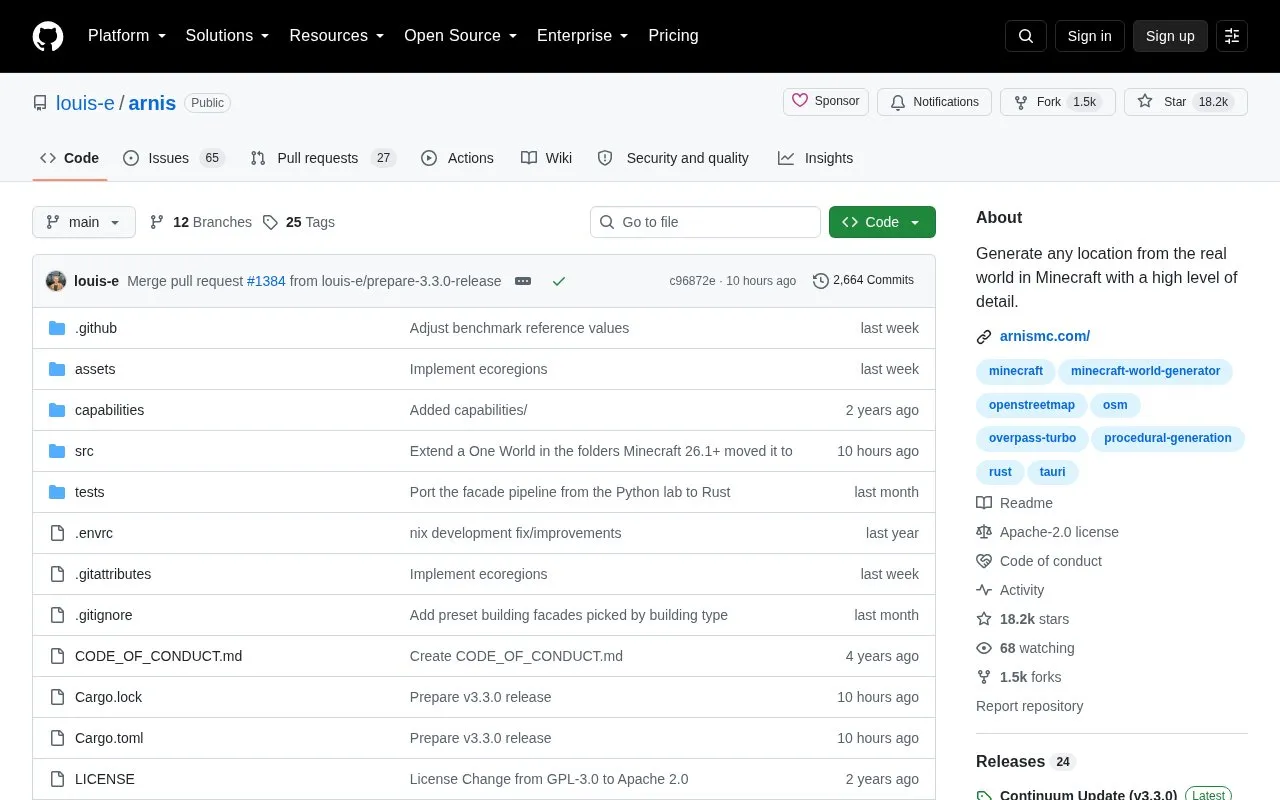
Arnis generates Minecraft Java Edition (1.17+), Bedrock Edition, and Luanti (Minetest) worlds from real-world geography. It processes OpenStreetMap data and elevation data to recreate terrain, buildings, roads, and other objects.
Users select an area with the rectangle tool, choose a Minecraft world, and start generation, with settings for world scale, spawn point, building interiors, and generation modes. Use requires downloading a release or compiling the project, and the GitHub page and arnismc.com are stated as the only official sources.
Key features
Converts real-world locations into Minecraft worlds from map selection
Builds terrain from elevation data with OpenStreetMap buildings and roads
Offers rectangle tool to choose generation area on map
Customizes world scale, spawn point, and building interiors
Provides geo-terrain, geo-only, and terrain-only generation modes
Extends one persistent Java world across multiple generation runs
Best for: Minecraft players who want to recreate real hometowns, cities, and landscapes in-game.
Good for
Open source with code and documentation available on GitHub
Combines OpenStreetMap objects with elevation data for terrain and buildings
Supports customization of scale, spawn point, and building interior generation
Watch out for
Requires downloading a release or compiling the project to run
One World mode fixes scale, terrain mode, and build height after first run, with rotation off