
Bada
Bada implements Android Quick Share without a dependency on Google Mobile Services, enabling file sending and receiving through the sharing feature.
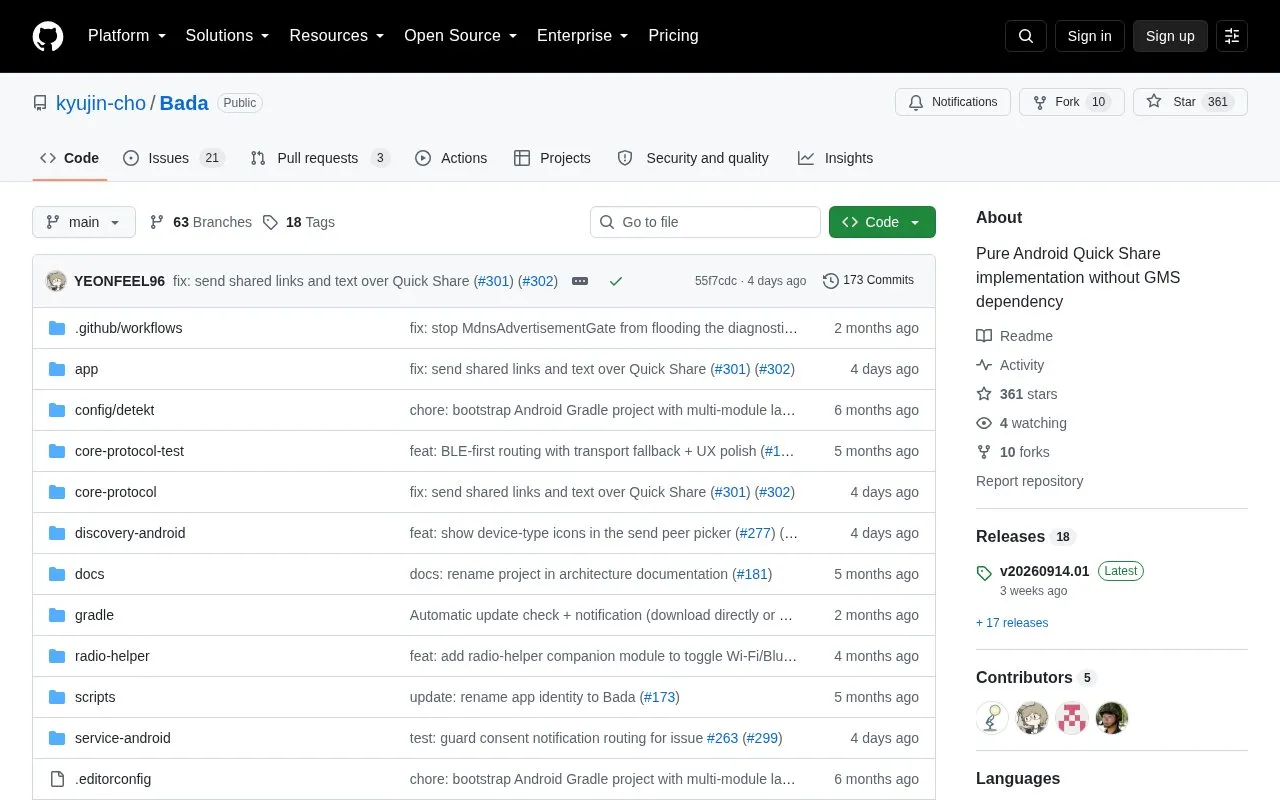
About Bada
Bada is an Android app for sending and receiving files with Quick Share and Nearby Share peers. Its protocol implementation does not use Google Play Services. It is described as an early project. The app supports Android 7.0 or newer and is installed from a signed APK on GitHub Releases or built from source.
In the current builds, Bada works with stock Android Quick Share devices in two modes: same-LAN shared Wi-Fi, which needs both devices on the same SSID or VLAN with mDNS multicast allowed, and Wi-Fi Direct, which does not require a shared network. The project states that AirDrop, AWDL, iPhone discovery and Apple-side interop are out of scope. NearDrop on macOS and Quick Share on Windows are listed as not tested.
Key features
- Receives files from nearby stock Quick Share senders over same-LAN Wi-Fi or Wi-Fi Direct
- Saves received files to the Downloads folder or to a folder chosen in the app
- Sends files from Android's system share sheet to stock Quick Share peers
- Sends whole folders while preserving the folder layout on the receiving device
- Shows a 4-digit confirmation PIN for each transfer before completion
- Lets users choose the device name shown to Quick Share senders
- The protocol implementation does not depend on Google Play Services
- Supports both same-LAN shared Wi-Fi and Wi-Fi Direct modes in current builds
- Stock Pixel and Samsung Quick Share devices are listed as supported for sending and receiving
- The project describes itself as early, so behavior may change
- AirDrop, AWDL, iPhone discovery and Apple-side interop are out of scope
- NearDrop on macOS and Quick Share on Windows are listed as not tested
Bada at a glance
- Website
- github.com/kyujin-cho/Bada
- Category
- Mobile Apps › Android Utility Apps
- Type
- Open-source project
- Pricing
- Not confirmed. Check the site
- Platforms
- Android, iOS, macOS, Windows
- Open source
- Not stated
- Language
- English
- Last checked
- Oct 6, 2026 · Online when checked
- Listed
- Oct 5, 2026
Popular in Android Utility Apps
Well-known listings from the same topic.


Bada FAQ
Can Bada send files to iPhones?
Do both devices need to be on the same Wi-Fi network?
Where are received files saved?
Tell us and an editor will check it.
Claim the listing and suggest updates yourself. An editor checks every claim first.