BehindTheOverlay

Behind The Overlay is a Chrome and Firefox extension that closes website overlays with one button.

github.com/NicolaeNMV/BehindTheOverlay
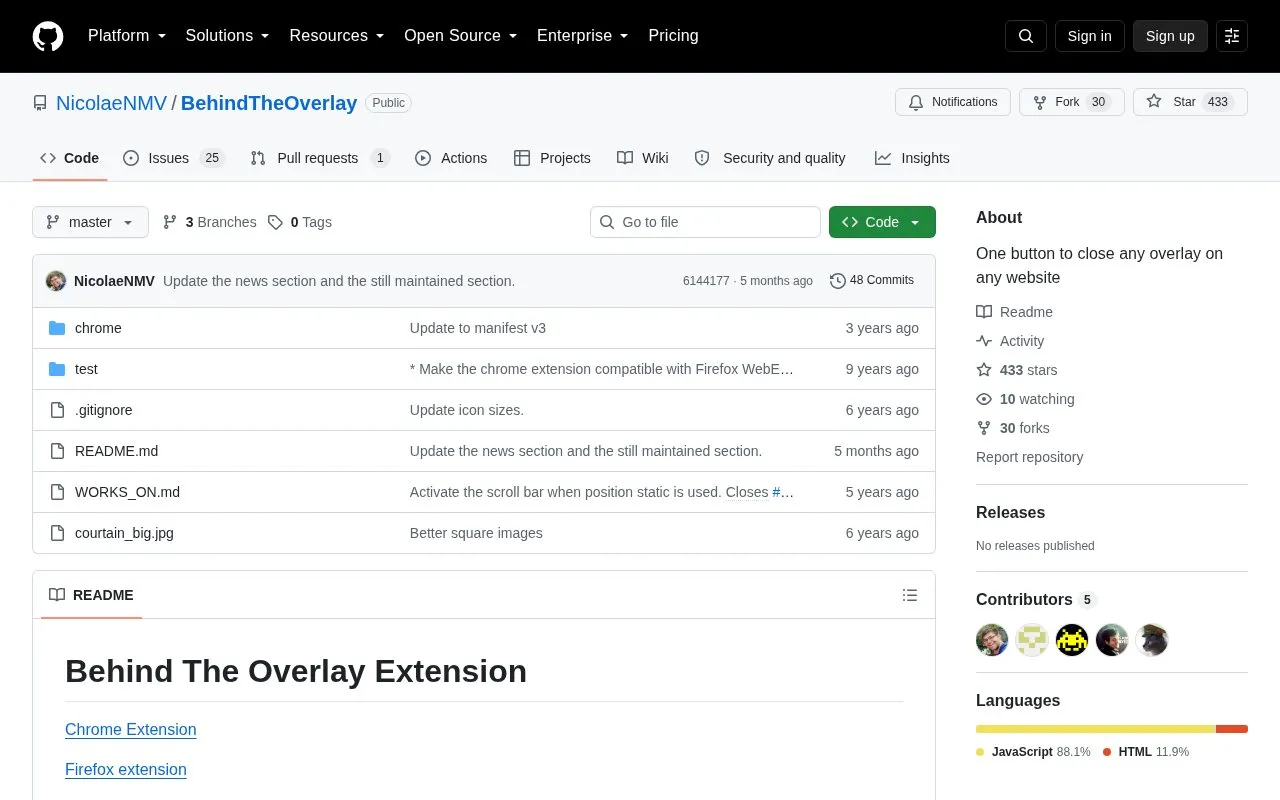
BehindTheOverlay homepage screenshot

About BehindTheOverlay

Behind The Overlay is a lightweight browser extension for Chrome and Firefox that closes website overlays with a single click. It removes forced overlay popups that block access to page content, and also restores page scrolling when overlay scripts disable it. The extension only runs when its button is clicked, so it does not impact normal browsing performance.

Key features

  • Closes any website overlay with one button click
  • Extremely lightweight, no performance impact when inactive
  • Supports hiding multiple DOM overlay elements
  • Restores page scrolling blocked by overlay scripts
  • Supports default keyboard shortcut for activation
  • Requires no special browser permissions to run
Best for: Users who regularly encounter forced overlay popups that block website content and scrolling benefit most.
Good for
  • Extremely lightweight with no browsing performance impact when inactive
  • No special browser permissions required for operation
  • Actively maintained as of 2026
Watch out for
  • Compatibility with all overlay types and websites is not guaranteed, only a list of known working sites is provided
  • Only supports Chrome and Firefox browsers, no support for other browsers

BehindTheOverlay at a glance

Type
Open-source project
Pricing
Not confirmed. Check the site
Platforms
Browser extension
Open source
Not stated
Language
English
Last checked
Oct 5, 2026 · Online when checked
Listed
Oct 5, 2026

BehindTheOverlay alternatives

Tools and sites you could use instead, ranked by how closely they match.

All 10 alternatives

Popular in Ad & Tracker Blockers

Well-known listings from the same topic.

All 57

BehindTheOverlay FAQ

Which browsers are supported by Behind The Overlay?
It is available as an extension for Chrome and Firefox.
Does the extension affect browsing performance?
No, it only runs when clicked, so it has no performance impact when inactive.
Is there a keyboard shortcut to activate the extension?
Yes, default shortcuts are Ctrl+Shift+X for Windows/Linux and Cmd+Shift+X for Mac.
Is something wrong or out of date?

Tell us and an editor will check it.

Own this website?

Claim the listing and suggest updates yourself. An editor checks every claim first.

Claim this listing