

This SponsorBlock wiki page lists third-party ports of the browser extension for other platforms and explains how to report issues.
Open source
10 alternativesThe Locale Switcher extension for Chrome and Firefox changes browser language settings and Accept-Language headers, with per-tab controls.
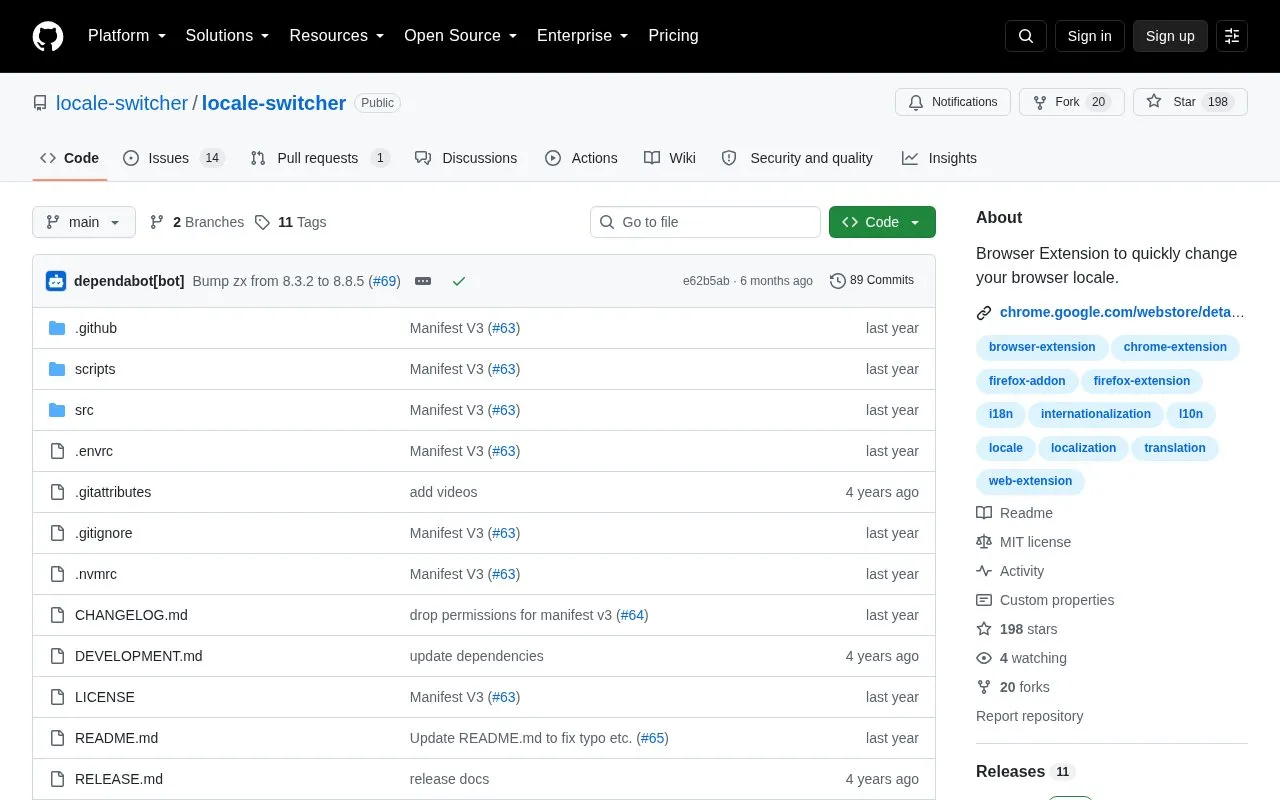
Locale Switcher is a browser extension for Chrome and Firefox that changes the browser locale. When a locale is selected, it adjusts navigator.language, navigator.languages, and Accept-Language headers.
It supports 700+ languages and variations, applies settings on a per-tab basis, and includes favorited locales, a keyboard shortcut, and dark mode. It requires permission to intercept and alter web traffic and to access tabs to change navigator properties.
Tools and sites you could use instead, ranked by how closely they match.
This SponsorBlock wiki page lists third-party ports of the browser extension for other platforms and explains how to report issues.
Popup Blocker (strict) prevents popup windows in a browser extension and includes a history feature.
uBlock Origin is a content blocker for Chromium and Firefox browsers, described by its project as efficient, fast, and lean.
The arkenfox user.js wiki discusses browser extensions and recommends keeping them to a minimum because they have privileged browser access.
Behind The Overlay is a Chrome and Firefox extension that closes website overlays with one button.
SB.js brings SponsorBlock to a bookmarklet or userscript for restrictive environments, with loader and standalone usage options.
Well-known listings from the same topic.
Tell us and an editor will check it.
Claim the listing and suggest updates yourself. An editor checks every claim first.


