

The Locale Switcher extension for Chrome and Firefox changes browser language settings and Accept-Language headers, with per-tab controls.
Open source
24 alternativesThis SponsorBlock wiki page lists third-party ports of the browser extension for other platforms and explains how to report issues.
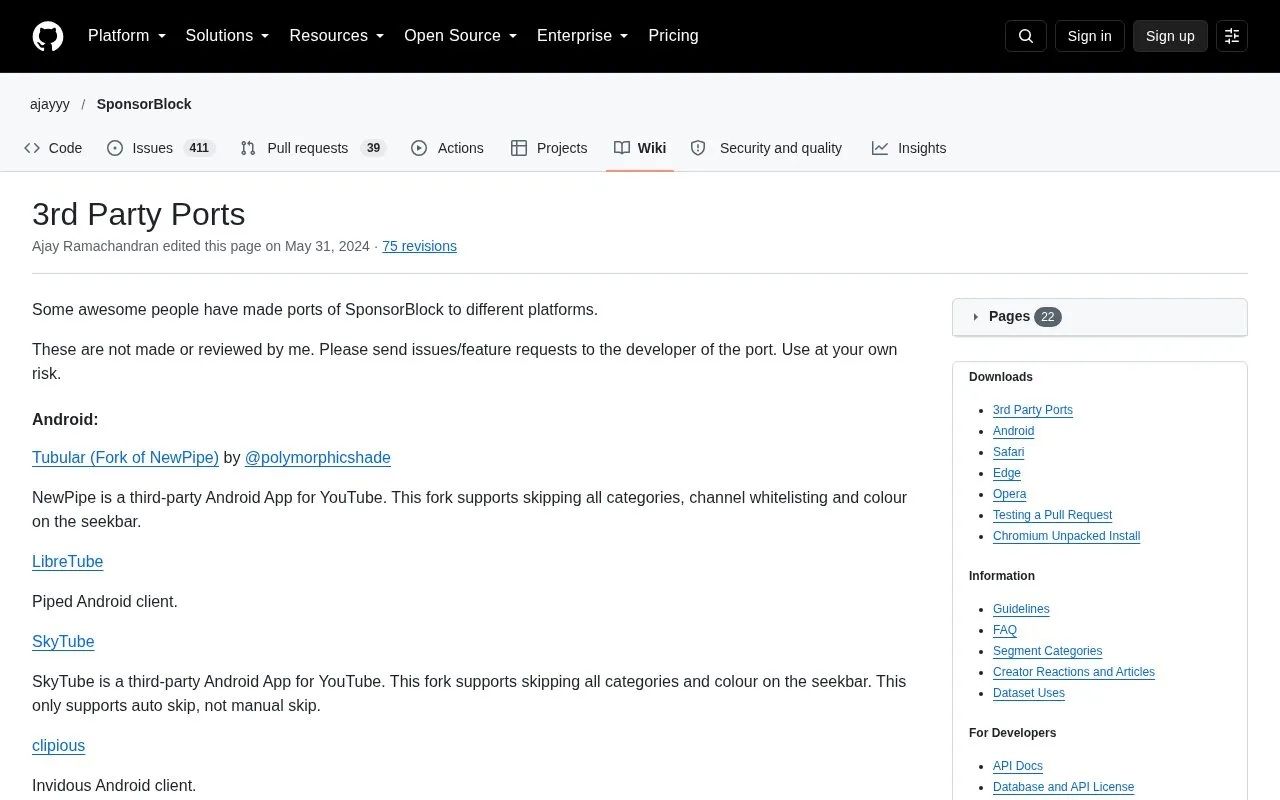
This wiki page from the SponsorBlock project lists third-party ports of SponsorBlock, a browser extension that skips sponsor segments in YouTube videos. The ports are built for other platforms, including Android, Android TV, Chromecast, Apple TV, Roku, iOS, Safari on macOS, Sailfish OS, desktop apps, the MPV and Kodi media players, and tools for downloaded videos. Each entry names a developer and gives a short description, and the page explains where to report issues.
The page states that the SponsorBlock author does not make or review these ports. Issues and feature requests should go to the developer of the specific port, and the page says to use the ports at your own risk. Feature sets differ between ports, and the page notes some limits, such as auto skip only in one Android fork. Pricing is unknown.
Tools and sites you could use instead, ranked by how closely they match.
The Locale Switcher extension for Chrome and Firefox changes browser language settings and Accept-Language headers, with per-tab controls.
The arkenfox user.js wiki discusses browser extensions and recommends keeping them to a minimum because they have privileged browser access.
Skip sponsored segments in YouTube videos with SponsorBlock, a crowdsourced extension and open API.
SB.js brings SponsorBlock to a bookmarklet or userscript for restrictive environments, with loader and standalone usage options.
Popup Blocker (strict) prevents popup windows in a browser extension and includes a history feature.
This article explains ways to filter ads and block popups on iPhone and macOS, including options for Safari and Apple's browser environment.
Well-known listings from the same topic.
Tell us and an editor will check it.
Claim the listing and suggest updates yourself. An editor checks every claim first.


