Better Canvas

Better Canvas adds features for Canvas, including dark mode, a to-do list and a GPA calculator.

github.com/UseBetterCanvas/bettercanvas
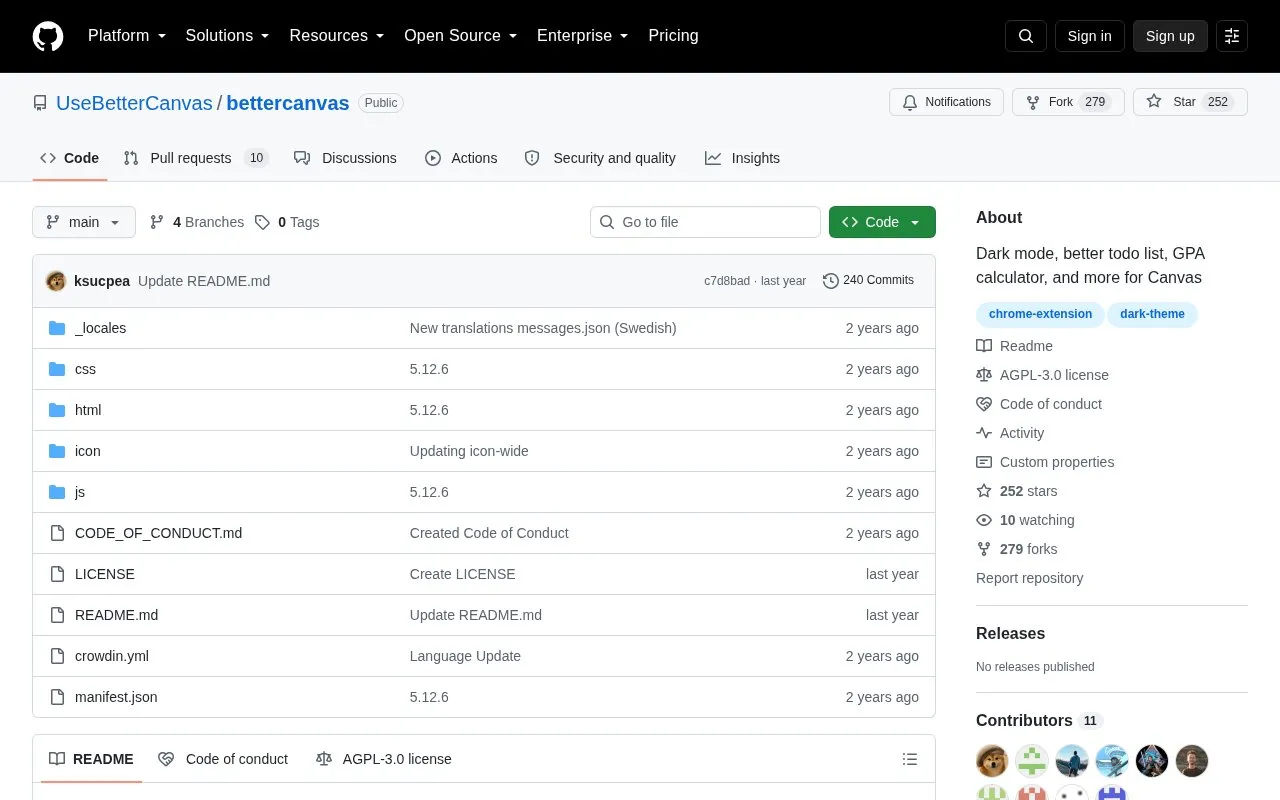
Better Canvas homepage screenshot

About Better Canvas

Better Canvas is an open-source browser extension that adds options to the Canvas learning system. It includes customizable dark mode, a to-do list, an assignments due list, dashboard grades, dashboard notes, card customization, and a GPA calculator for college and high school.

After installation, it is used on an institution's Canvas homepage. Settings are changed through the extension menu.

Key features

  • Customizable dark mode with premade options and scheduling
  • Improved to-do list with assignments due list
  • GPA calculator for college and high school
  • Dashboard grades and card customization options
  • Dashboard notes and assignment announcement previews
  • Browser-wide popup assignment reminder
Best for: Students who use Canvas for coursework and want extra display and organization options.
Good for
  • Open-source code available on GitHub
  • Lists versions for Chrome and Firefox
  • Combines display, task, and grade tools in one extension
Watch out for
  • Must be used on an institution's Canvas homepage
  • Manual install from source requires developer mode and loading unpacked files

Better Canvas at a glance

Type
Open-source project
Pricing
Not confirmed. Check the site
Open source
Yes · Source code
Language
English
Last checked
Oct 6, 2026 · Online when checked
Listed
Oct 5, 2026

Better Canvas alternatives

Tools and sites you could use instead, ranked by how closely they match.

All 16 alternatives

Popular in Research & Study Tools

Well-known listings from the same topic.

All 153

Better Canvas FAQ

How do I change Better Canvas settings after installing?
Navigate to your institution's Canvas homepage, click the Extensions button, then click the Better Canvas extension to open the configuration menu.
How do I install Better Canvas from the repository source?
Clone the repository, visit chrome://extensions, enable developer mode, click Load unpacked, then select the repository root directory.
How can I contact the developer?
Email [email protected] or open an issue in the Issues tab on GitHub.
Is something wrong or out of date?

Tell us and an editor will check it.

Own this website?

Claim the listing and suggest updates yourself. An editor checks every claim first.

Claim this listing