

Anima converts Figma files, URLs, and prompts into application code and supports product teams building software from design context.
Bravo Studio
Bravo Studio converts Figma designs into iOS and Android apps and lets teams build through a visual no-code platform.
About Bravo Studio
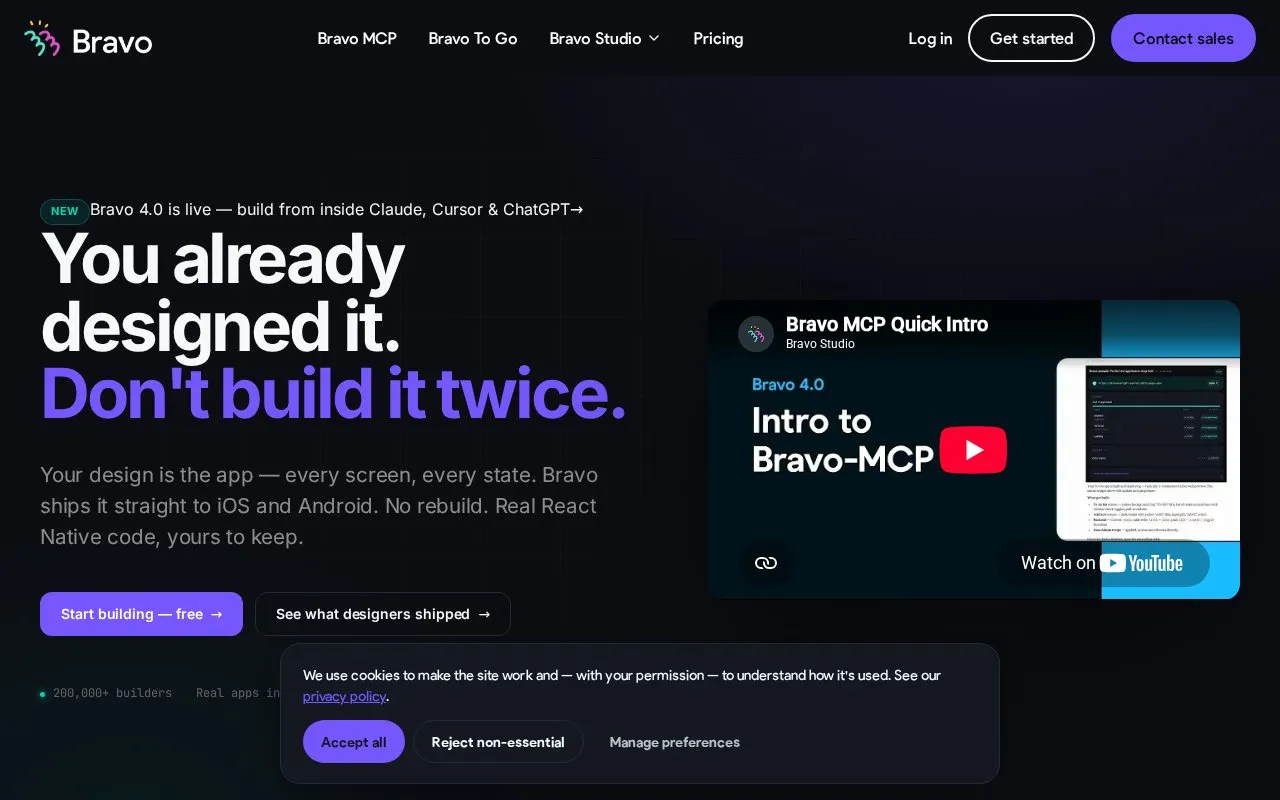
Bravo Studio converts Figma designs into iOS and Android apps, producing React Native code that users keep. It offers a visual workspace, integration with Claude, Cursor and ChatGPT through Bravo MCP, and a concierge service that converts designs for the user.
The described workflow is design in Figma, build with AI tools, preview live on an iOS or Android phone, and ship a signed React Native build to app stores. Bravo MCP is listed as beta and supports imports from Figma, Lovable, Pencil, or Bravo Studio.
Key features
- Convert Figma designs into iOS and Android apps
- Generate React Native code that users keep
- Preview builds live on iOS and Android phones
- Ship signed React Native builds to app stores
- Build inside Claude, Cursor, and ChatGPT via Bravo MCP
- Import from Lovable, Pencil, Figma, or Bravo Studio
Best for: Designers with existing Figma files who want to produce iOS and Android apps without rebuilding the design.
Good for
- Users keep the generated React Native code with stated no lock-in.
- Supports live phone preview on iOS and Android before store submission.
- Provides visual, AI-assisted, and concierge build paths for the same native output.
Watch out for
- Bravo MCP is labeled as beta.
Bravo Studio at a glance
- Website
- bravostudio.app
- Category
- AI & Machine Learning › AI Coding Tools
- Type
- Online tool
- Pricing
- Not confirmed. Check the site
- Platforms
- Android, iOS, Web
- Open source
- Not stated
- Language
- English
- Last checked
- Oct 5, 2026 · Online when checked
- Listed
- Oct 5, 2026
Bravo Studio alternatives
Tools and sites you could use instead, ranked by how closely they match.

Modeinspect pairs a design canvas with a codebase and AI agents for teams designing interfaces in code.
Paid
24 alternatives
Google AI for Developers provides Gemini and Gemma models, the Gemini API, and AI Studio for building developer applications.

Impeccable gives AI agents design guidance for building, refining, and shipping user interfaces.
Blinky provides an open-source debugging agent inside Visual Studio Code to help developers inspect code issues.
Free
24 alternatives
ArchFormation lets users design cloud infrastructure visually and generate Terraform code for deploying systems to AWS.
Popular in AI Coding Tools
Well-known listings from the same topic.
LM Studiolmstudio.aiSampleApp.aisampleapp.aiCodeAnt AIcodeant.aiPoseTrackerposetracker.comOpenCodeopencode.aiRefact.airefact.ai


Bravo Studio FAQ
How does Bravo Studio work?
Design in Figma, build using connected AI tools, preview live on iOS or Android, then ship a signed React Native build to the store.
What can I import with Bravo MCP?
Bravo MCP can import from Lovable, Pencil, Figma, or Bravo Studio to ship as a native app.
What do I need to start?
An existing design file that you connect to run as an app on your phone.
Is something wrong or out of date?
Tell us and an editor will check it.
Own this website?
Claim this listing
Claim the listing and suggest updates yourself. An editor checks every claim first.