
Refact.ai provides an open-source coding agent for code generation, debugging, and testing with codebase context and on-premise deployment.
VSCode Extension
Blinky provides an open-source debugging agent inside Visual Studio Code to help developers inspect code issues.
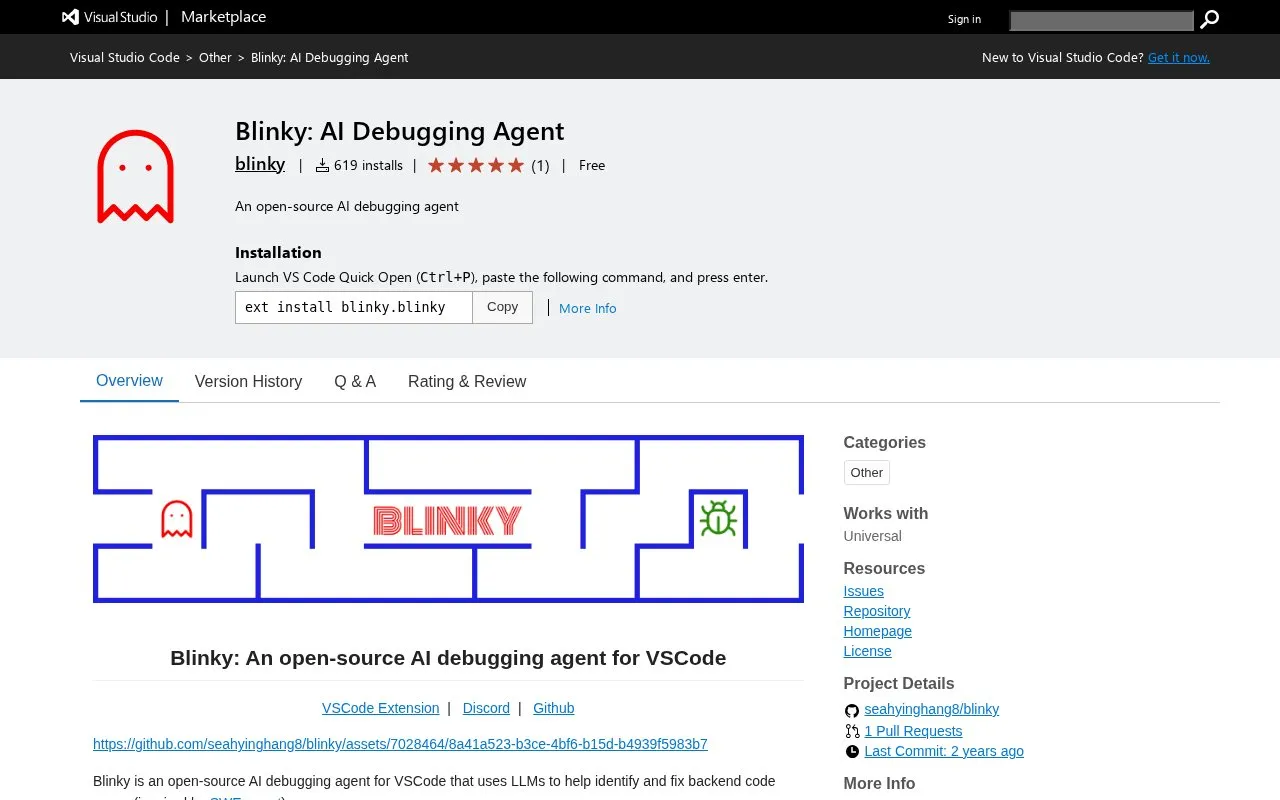
About VSCode Extension
Blinky is an AI debugging agent extension for Visual Studio Code. It uses large language models to help identify and fix backend code errors. The project is described as open-source and inspired by SWE-agent, using the VS Code API, Language Server Protocol, and print-statement debugging to locate bugs in backend systems.
To use it, you install the extension from the VS Code marketplace and open the chat interface from the sidebar icon. You describe the bug in the chat box and can optionally add reproduction steps to give the agent access to runtime behavior. While the agent runs, you can provide feedback that is used in later steps. When finished, the extension shows the proposed edits in an interface where you can accept or reject the changes.
Blinky suits developers working on backend code in VS Code who want agent assistance with debugging. A first run prompts for an OpenAI API key, which is stored locally in the VS Code configuration for later calls to OpenAI's servers.
Key features
- Debugging agent for backend code errors in VS Code
- Uses VS Code API and Language Server Protocol navigation
- Chat interface to describe bugs and provide feedback
- Optional repro steps give agent access to runtime
- Review interface to accept or reject code changes
- Requires OpenAI API key stored locally in config
Best for: Developers debugging backend code in Visual Studio Code who can provide an OpenAI API key.
Good for
- Works directly inside VS Code
- Allows feedback while the agent is running
- Provides accept-or-reject review for changes
Watch out for
- Requires OpenAI API key on first run
- Runtime debugging needs user-provided repro steps
- Focused on backend code errors
VSCode Extension at a glance
- Category
- AI & Machine Learning › AI Coding Tools
- Type
- Online tool
- Pricing
- Free
- Platforms
- Web
- Open source
- Not stated
- Language
- English
- Last checked
- Oct 5, 2026 · Online when checked
- Listed
- Oct 5, 2026
VSCode Extension alternatives
Tools and sites you could use instead, ranked by how closely they match.

Potpie creates task oriented agents for codebases that assist with engineering work such as debugging and testing.

Use Runcell, an AI agent in Jupyter, to write, execute, debug, and explain notebook code.

Google AI for Developers provides Gemini and Gemma models, the Gemini API, and AI Studio for building developer applications.

Bravo Studio converts Figma designs into iOS and Android apps and lets teams build through a visual no-code platform.

Gecko Security analyzes code, application logic, and infrastructure to identify security issues in a codebase.
Popular in AI Coding Tools
Well-known listings from the same topic.
LM Studiolmstudio.aiSampleApp.aisampleapp.aiCodeAnt AIcodeant.aiPoseTrackerposetracker.comOpenCodeopencode.aiHedyhedy.org


VSCode Extension FAQ
What is Blinky?
Blinky is an AI debugging agent extension for VS Code that uses LLMs to help identify and fix backend code errors.
How do you start debugging with Blinky?
Install the extension, open the chat from the sidebar icon, describe the bug and optionally add repro steps. Then start the agent and review the changes to accept or reject them.
Do you need an OpenAI API key for Blinky?
Yes. You are prompted for an OpenAI API key on the first run, and it is stored locally in the VS Code configuration.
Is something wrong or out of date?
Tell us and an editor will check it.
Own this website?
Claim this listing
Claim the listing and suggest updates yourself. An editor checks every claim first.