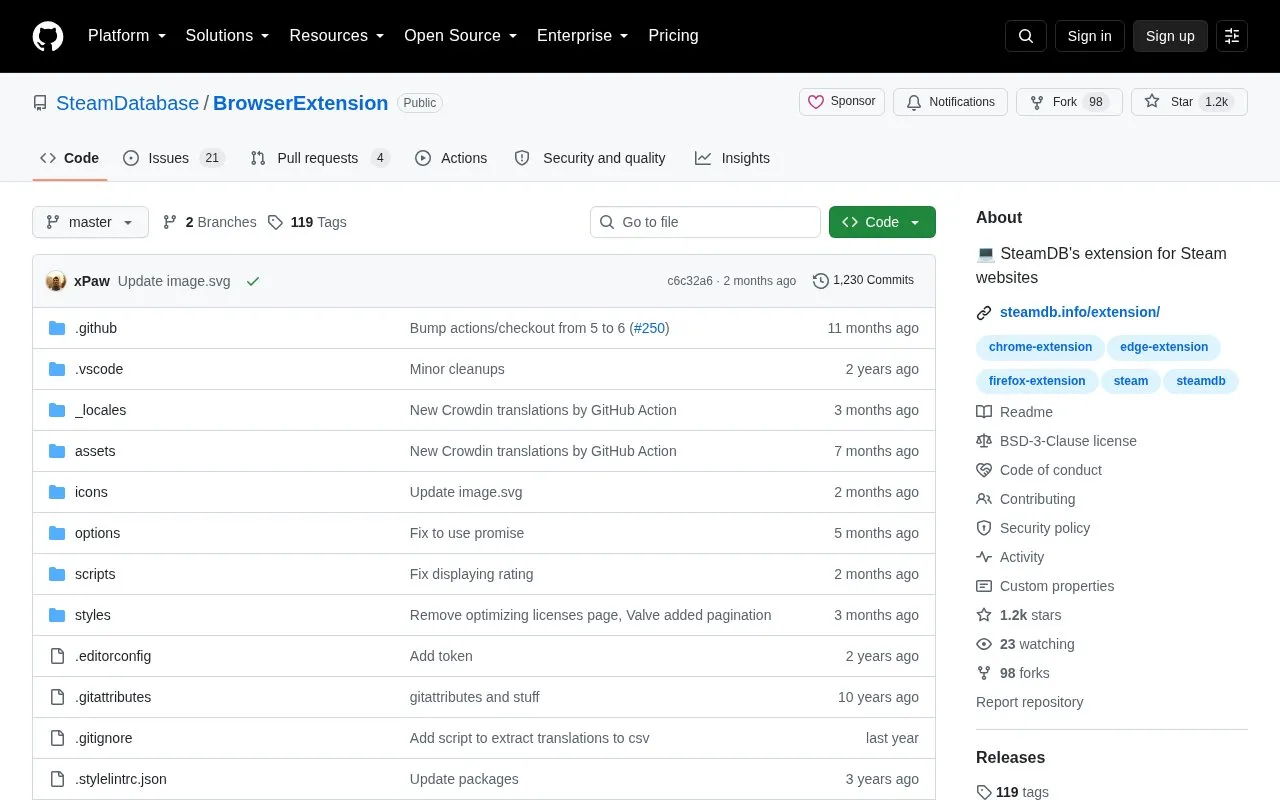
The SteamDB browser extension adds SteamDB links on Steam Store and Community pages, and highlights owned, wished, and in-cart products on steamdb.info by fetching info from the Steam store. It also adds functions on Steam sites such as automatic age gate skip, quick sell in inventory, and market prices in other inventories, plus support for for_item and my_item parameters in trade offer URLs. There are no plans to support Safari due to Apple's policies.
Key features
Adds SteamDB links across Steam store and community pages
Highlights owned, wished, in-cart games on steamdb.info
Automatic age gate skip on Steam sites
Quick sell option in Steam inventory
Shows market prices in other users' inventories
Supports for_item and my_item parameters in trade offer URLs
Best for: People who browse Steam Store and Community pages and also use steamdb.info.
What do the for_item and my_item parameters do in trade offer links?
They automatically add items to the trade window on page load. for_item specifies a partner's item and my_item specifies your item, using the format appid_contextid_assetid, with multiple parameters allowed.
Does loading the extension from source require build steps?
No. The repository has no build steps and the folder can be loaded directly on the browser's extensions page.
Is something wrong or out of date?
Tell us and an editor will check it.
Own this website?
Claim the listing and suggest updates yourself. An editor checks every claim first.