docker-steam-headless

A Headless Steam Docker image supporting NVIDIA GPU and accessible via Web UI

github.com/Steam-Headless/docker-steam-headless
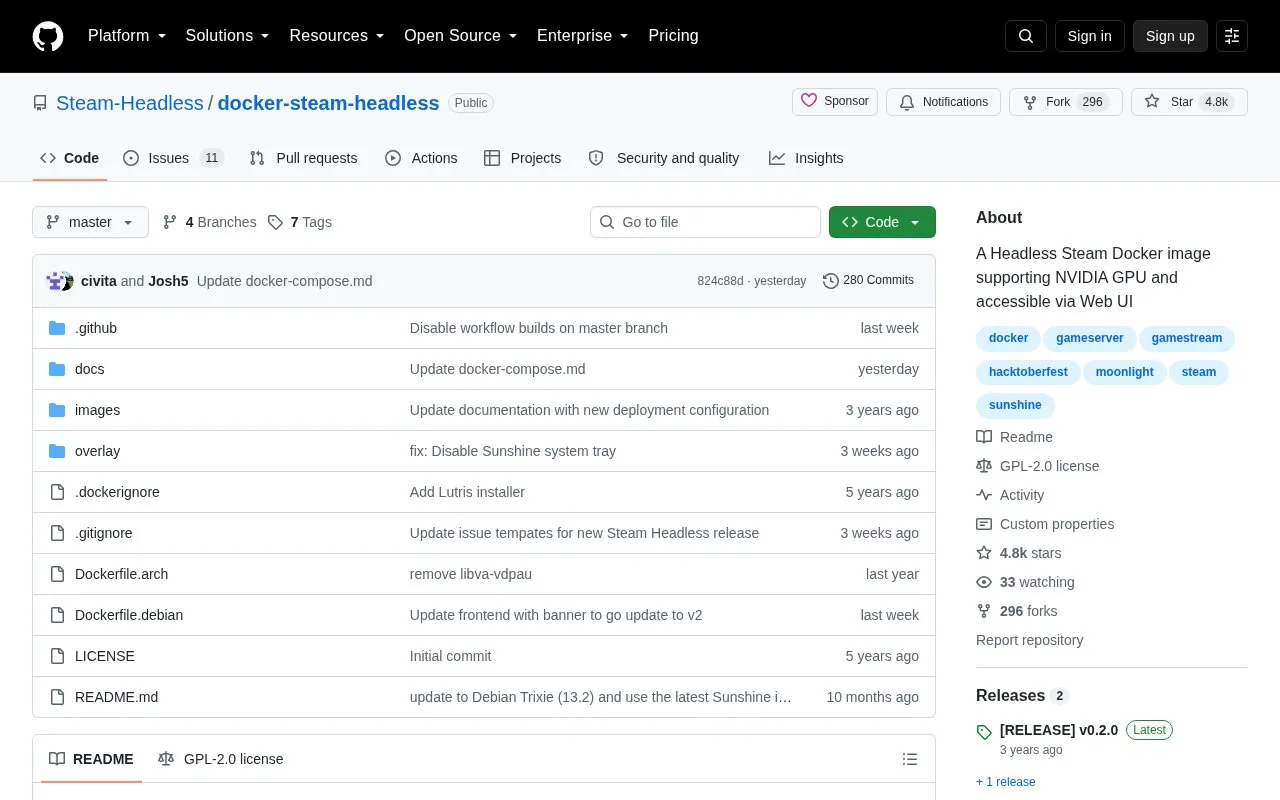
docker-steam-headless homepage screenshot

About docker-steam-headless

docker-steam-headless is a Docker image that runs the Steam client on Linux with Proton. It can be accessed through a web interface to an Xfce4 desktop with video and audio, and through Steam Link, a Moonlight-compatible server, or Steam Remote Play from another Steam client.

It supports NVIDIA, AMD and Intel GPUs, controllers, and Flatpak and AppImage installation, with root access and Steam set to start automatically. Saved files must be kept in the home directory or a specified mount to remain persistent, and use as a Remote Play host requires a custom network with its own IP address.

Key features

  • Runs Steam client on Linux with Proton
  • Web access to Xfce4 desktop with video and audio
  • Streams to Steam Link, Moonlight clients and Remote Play
  • Supports NVIDIA, AMD and Intel GPUs
  • Supports controllers and Flatpak and AppImage installation
  • Includes root access and automatic Steam startup
Best for: People running a Linux Docker host who want to host Steam and stream games to other devices.
Good for
  • Works with NVIDIA, AMD and Intel GPUs
  • Offers browser, Steam Link, Moonlight and Remote Play access options
  • Supports additional launchers such as Lutris, Heroic and EmuDeck
Watch out for
  • Files stored outside the home directory are not persistent across updates
  • Steam Remote Play hosting needs a custom network with its own IP address

docker-steam-headless at a glance

Type
Open-source project
Pricing
Not confirmed. Check the site
Platforms
Linux
Open source
Yes · Source code
Language
English
Last checked
Oct 6, 2026 · Online when checked
Listed
Oct 5, 2026

docker-steam-headless alternatives

Tools and sites you could use instead, ranked by how closely they match.

All 24 alternatives

Proton

github.com/ValveSoftware/Proton

Compatibility tool for Steam Play based on Wine and additional components

kaon

github.com/natbro/kaon

Tools, and instructions for more easily installing and launching Windows games via Wine or CrossOver directly in the macOS Steam client

Open source
24 alternatives

Popular in Steam Communities & Tools

Well-known listings from the same topic.

All 53

docker-steam-headless FAQ

Where should I save files in the container?
Save in the home directory or a specified Docker mount. Files outside the home directory are wiped on container update or template change.
How do I use it as a Steam Remote Play host?
Create a custom network and assign the container its own IP. Otherwise Steam treats it as a different network and routes traffic through the internet.
How can I install additional software?
Add a script ending in ".sh" in ~/init.d to run at container startup, or install through Applications > System > Software in the WebUI.
Is something wrong or out of date?

Tell us and an editor will check it.

Own this website?

Claim the listing and suggest updates yourself. An editor checks every claim first.

Claim this listing