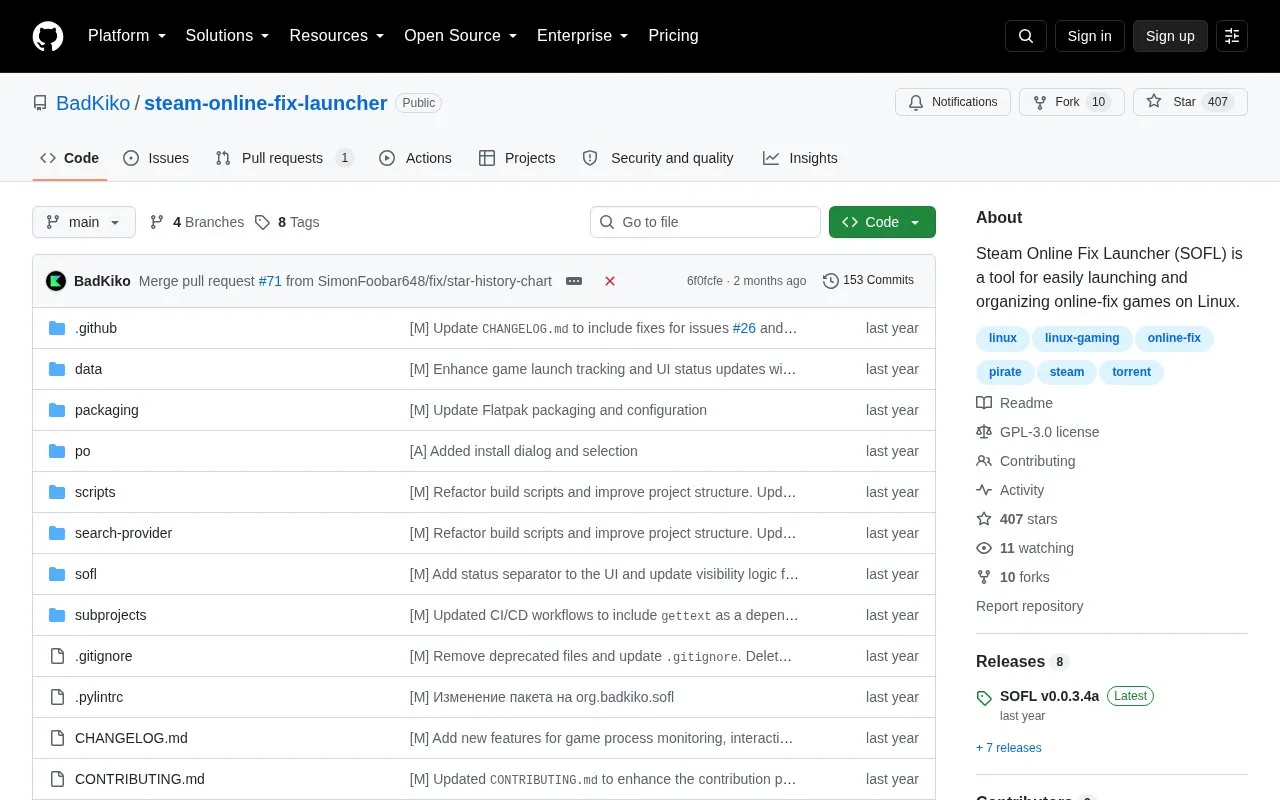
Steam Online Fix Launcher (SOFL) is an open source launcher for Linux that helps users start and organize games with online-fix support. It acts as a game library manager, collecting games from several sources in one place and handling some common launch problems for online games. The project has entered maintenance mode and will not receive new features or major updates. The author recommends the successor project, Arachnel, for ongoing development.
Key features
Library management that gathers games from multiple sources in one place
Import of games from Steam, Heroic, Lutris, Bottles, Itch, Legendary, and RetroArch
Automatic cover downloads from SteamGridDB
Game information and ratings from IGDB
Compatibility information and community reviews from ProtonDB
Automatic fixes for typical launch problems with online games
Best for: Linux users who already play online-fix games and want one launcher to manage them, with the understanding that the project is no longer actively developed.
Good for
Open source under the GPL-3.0 license
Imports game libraries from several Linux and gaming sources
Available as a Flatpak package
Watch out for
No longer actively maintained and will not receive new features or major updates
The author directs users to Arachnel, a separate project, for future development
No. The project has entered maintenance mode and will no longer receive new features or major updates. The author recommends the Arachnel project instead.
How is SOFL installed?
The recommended method is a Flatpak package. The project's readme provides a command that downloads the latest release and installs it for the current user with flatpak.
What setup does SOFL require after installation?
The basic setup involves specifying the directory that contains your online-fix games, selecting a Proton version, and enabling the gaming platforms you want to import from.
Is something wrong or out of date?
Tell us and an editor will check it.
Own this website?
Claim the listing and suggest updates yourself. An editor checks every claim first.