
Install or update Proton-GE, a compatibility tool for running games through Steam.
Open source
24 alternativesInstall third-party launchers and UMU/GE-Proton in one prefix folder, then add them to a Steam library.
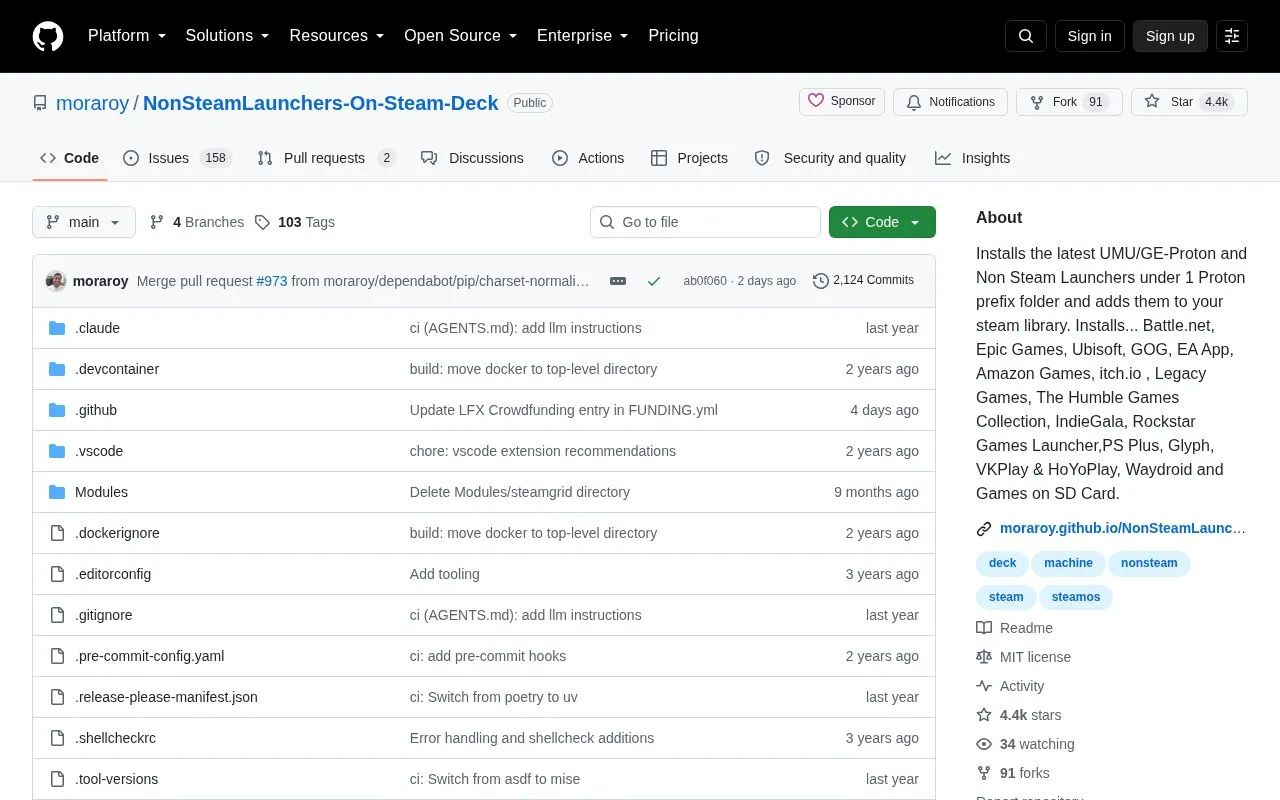
NonSteamLaunchers-On-Steam-Deck installs UMU/GE-Proton and third-party launchers under a single Proton prefix folder named NonSteamLaunchers, then adds the launchers and their games to the Steam library. Supported launchers listed include Battle.net, Epic Games, Ubisoft, GOG, EA App, Amazon Games, itch.io, Rockstar Games Launcher and others. It adds installed games automatically and attempts to remove uninstalled games, organizes entries into per-launcher collections, and applies artwork, metadata cards, theme music and boot videos where available. It creates .desktop files for running games outside Steam, works in Desktop and Game Mode, and supports moving the prefix to microSD. Certain anticheat games do not work in Linux environments, depending on the game.
Tools and sites you could use instead, ranked by how closely they match.
Install or update Proton-GE, a compatibility tool for running games through Steam.
Create Python applications that interact with Steam trading using the steampy library.
Track item prices across several Steam trading sites with this data project.
Automate sending and receiving trades across Steam and several listed trading sites with Steamauto.
Repair Palworld host saves to help migrate maps between co-op and dedicated servers.
Steam Online Fix Launcher (SOFL) is a tool for easily launching and organizing online-fix games on Linux.
Well-known listings from the same topic.
Tell us and an editor will check it.
Claim the listing and suggest updates yourself. An editor checks every claim first.


