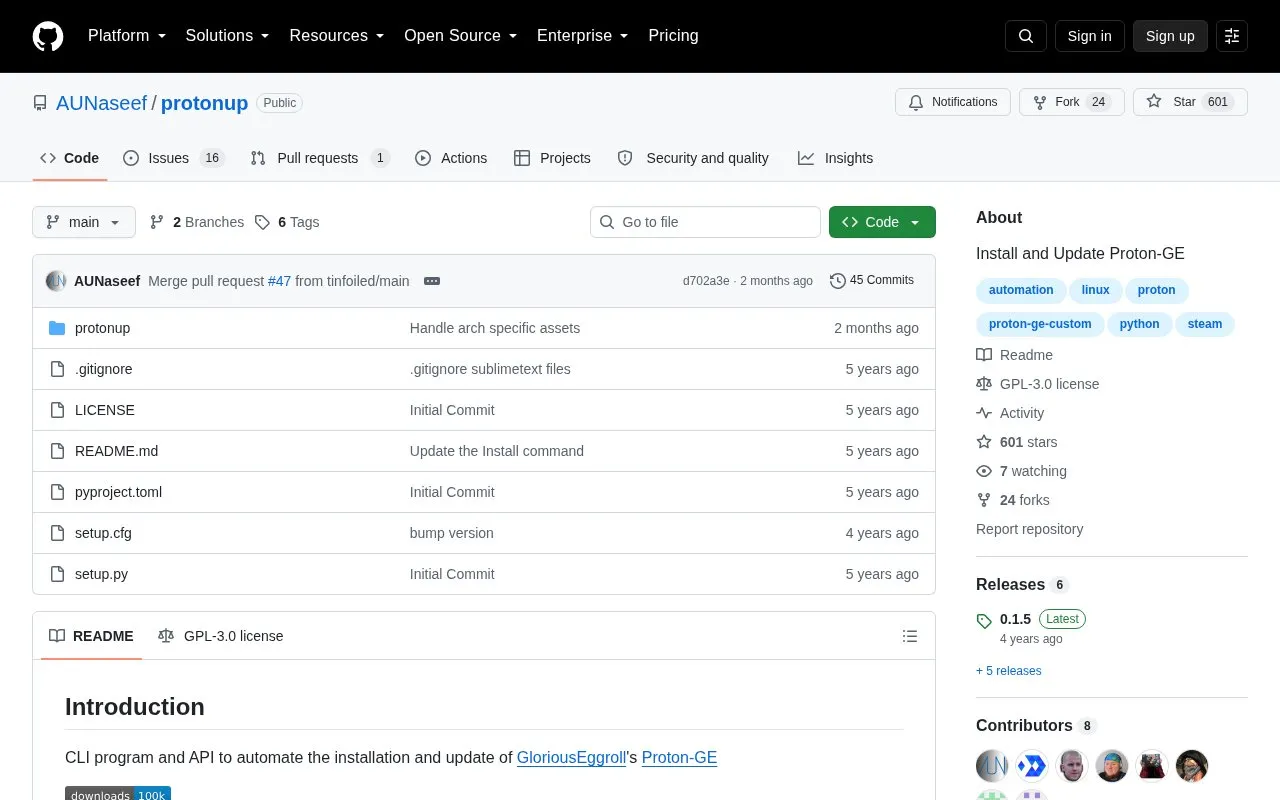
protonup is a command-line program and API to automate the installation and update of GloriousEggroll's Proton-GE. It can install to a specified compatibilitytools.d directory, update to the latest version, list available releases, install a specific version by tag, list or remove existing installations, and download releases without installing.
Use requires specifying the installation directory with -d, and Steam must be restarted after making changes.
Key features
Install Proton-GE into a specified compatibilitytools.d directory
Update to the latest version by running protonup
List available Proton-GE releases with --releases
Install a specific version with -t version tag
List installed versions with -l and remove with -r
Download Proton-GE without installing using --download
Best for: Linux Steam users who want to manage Proton-GE from the command line.
Good for
Available as both CLI program and API
Installable from Python Package Index or from source
Open source with GPL-3.0 license
Watch out for
Requires specifying the compatibilitytools.d directory with -d
Requires restarting Steam after making changes
May require manual PATH update if command is not found