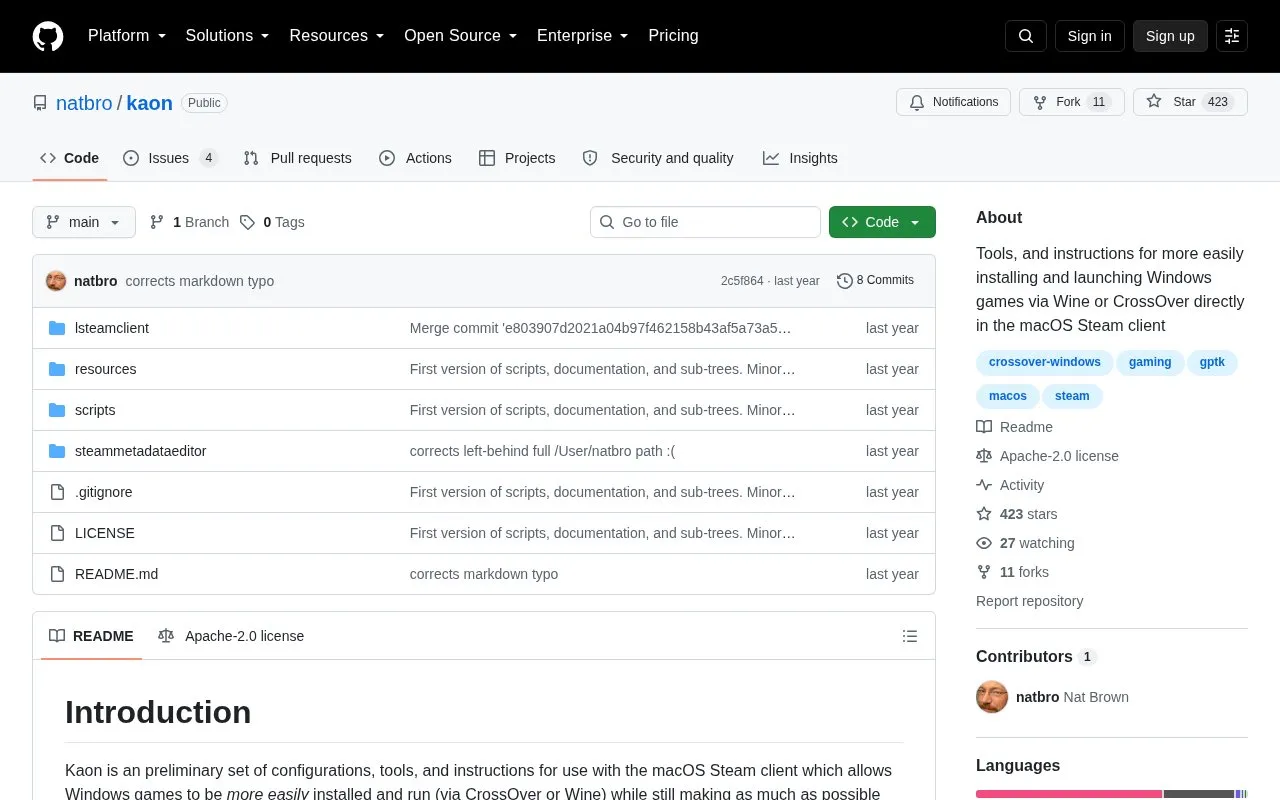
Kaon is a preliminary set of configurations, tools and instructions for installing and running Windows games via Wine or CrossOver while using the macOS Steam client. It configures the macOS client to use Windows install and play logic, connects a Windows Steam library as a shared library, and adds custom launch options that start games in a specified CrossOver bottle through included scripts, with SteamWorks functions handled through the Windows Steam client.
Use requires a macOS Steam installation and a CrossOver installation with the Windows Steam client in its own bottle on the same volume, plus manual setup. The project notes rough edges, including the need to keep both Steam clients running and possible launch timeouts if the Windows client is not pre-launched.
Key features
Force macOS Steam client to use Windows install/play logic via config file
Share Windows Steam library with macOS Steam client on same volume
Launch games into specified CrossOver bottle via shell scripts
Add custom Windows launch options with modified metadata editor
Debug launch issues with logging launch script
Use Windows Steam client for SteamWorks friends, achievements, validation
Best for: Mac users who have CrossOver and both macOS and Windows Steam installations and want to launch Windows games from the macOS Steam client.
Good for
Retains use of the native macOS Steam client for library and Play actions
Preserves SteamWorks communication for friends, achievements and ownership validation via the Windows client
Provides a logging launch script for diagnosing launch problems
Watch out for
Described as preliminary with hacky rough edges
Requires macOS Steam and CrossOver Windows Steam installations on the same volume
Requires both Steam clients to run, and may time out without cancel UI if Windows client is not pre-launched
A working macOS Steam client and a working CrossOver installation with the Windows Steam client installed in its own bottle, both on the same volume.
How do games start from the macOS client?
After adding a custom Windows launch option with the modified metadata editor, choosing that option at Play launches the game into the specified CrossOver bottle through the Kaon scripts.
What if the Windows Steam client is not already running?
The macOS client may time out waiting and lose the cancel indicator, so the project suggests being patient or pre-launching the Windows client.
Is something wrong or out of date?
Tell us and an editor will check it.
Own this website?
Claim the listing and suggest updates yourself. An editor checks every claim first.