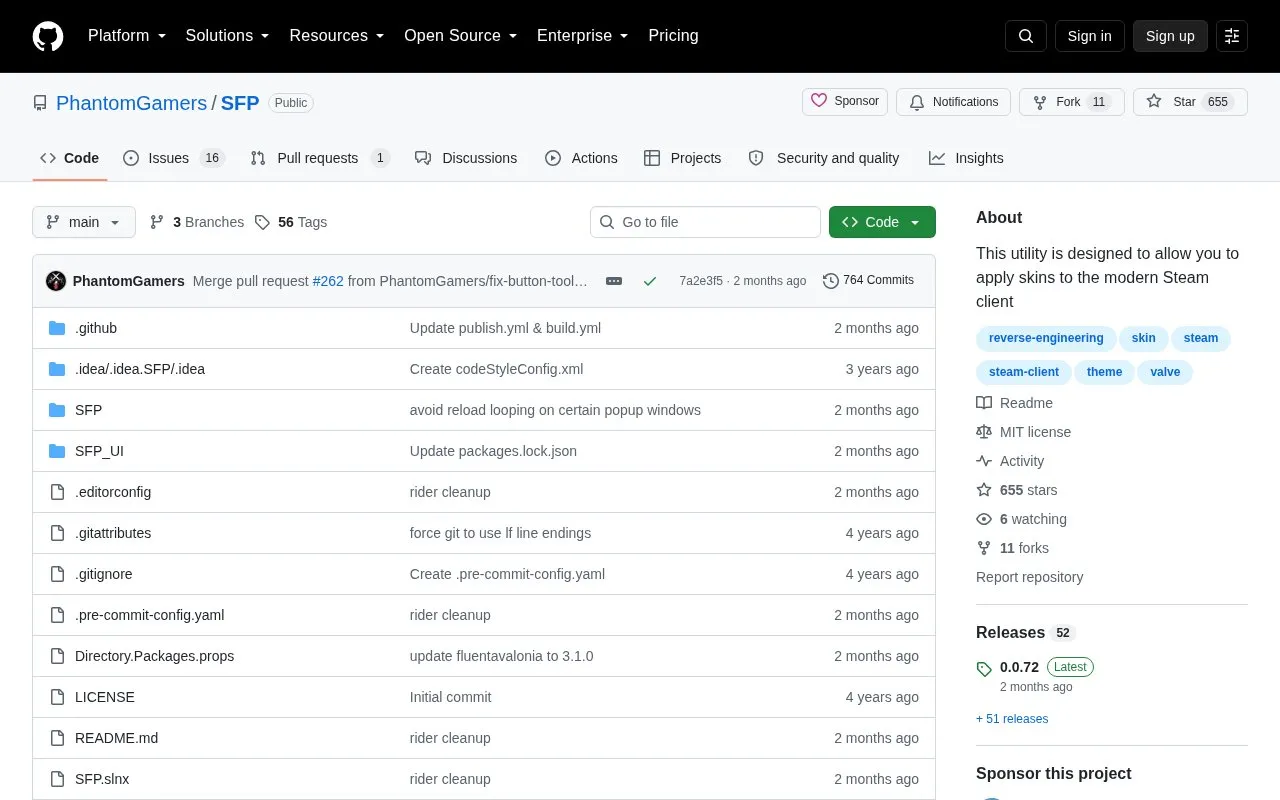
SFP is an open-source utility that applies custom CSS skins and JavaScript to the Steam client. It assigns specific files to the library and overlay, friends list and chat, store and community pages, and Big Picture Mode, and supports keeping skins in separate folders selected in settings with page matching via skin.json.
It must stay running with its injector started while Steam runs, Steam must use the -cef-enable-debugging argument, and JavaScript injection is disabled by default.
Key features
Applies custom CSS to Steam client pages
Applies custom JavaScript to Steam pages when enabled
Maps CSS and JS files to specific Steam pages via config
Stores skins and scripts in separate selectable folders
Waits for Steam to start and injects automatically
Restarts Steam with required debugging argument when enabled
Best for: Best for Linux Steam users who use or maintain custom CSS skins and scripts.
Good for
Covers library, friends and chat, store, community, and Big Picture Mode
Supports separate skin folders selectable in settings
Allows custom page-to-file mapping through skin.json
Watch out for
Must remain running while Steam runs for full functionality
Requires Steam to run with the -cef-enable-debugging argument
JavaScript injection is disabled by default and must be enabled manually
Steam must run with the -cef-enable-debugging argument. SFP can start Steam with it automatically, or restart Steam with the chosen arguments when the Force Steam arguments setting is enabled.
How do I enable custom scripts?
Enable JavaScript injection in SFP's settings. It is disabled by default, and script code can be malicious so only install scripts from people you trust.
Where do skin and script files go?
By default they go in files under Steam/steamui such as libraryroot.custom.css, friends.custom.css, webkit.css, and bigpicture.custom.css with matching .js files, or in separate folders under Steam/steamui/skins selected in settings.
Is something wrong or out of date?
Tell us and an editor will check it.
Own this website?
Claim the listing and suggest updates yourself. An editor checks every claim first.