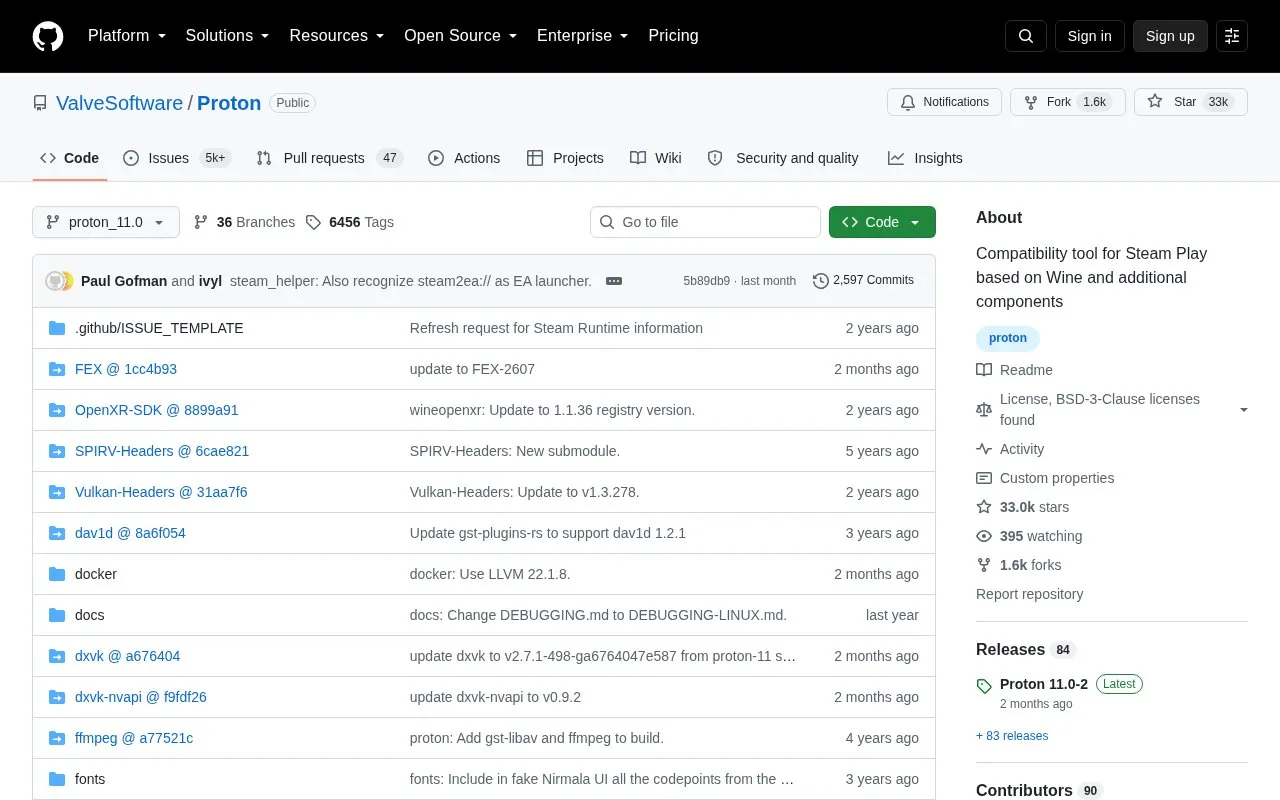
Proton is a tool for use with the Steam client that allows games exclusive to Windows to run on the Linux operating system. It uses Wine to facilitate this and is described as a compatibility tool for Steam Play based on Wine and additional components.
Most users should use Proton provided by the Steam Client itself. The source code is provided to enable advanced users to alter Proton, for example to use a different version of Wine with a particular title.
Key features
Runs Windows-exclusive Steam games on Linux
Uses Wine to facilitate Windows compatibility
Lets advanced users modify source including Wine version
Builds inside Proton SDK container with few host dependencies
Provides Makefile for building and installing with make install
Names built tool after current branch, overridable via build_name
Best for: Advanced users who want to modify or build Proton for Steam Play on Linux.
Good for
Source code provided to allow alteration of Proton
Builds inside container with few host-side dependencies
Top-level Makefile executes most build commands
Watch out for
Most users should use Proton from the Steam Client, not this source
Building requires a working Docker or Podman setup
Steam client may need restart to show newly built tool
Most users should use Proton provided by the Steam Client itself; the source is for advanced users who want to alter it.
How do I obtain Proton sources?
Clone https://github.com/ValveSoftware/Proton and check out the desired branch, updating submodules when switching branches.
What is needed to build Proton?
A Docker or Podman setup is needed, as most of Proton builds inside the Proton SDK container. After checking out the repository and updating submodules, run make install.
Is something wrong or out of date?
Tell us and an editor will check it.
Own this website?
Claim the listing and suggest updates yourself. An editor checks every claim first.