
Bulk Image Resize
Resize multiple images in a batch with Bulk Image Resize, which processes files without uploading them.
About Bulk Image Resize
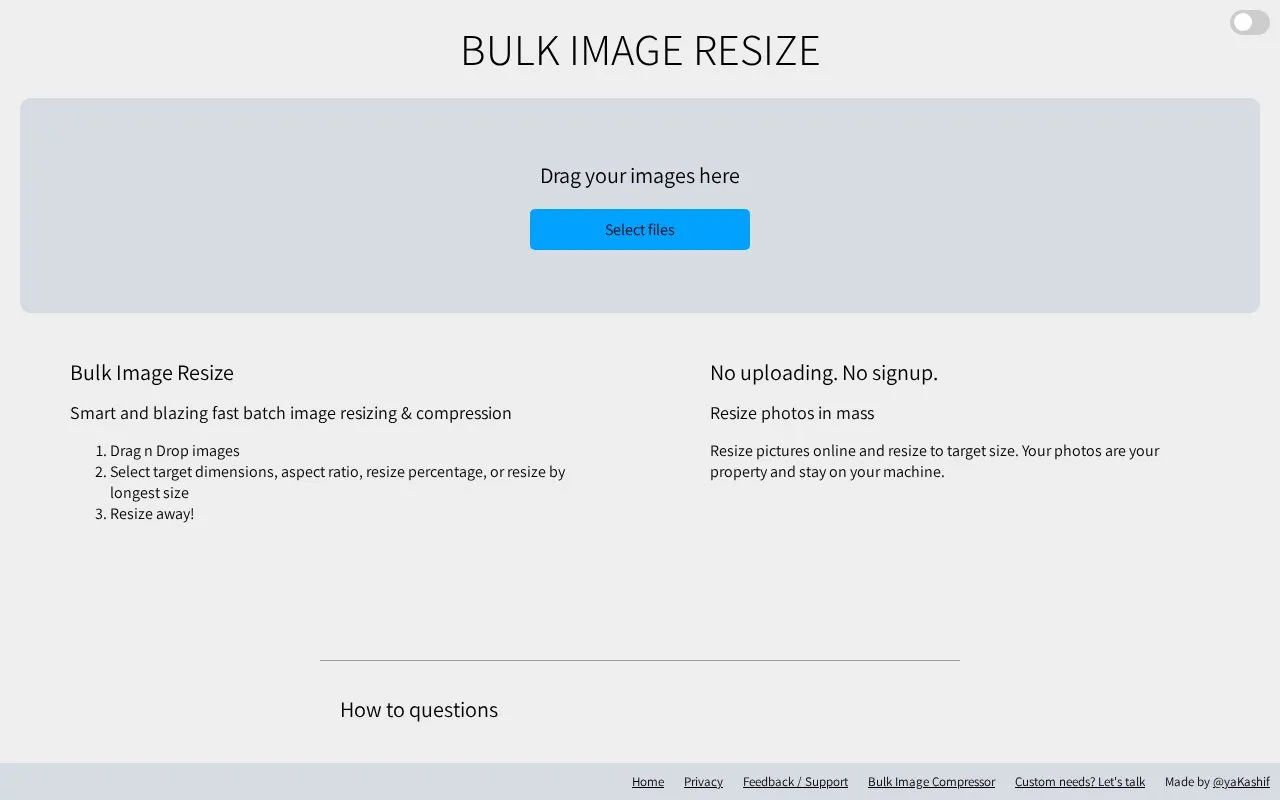
Bulk Image Resize is a web tool for resizing multiple images in one batch. Users add files by dragging them in or selecting them, then choose target dimensions, an aspect ratio, a resize percentage, or resizing by longest side. Output quality can be set before processing starts. The homepage also describes bulk cropping to one target resolution or aspect ratio.
According to the homepage, photos are not uploaded and stay on the user's machine, and no signup is required. Content-aware resizing is described as preserving detected features "as much as possible," so it is not presented as guaranteed. Pricing is unknown.
Key features
- Resizes multiple images in one batch using drag and drop or file selection
- Target dimensions, aspect ratio, percentage, or longest-side resizing options
- Batch cropping to one target resolution or aspect ratio
- Adjustable output quality setting before processing
- Content-aware resizing that aims to preserve detected features in images
- Preset sizes for Instagram, LinkedIn, Facebook, Twitter, Pinterest, and YouTube
Best for: People who need to resize or crop many images to the same dimensions or social media sizes without creating an account.
Good for
- Homepage states that images are not uploaded and stay on the user's machine
- No signup is required, according to the homepage
- Supports batch processing of multiple images at once
Watch out for
- Content-aware resizing is described as preserving features 'as much as possible', not guaranteed
- A preview option is offered for tweaking individual images, implying automatic results may need adjustment
Bulk Image Resize at a glance
- Website
- bulkimageresize.com
- Category
- Online Tools › Image Tools
- Type
- Online tool
- Pricing
- Not confirmed. Check the site
- Platforms
- Web
- Open source
- Not stated
- Language
- English
- Last checked
- Oct 6, 2026 · Online when checked
- Listed
- Oct 5, 2026
Guides for Image Tools

Bulk Image Resize alternatives
Tools and sites you could use instead, ranked by how closely they match.
Bulk Image Compressor compresses multiple images online in one batch without uploading files or signing up.

Bulk Resize Photos resizes a single image or batches of images online without an account.

Picturama organizes local image files without uploading them and supports multiple photo formats.

Image optimization for WordPress and other publishing workflows, with bulk processing, compression settings, and WebP or AVIF conversion. A limited free allowance is available alongside paid plans.
Freemium
10 alternatives
Konvert converts image formats such as HEIC, WebP, and AVIF in the browser without uploading files.

Converseen converts, resizes, and processes images in batches across Windows, Linux, macOS, and FreeBSD.
Popular in Image Tools
Well-known listings from the same topic.
CamScannerapps.apple.com/us/app/camscanner-pdf-scanner-a…BeeRefbeeref.orgGreenshotgetgreenshot.orgLightshotapp.prntscr.comnomacsnomacs.orgStorage Serverpixelunion.eu


Bulk Image Resize FAQ
Does Bulk Image Resize upload my photos?
The homepage says there is no uploading and that photos stay on the user's machine. The homepage does not describe any optional cloud features.
Which social media sites are supported?
The homepage lists Instagram, LinkedIn, Facebook, Twitter, Pinterest, and YouTube. For each one, different image sizes can be produced for profile photos, cover images, and feed images.
Can I crop multiple images at once?
Yes. The homepage says the tool can crop multiple images to one selected resolution or aspect ratio.
Is something wrong or out of date?
Tell us and an editor will check it.
Own this website?
Claim this listing
Claim the listing and suggest updates yourself. An editor checks every claim first.