

Macchina displays system information on Linux, macOS, Windows, and other listed platforms.
Open source
24 alternativesSpicetify CLI customizes the Spotify client on Windows, macOS, and Linux.
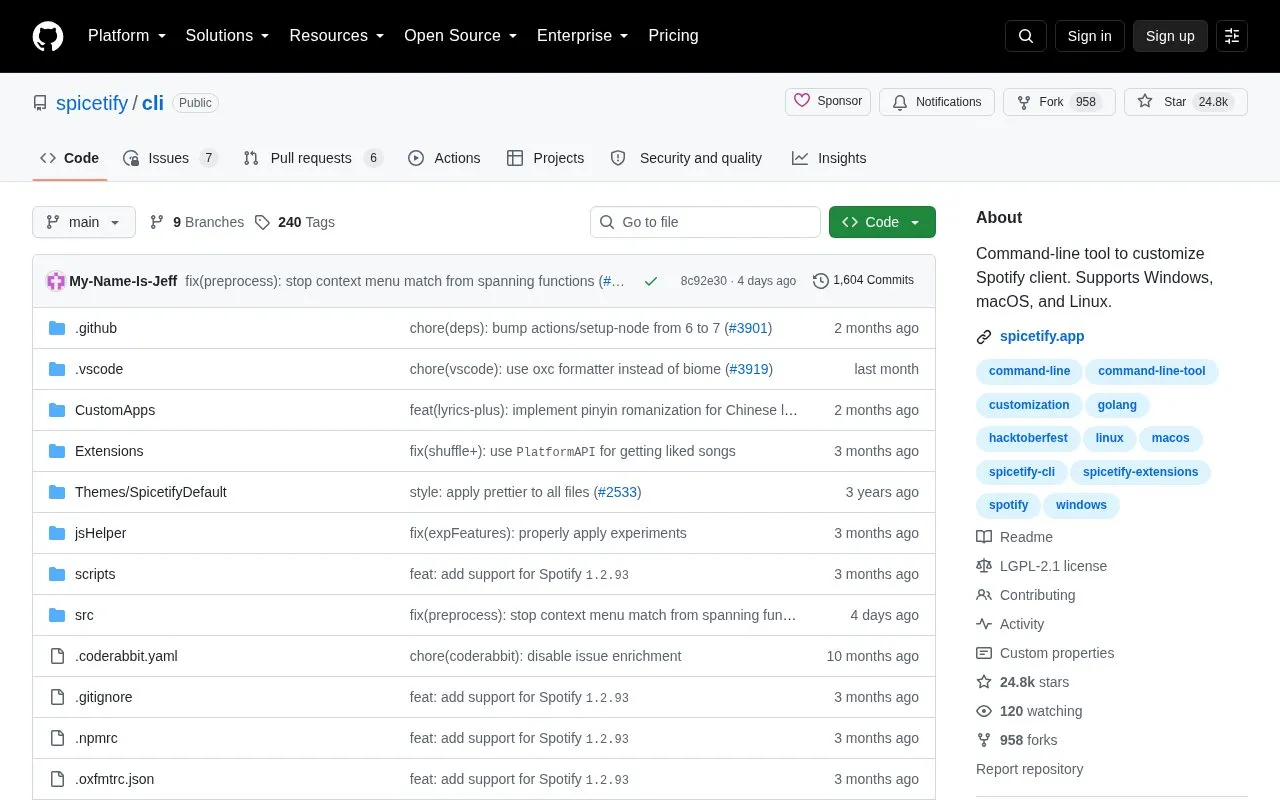
Spicetify CLI is an open-source, command-line tool for customizing the official Spotify client. It supports Windows, macOS, and Linux, so its listing under Linux apps covers only part of its platform support.
The tool can change colors across the Spotify user interface, inject custom CSS for more detailed styling, and inject extensions that extend functionality, change the UI, or control the player. It can also inject custom apps. The source does not describe how these changes behave across Spotify updates, and it does not state pricing.
Tools and sites you could use instead, ranked by how closely they match.
Macchina displays system information on Linux, macOS, Windows, and other listed platforms.
kew plays music from a shell interface and is described on its project page.
DZR plays Deezer from the command line or VS Code, with support listed for Linux, BSD, macOS, Android, and Windows through WSL.
fcp copies large files and directories as an alternative to the Unix cp command, with a focus on faster transfer.
Linux Wi-Fi Hotspot creates wireless hotspots on Linux through a graphical or command-line interface.
DidYouMean corrects spelling from the command line when users are unsure how a word is written.
Well-known listings from the same topic.
Tell us and an editor will check it.
Claim the listing and suggest updates yourself. An editor checks every claim first.


