

DZR plays Deezer from the command line or VS Code, with support listed for Linux, BSD, macOS, Android, and Windows through WSL.
Open source
24 alternativesMacchina displays system information on Linux, macOS, Windows, and other listed platforms.
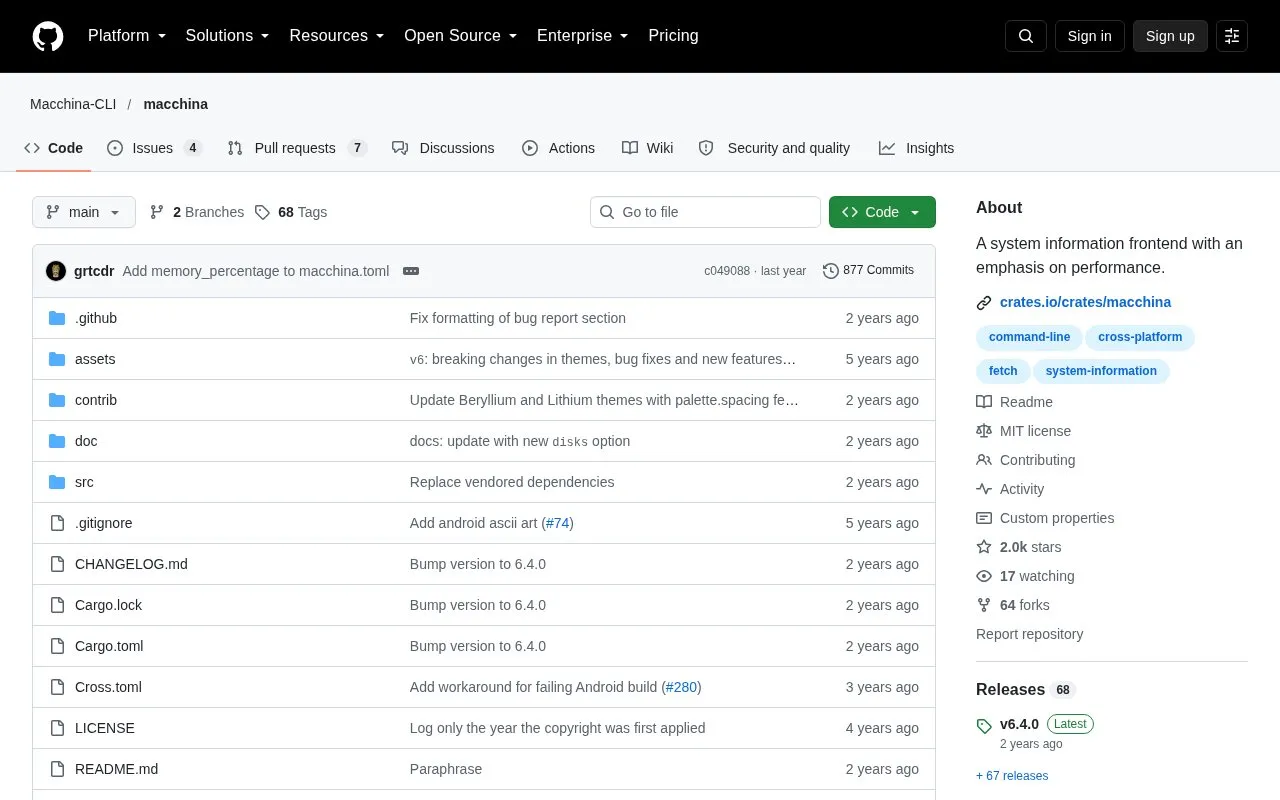
Macchina is an open source command-line tool that displays system information, such as kernel version, uptime, memory usage, and processor load. It is basic by default and designed to be customized. The project's homepage lists support for Linux, macOS, Windows, NetBSD, FreeBSD, OpenWrt, and Android.
The project is in maintenance mode. It accepts only bug fixes and documentation improvements, and the maintainers describe it as achieving its intended purpose. Information-fetching issues are filed on the separate libmacchina repository.
Tools and sites you could use instead, ranked by how closely they match.
DZR plays Deezer from the command line or VS Code, with support listed for Linux, BSD, macOS, Android, and Windows through WSL.
kew plays music from a shell interface and is described on its project page.
Spicetify CLI customizes the Spotify client on Windows, macOS, and Linux.
fcp copies large files and directories as an alternative to the Unix cp command, with a focus on faster transfer.
Linux Wi-Fi Hotspot creates wireless hotspots on Linux through a graphical or command-line interface.
DidYouMean corrects spelling from the command line when users are unsure how a word is written.
Well-known listings from the same topic.
Tell us and an editor will check it.
Claim the listing and suggest updates yourself. An editor checks every claim first.


