
ColorFish
ColorFish offers an open-source color picker, listed alongside the Ui.Vision browser automation tools.
About ColorFish
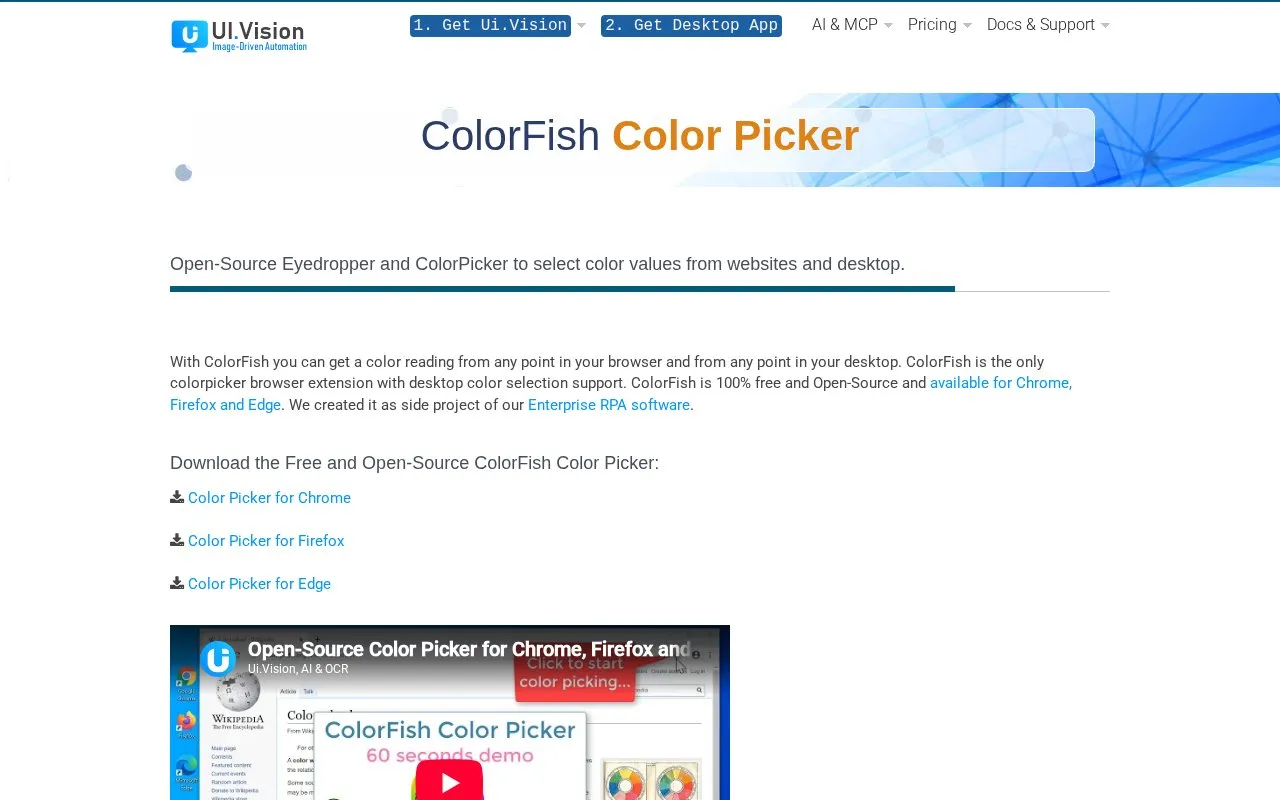
ColorFish is a free, open-source (GPL) color picker browser extension available for Chrome, Firefox and Edge. It includes a website eyedropper that reads the color of any pixel on a page, plus color history, automatic copying of picked colors to the clipboard, keyboard shortcuts, and picking from dynamic hover elements or at any zoom level.
ColorFish also offers desktop color picking, which it describes as unique among color picker browser extensions. That feature requires installing the separate Ui.Vision XModule, a small native app available for Windows and Mac that takes the screenshot; it is not needed for browser-only color picking. The extension is not offered for other browsers, and support is handled through a getting started page and a contact form, with replies typically within one to two days.
Key features
- Website eyedropper reads the color of any pixel on a page
- Desktop eyedropper picks colors from apps or images on screen
- Color history of recently picked colors
- Auto-copies picked colors to the clipboard
- Keyboard shortcuts and single-click start for picking
- Works at any zoom level and on dynamic hover elements
Best for: Designers and developers who need to read color values from web pages, and from desktop apps or images, in Chrome, Firefox or Edge.
Good for
- Free and open source under the GPL license
- Desktop color selection in addition to in-browser picking
- Available for Chrome, Firefox and Edge
Watch out for
- Desktop color picking requires installing the separate Ui.Vision XModule native app
- Only Chrome, Firefox and Edge versions are listed
ColorFish at a glance
- Website
- ui.vision/colorfish
- Category
- Design & Creative › Color Tools
- Type
- Online tool
- Pricing
- Free
- Platforms
- Browser extension, Web
- Open source
- Yes
- Last checked
- Oct 5, 2026 · Online when checked
- Listed
- Oct 5, 2026
Guides for Color Tools
ColorFish alternatives
Tools and sites you could use instead, ranked by how closely they match.

Generate or browse color palettes and use image picking and contrast checking tools.

Explore curated tools, libraries, palettes, and articles for choosing color schemes.
Open source
24 alternatives
Generate complementary color palettes with adjustable brightness and color-mixing modes.
Open source
24 alternatives
Simpler Color helps users create a complete color system for web projects.
Open source
24 alternatives
Choose a color theme for the Lite XL text editor from this collection of Lua-based schemes.
Open source
24 alternatives
Colordot offers hue, lightness, and saturation controls for picking colors, with an iPhone app also listed on its page.
Popular in Color Tools
Well-known listings from the same topic.
accessiblepaletteaccessiblepalette.comhue.toolshue.toolsAdobe Colorcolor.adobe.comColor Pickerimagecolorpicker.comSchemeColorschemecolor.comRealtime Colorsrealtimecolors.com


ColorFish FAQ
Do I need extra software for desktop color picking?
Yes. Desktop picking requires the Ui.Vision XModule, a small native app that takes the screenshot. It is not needed if you only pick colors inside the browser.
How does desktop picking work when no website is loaded?
With no site loaded, the eyedropper automatically switches to desktop screenshot mode and the ColorFish icon turns blueish. The screenshot appears in the browser, and colors are picked from it. Desktop capture can also be started from the right-click menu.
How do I get help with ColorFish?
There is a getting started page and a contact form. The developers state that they read all emails and typically respond within one to two days.
Is something wrong or out of date?
Tell us and an editor will check it.
Own this website?
Claim this listing
Claim the listing and suggest updates yourself. An editor checks every claim first.