
Croppola
Croppola analyzes photos and suggests crops, with an online interface for cropping images on a laptop or desktop.
About Croppola
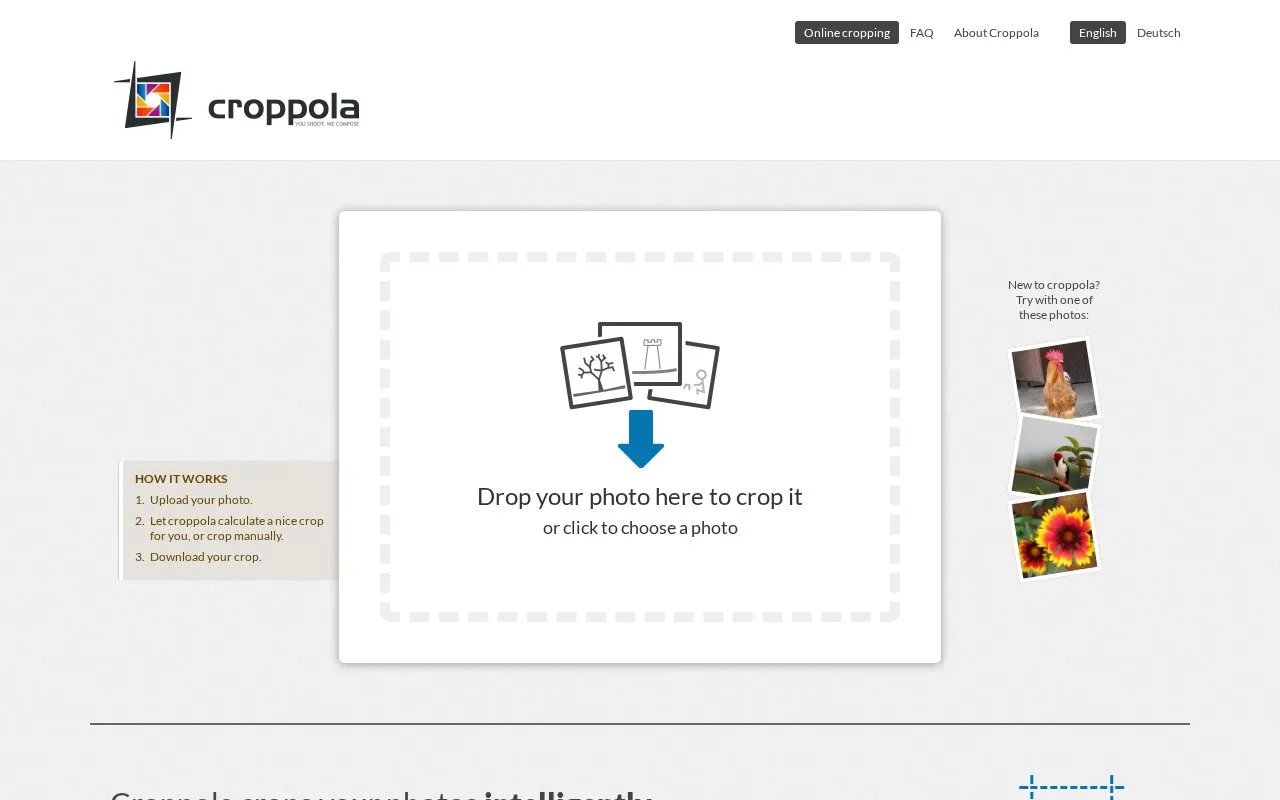
Croppola is an online photo cropping tool. It analyzes the composition of a photo and calculates a suggested crop. Users drop in a photo, select an aspect ratio, and either accept the suggested crop or crop manually. The finished crop can then be downloaded. The homepage describes uses such as changing a portrait photo to a 4:3 landscape crop, improving the framing of snapshots, and preparing photos for photobooks, calendars, or wallpapers.
The homepage asks users to use Croppola on a laptop or desktop computer, and states that the smartphone screen is too small for the tool. It also states that Croppola is provided free of charge. Pricing details are not otherwise listed.
Key features
- Automatic crop suggestions based on analysis of photo composition
- Aspect ratio selection with presets for Instagram, Facebook, and Twitter
- Crop size options: small, medium, and big
- Crop anchor options: center or face
- Manual fine-tuning of crop position and dimensions
- Download of the resulting crop
- The homepage states that the service is provided free of charge.
- Users can accept an automatic crop suggestion or adjust the crop manually.
- Includes aspect ratio presets for Instagram, Facebook, and Twitter.
- The homepage states that it is designed for laptop or desktop use and that smartphone screens are too small.
- The process begins by uploading the photo to the website.
Croppola at a glance
- Website
- croppola.com
- Category
- Design & Creative › Image Creation & Editing
- Type
- Online tool
- Pricing
- Not confirmed. Check the site
- Platforms
- Web
- Open source
- Not stated
- Language
- English
- Last checked
- Oct 6, 2026 · Online when checked
- Listed
- Oct 5, 2026
Popular in Image Creation & Editing
Well-known listings from the same topic.


Croppola FAQ
Which devices does Croppola recommend?
Can I change the suggested crop?
What happens after the crop is made?
Tell us and an editor will check it.
Claim the listing and suggest updates yourself. An editor checks every claim first.