

Twitch Stream & Video & Clip Downloader/Recorder. This GUI downloader helps you download and record Twitch videos, including broadcasts and VODs.
Open source
24 alternativescyberdrop-dl downloads files asynchronously in bulk from multiple hosting sites.
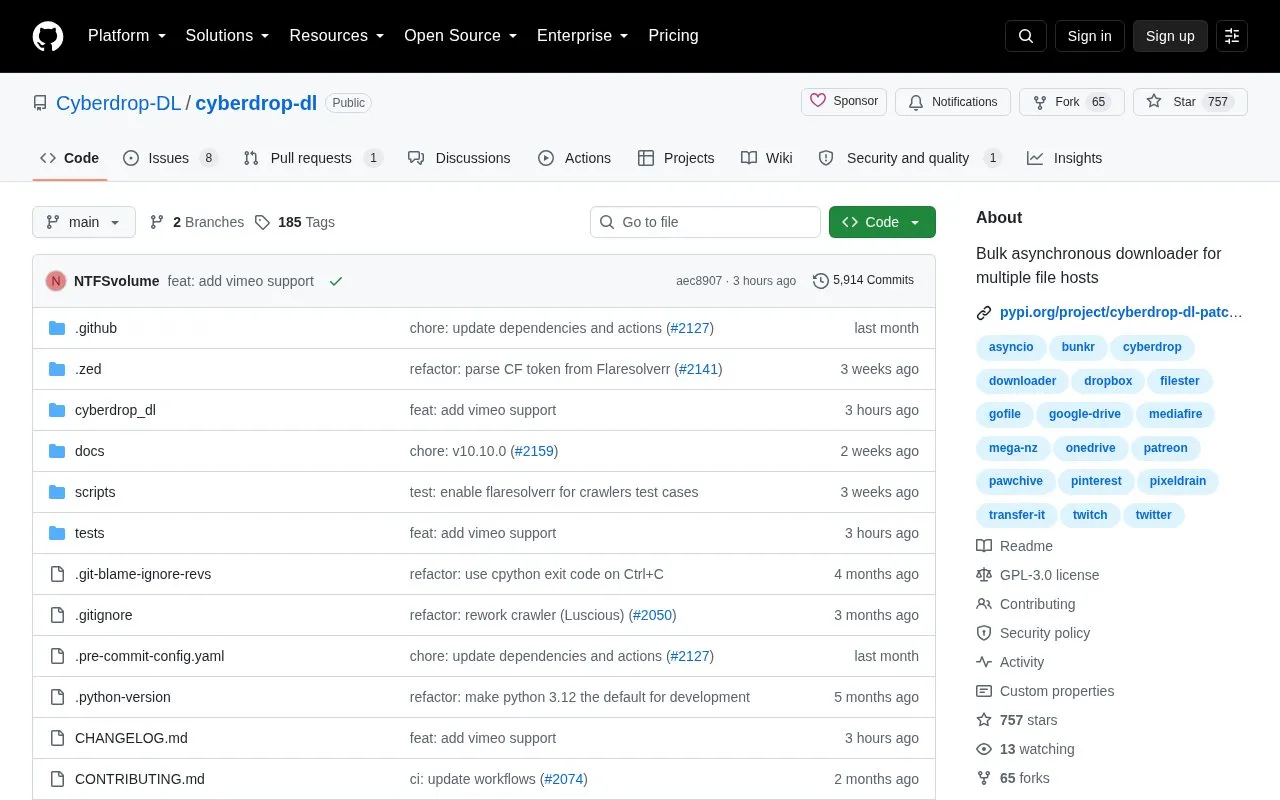
cyberdrop-dl is an open-source Python program for bulk asynchronous downloading from multiple file hosts. It requires installation and configuration following its getting-started guide, and works with the hosts on its supported-sites list. The code is available on GitHub and distributed via PyPI, under a GPL-3.0 license.
Tools and sites you could use instead, ranked by how closely they match.
Twitch Stream & Video & Clip Downloader/Recorder. This GUI downloader helps you download and record Twitch videos, including broadcasts and VODs.
Twitch YouTube bot. Automatically make video compilations of the most viewed Twitch clips and upload them to YouTube using Python 3.
StreamCap supports multi-platform live-stream recording with FFmpeg, monitoring, scheduling, and transcoding.
可循环值守和多人录制的直播录制软件,支持抖音、TikTok、Youtube、快手、虎牙、斗鱼、B站、小红书、pandatv、sooplive、flextv、popkontv、twitcasting、winktv、百度、微博、酷狗、17Live、Twitch、Acfun、CHZZK、shopee等40+平台直播录制
A simple script that will watch a stream for you and earn the channel points.
Record Twitch broadcasts while they are live with this Twitch stream recorder project.
Well-known listings from the same topic.
Tell us and an editor will check it.
Claim the listing and suggest updates yourself. An editor checks every claim first.


