

Twitch Stream & Video & Clip Downloader/Recorder. This GUI downloader helps you download and record Twitch videos, including broadcasts and VODs.
Open source
24 alternativesRecord Twitch broadcasts while they are live with this Twitch stream recorder project.
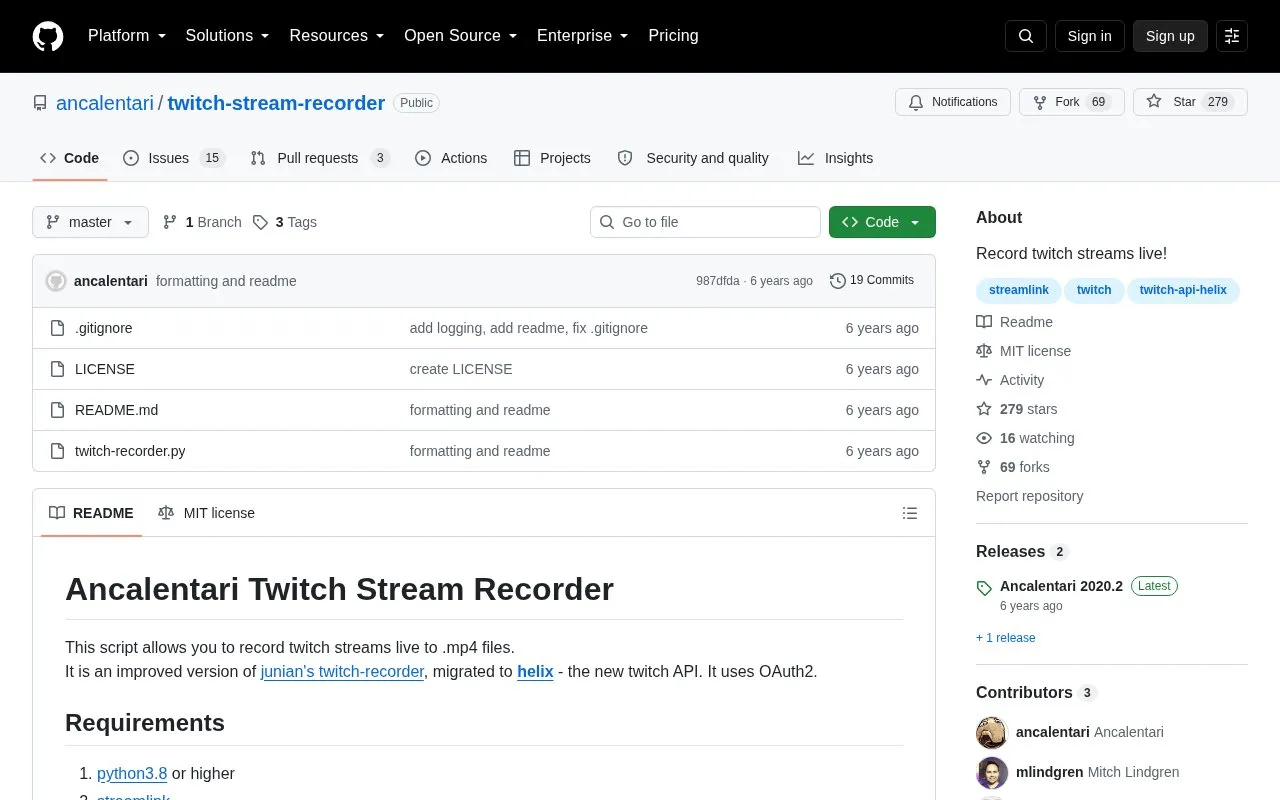
twitch-stream-recorder is a Python script that records Twitch streams while they are live to .mp4 files. It uses the Twitch Helix API with OAuth2 and depends on streamlink and ffmpeg.
It runs on Linux and Windows and requires Python 3.8 or higher plus a config.py file with a save path, streamer name, client ID and client secret. Command-line options select the streamer, recording quality, logging level, and whether to use ffmpeg processing.
Tools and sites you could use instead, ranked by how closely they match.
Twitch Stream & Video & Clip Downloader/Recorder. This GUI downloader helps you download and record Twitch videos, including broadcasts and VODs.
StreamCap supports multi-platform live-stream recording with FFmpeg, monitoring, scheduling, and transcoding.
Moderate Twitch chat with pajbot, a bot project described by its repository as a Twitch moderation tool.
A simple script that will watch a stream for you and earn the channel points.
Use olive, a live stream recorder project whose page also gives a Chinese description of live recording.
Twitch YouTube bot. Automatically make video compilations of the most viewed Twitch clips and upload them to YouTube using Python 3.
Well-known listings from the same topic.
Tell us and an editor will check it.
Claim the listing and suggest updates yourself. An editor checks every claim first.


